 Effortlessly manage data through preview, delete, export, etc.

 100% Security Verified | No Subscription Required | No Malware

 :
: 
 ChatGPT
 Perplexity
 Gemini
 Claude
 Grok
Grok

I already decided to repair my phone instead of replacing it—but now I’m stuck choosing between authorized service, a local shop, or doing it myself. I don’t want to save money today and regret it later.
Forum user
Deciding to repair is only half the choice—now you still have to pick how to repair, and the “best option” depends on what you’re optimizing for (cost, risk, speed, data safety, or resale).
Generic advice like “go authorized” or “DIY is cheaper” skips the trade-offs that cause regret later: surprise fees, repeat failures, lost water resistance, or data loss during service.
AI can help you structure the decision and rank options by your priorities—but it can’t feel real-world workmanship quality, predict a shop’s honesty, or guarantee your exact outcome, so the final fit still depends on your local reality and what you do next (backup, cleanup, transfer, resale prep).
In this article
- How to compare repair options based on real priorities
- The real repair paths (authorized, independent, DIY)
- The “two out of three” trade-off
- What failure would hurt you most
- How to frame the comparison clearly
- What the AI needs to compare
- Using AI prompts to evaluate more clearly
- When to stop researching and make the call
- After choosing: switch or prepare smoothly with Dr.Fone
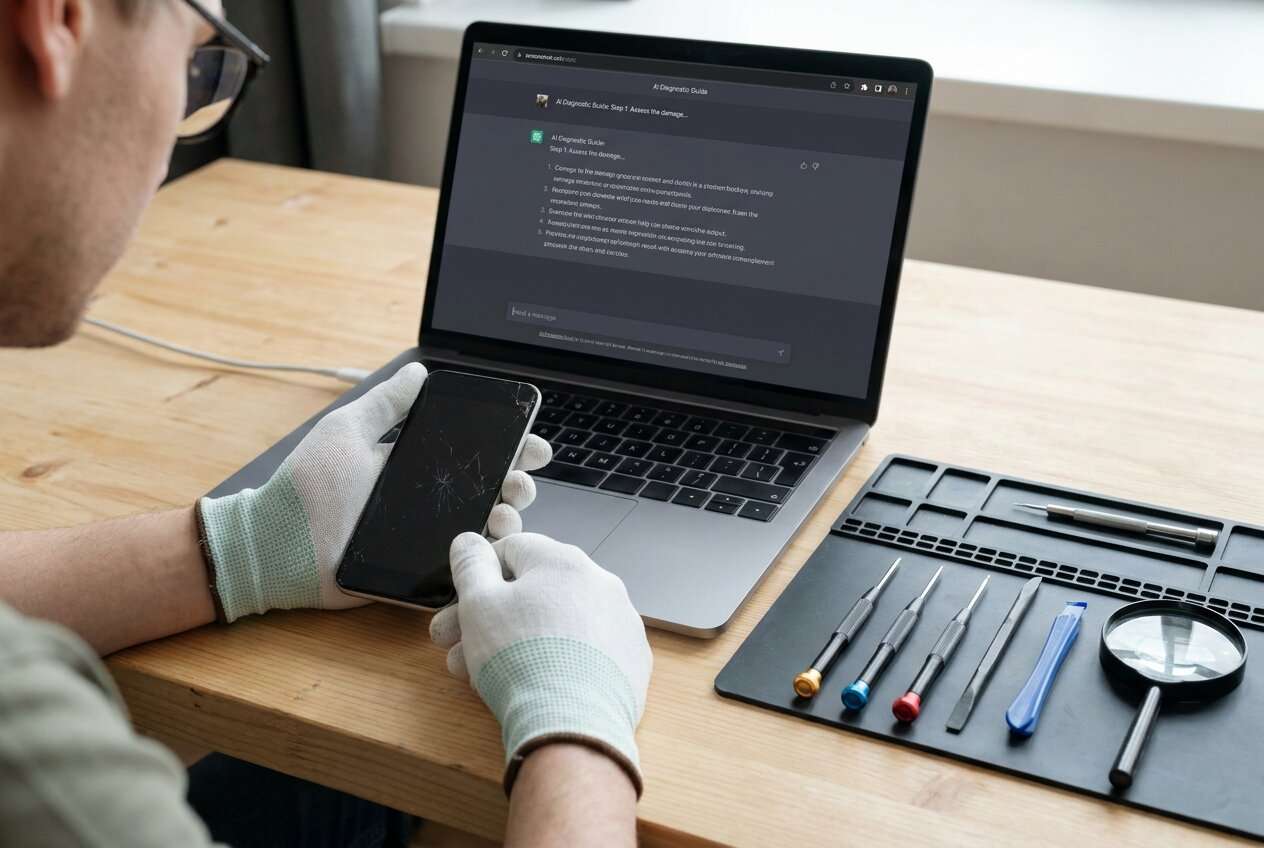
Part 1. How to Compare What to Do After Deciding to Repair Instead of Replace Based on Real Priorities
After choosing “repair,” most people get stuck between a few real paths: manufacturer/authorized service, a reputable independent shop, or DIY (including mail-in repair services). They all “fix the phone,” but they optimize for different things.
The tension usually looks like this: you want the lowest cost and the lowest risk and the fastest turnaround. In practice, you typically get two out of three—and the third becomes the regret point.
A useful comparison focuses less on specs or slogans and more on what failure would hurt you most (data loss, wasted money, repeated downtime, warranty impact, or a worse resale outcome later).
Part 2. What the AI Needs to Compare
Provide the details below so the AI can compare repair routes based on your real constraints:
- Device model + age, and whether it’s still under warranty or has insurance coverage
- What’s broken (screen, battery, charging port, camera, water damage, intermittent issue) and how urgent the fix is
- Your priorities ranked (e.g., lowest total cost, fastest turnaround, keep water resistance, keep warranty, highest reliability)
- Your risk tolerance (okay with “good enough” vs need “as close to original as possible”)
- Your data situation (recent backup? any irreplaceable photos/chats?)
- Local options you’re considering (authorized store, specific independent shop, mail-in service, DIY kit)
- Budget range and maximum acceptable downtime
- Plan after repair (keep long-term, trade-in soon, sell privately)
Part 3. Using AI Prompts to Evaluate What to Do After Deciding to Repair Instead of Replace More Clearly
Use these prompts to force a priority-based comparison rather than a generic “which is best.”
3-1. Level 1: Basic Prompt
I’ve decided to repair instead of replace. Compare these options for me: authorized repair vs reputable independent shop vs DIY. I care most about reliability, total cost, turnaround time, and data safety—help me pick the best fit.
3-2. Level 2: Advanced Prompt
Act as a decision coach.
1) Ask me up to 8 clarifying questions that will change the recommendation (warranty status, type of damage, backup status, resale plans, urgency).
2) Then compare authorized repair vs independent shop vs DIY using my answers.
3) Make the trade-offs explicit and tell me who each option fits best, including the “hidden costs” (repeat repairs, loss of water resistance, warranty/trade-in impact, downtime).
3-3. Level 3: Evidence Prompt
Here’s my situation: [device/model], [age], [problem], [warranty/insurance status], [backup status], [budget], [deadline/urgency], and my top priorities are 1) [priority] 2) [priority] 3) [priority]. The options available to me are: A) authorized repair, B) independent shop, C) DIY/mail-in.
Recommend one option and explain:
- What I gain and what I give up with each option (cost, reliability, speed, data risk, resale/warranty impact)
- The most likely regret point for each path
- One key assumption you’re making that would flip your recommendation, and what I should check to confirm it
3-4. Prompt Refinement
If my #1 fear is “paying twice,” how does that change the ranking of authorized vs independent vs DIY, and why?
Assume the cheapest option has a 25% chance of needing a second fix within 90 days—how does that change expected total cost and downtime?
What specific questions should I ask an independent shop to reduce risk (parts quality, warranty, water resistance, diagnostics fee), and which answers are red flags?
If I plan to sell or trade in within 3 months, which repair route is most likely to preserve value, and what should I document to prove repair quality?
If my data backup is incomplete, what’s the safest path—and what steps reduce data-loss risk before I hand the device over?
3-5. AI Recommendation vs Real-World Fit
| Likely AI recommendation or conclusion | What real-life use may change or reveal |
|---|---|
| “Go authorized if you need maximum predictability and warranty alignment.” | Local authorized queues can be long; service quality can still vary by location and technician. |
| “Choose a reputable independent shop for best cost-to-speed value.” | Parts quality and calibration can differ; water resistance may not be restored; shop warranties vary. |
| “DIY only if you accept higher failure risk and have tools/patience.” | A single mistake can add hidden costs (damaged cables, stripped screws) and increase downtime beyond expected. |
| “If data is critical and unbacked-up, prioritize the route that minimizes wipe risk.” | Some repairs still require resets; device condition can change during disassembly; you may need a backup/transfer plan first. |
AI can clarify likely fit and trade-offs, but hands-on workmanship, workflow friction (booking, waiting, rework), and your daily habits (backup discipline, downtime tolerance) often determine whether you feel satisfied after the repair.
Part 4. When to Stop Researching What to Do After Deciding to Repair Instead of Replace and Make the Call
- You can clearly rank your top 3 priorities (e.g., reliability > data safety > speed) and accept what you’re deprioritizing.
- You’ve confirmed the decision-flipping assumption (e.g., warranty status, water damage severity, true repair cost including diagnostics, parts availability).
- You’ve identified the most likely regret point for your chosen option—and you still prefer it.
- You have a basic pre-repair plan for data (backup/transfer) and downtime (temporary device, SIM/eSIM plan, essential accounts).
Once those are true, you’re not missing “one more review”—you’re ready to choose a repair path and execute it calmly.
Part 5. After Choosing What to Do After Deciding to Repair Instead of Replace: Switch or Prepare Smoothly with Dr.Fone
After the decision, the practical risk is rarely the comparison—it’s execution: protecting data before service, restoring after repair, or preparing the device for resale if you repair-and-sell. If you also end up locked out after a reset or screen work, Dr.Fone - Screen Unlock (Android) can be part of the “what to do next” toolkit.
 Unlock Android phone in seconds.
- Remove PIN, pattern, password, fingerprint.
- Bypass Google FRP lock easily.
- Works on all Android brands & models.
- No tech skills required – user-friendly.

If your plan is “repair then keep using,” prioritize a pre-repair backup/transfer plan so a reset or hardware swap doesn’t become a data-loss event. If your plan is “repair then sell/trade,” add cleanup, sign-out, and documentation so you can restore faster and protect resale outcomes.
-
Step 1 Launch the tool and open Android unlock
Action: Start Dr.Fone on your computer and go to the Screen Unlock module for Android.

-
Step 2 Select the device unlock flow
Action: Choose the Android device/unlock option that matches what you need (for example, removing a screen lock after a reset or repair workflow).

-
Step 3 Go to the remove screen lock function
Action: Enter the remove screen lock path and follow the on-screen instructions for your specific situation.

-
Step 4 Select your brand and proceed
Action: Pick the correct brand/model family so the process matches your device.

Limitations to keep in mind: results depend on your device condition, Android version, and scenario. Separately, “cleanup” and “resale readiness” still require proper account sign-out and reset steps, and they won’t fix hardware faults.




Conclusion
AI is best used here as decision support: it turns “authorized vs shop vs DIY” into a clear trade-off you can accept; real-world use (service quality, downtime friction, and your habits) is the final proof; and once you’ve chosen a path, Dr.Fone can help with the practical execution—backup, transfer, cleanup, and resale preparation when those steps are relevant.
FAQ
-
Can I trust AI to tell me which repair route is best?
Trust it to structure trade-offs and highlight regret points. Don’t trust it to guarantee workmanship quality, diagnose your exact fault remotely, or predict a specific shop’s reliability. -
What’s the single most important trade-off after deciding to repair?
Risk vs cost: the cheapest path often carries a higher chance of repeat repairs, longer total downtime, or reduced resale confidence. -
How do I avoid a generic “authorized is best” answer?
Force a priority ranking (reliability, speed, data safety, resale value), add constraints (budget ceiling, downtime limit), and ask for “what you gain / what you give up” for each option. -
What should I prepare before I hand my device over for repair?
A recent backup, a list of must-have accounts/apps, your passcode/2FA plan, and clarity on whether the repair might require a reset. -
If I’m repairing to sell or trade in, what changes?
You’ll care more about documented repair quality, OEM/authorized perception, and avoiding issues that hurt value (poor screen quality, missing calibration, cosmetic gaps). Data transfer and wipe steps become part of the plan—tools like Dr.Fone can help with the move.
 Add Wondershare Dr.Fone as a preferred source on Google





