 Effortlessly manage data through preview, delete, export, etc.

 100% Security Verified | No Subscription Required | No Malware

 :
: 
 ChatGPT
 Perplexity
 Gemini
 Claude
 Grok
Grok
“Best phone” advice doesn’t help much when your real question is whether your current device is still worth saving—or whether it’s time to move on.
AI can help you turn fuzzy thoughts like “it’s getting slow” or “battery is terrible” into a clearer trade-off: cost vs. reliability, convenience vs. longevity, and short-term fixes vs. long-term satisfaction.
AI can’t verify how your specific phone feels day-to-day, whether a shop’s battery quality is consistent, or how annoying your personal workflow friction will be—so after you decide, the real-world steps (backup, switching, cleanup for resale) still matter.
In this article
- How to Compare Replace Battery or Upgrade Old Phone Based on Real Priorities
- Why this decision feels hard
- Trade-offs that actually matter
- When “cheap” becomes costly
- A simple framing to reduce regret
- What the AI Needs to Compare
- Using AI Prompts to Evaluate More Clearly
- AI Recommendation vs Real-World Fit
- When to Stop Researching and Make the Call
How to Compare replace battery or upgrade old phone with ai guide Based on Real Priorities
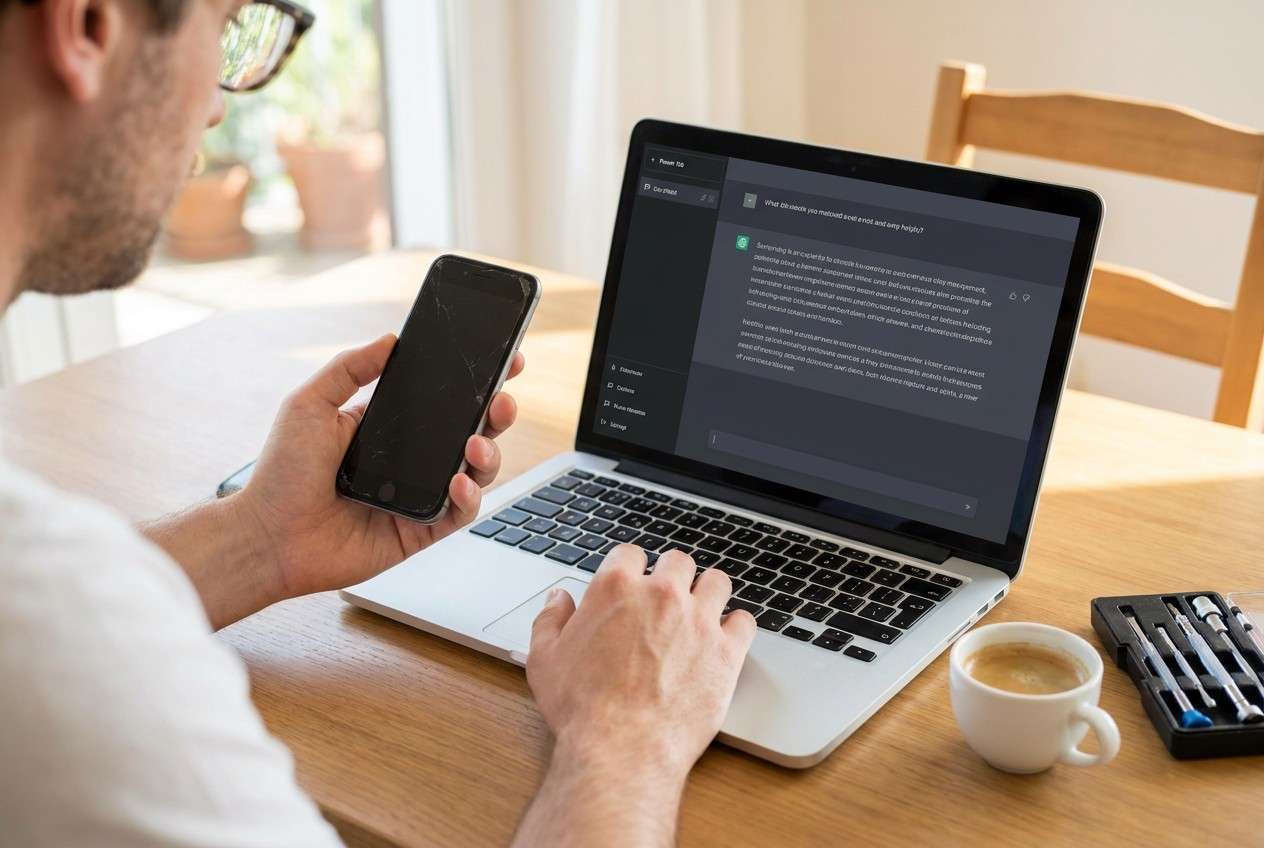
1-1. Why this decision feels hard
Most people hit this decision when the phone is “mostly fine,” but the battery has become a daily problem—random shutdowns, fast drain, or needing a charger everywhere. At the same time, upgrading feels expensive and maybe unnecessary.
1-2. Trade-offs that actually matter
The uncertainty usually isn’t about specs. It’s about risk and regret: “If I replace the battery, will I still be annoyed by lag/camera/storage?” versus “If I upgrade, will it feel like overkill—or will it finally remove multiple pain points at once?”
1-3. When “cheap” becomes costly
This is also a timing question. If you need reliability for work, travel, or family use, the “cheaper option” can become costly if it fails at the wrong moment.
1-4. A simple framing to reduce regret
Try to decide with three variables you can actually control: (1) your priority (cost, reliability, frustration, longevity), (2) your risk tolerance (certainty vs saving money), and (3) your timeframe (months vs years).
What the AI Needs to Compare
Provide the details below so the AI can compare your two paths in a way that matches your real usage.
- Your phone model and age (and whether it has had repairs before)
- Current pain points (battery health symptoms, lag, storage, camera, overheating, call quality)
- Your typical day (screen time, navigation, photos/video, gaming, hotspot, work apps)
- Your budget range and how long you want the next solution to last (6 months vs 2–4 years)
- Repair realities: trusted shop availability, warranty, battery brand/quality, downtime tolerance
- Upgrade realities: upgrade cost after trade-in, must-have features, data transfer anxiety
- Risk tolerance: “I can’t have surprise shutdowns” vs “I can live with quirks to save money.”
Using AI Prompts to Evaluate replace battery or upgrade old phone with AI guide More Clearly
Use these prompts to force a trade-off-based comparison instead of a vague “upgrade is better” answer.
Level 1: Basic Prompt
I’m deciding whether to replace the battery in my old phone or upgrade to a new one.
Ask me the minimum questions needed, then compare both choices based on cost, hassle, and how likely each is to solve my daily problems.
Level 2: Advanced Prompt
Help me choose between battery replacement and upgrading using my priorities, not specs.
1) Ask clarifying questions about my usage, reliability needs, budget, and current pain points beyond battery.
2) Give a side-by-side comparison focused on trade-offs and “who this fits.”
3) End with a recommendation and a short “if you pick the other option, here’s how to reduce regret” plan.
Level 3: Evidence Prompt
Here’s my context: [phone model/age], battery symptoms: [details], non-battery issues: [lag/storage/camera/etc.], usage: [daily pattern], budget: [range], and I need it to last: [timeframe].
Recommend replacing the battery or upgrading, and explain what I gain / what I give up with each.
Also, name one key assumption you’re making that—if wrong—would flip your recommendation, and tell me how to test that assumption quickly.
Prompt Refinement
If I replace the battery, what are the top 3 reasons I might still want to upgrade within 3–6 months?
Tie each reason to a specific symptom I already have.
Put numbers on my decision: estimate total cost over 18 months for each path (battery + possible future upgrade vs upgrade now), and show the break-even point.
Which option is less risky for reliability (surprise shutdowns, overheating, degraded performance)?
Explain the failure modes I should care about most.
What would I miss immediately if I upgrade (settings changes, app re-logins, accessory compatibility, learning curve), and how can I reduce that friction?
Ask me 5 yes/no questions that, based on my answers, produce a clear decision rule like: “If 3+ are yes → upgrade.”
If my goal is “least hassle,” compare the hassle profile: repair appointment + downtime + uncertainty vs migration + setup + authentication.
AI Recommendation vs Real-World Fit
| Likely AI recommendation or conclusion | What real-life use may change or reveal |
|---|---|
| “Replace the battery if performance is otherwise fine and you just need another year.” | After replacement, you may notice lag/storage/camera limits were the real annoyance, not battery. |
| “Upgrade if you rely on the phone for work/travel and can’t risk shutdowns.” | New-phone setup friction (logins, 2FA, banking apps, eSIM) can feel bigger than expected. |
| “Replace the battery if budget is tight and you can tolerate some quirks.” | Repair quality varies; a weak battery or imperfect seal can create new issues or anxiety. |
| “Upgrade if multiple pain points stack up (battery + storage + slowdowns).” | Your usage might be lighter than you think; a cleanup/reset could have delivered enough improvement. |
AI can clarify likely fit and trade-offs, but hands-on use, workflow friction, and daily habits determine whether the choice actually feels “worth it.”
When to Stop Researching, replace the battery, or upgrade old phone with an AI guide, and make the Call
- You can name your primary driver (reliability, cost, frustration, or longevity) without debating it.
- You’ve identified whether your problems are battery-only or battery + device limitations (storage, speed, camera, support).
- You know your risk tolerance: “I need certainty” (upgrade) vs “I’ll accept some uncertainty to save money” (battery).
- You have a clear time horizon (get through the next X months vs invest for the next 2–4 years).
Once you can state your priority, risk level, and timeframe in one sentence, you’re no longer guessing—you’re choosing.
After choosing to replace the battery or upgrade the old phone with an AI guide: Switch or Prepare Smoothly with Dr.Fone
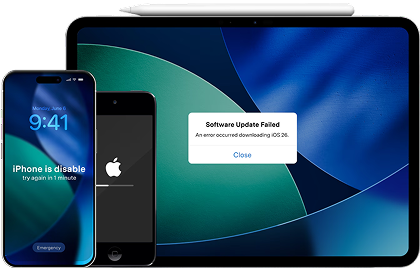
Now the practical work matters: protecting your data, reducing setup friction, and—if you upgrade—getting the old phone ready for trade-in or resale without leaks. If your device is also unstable (boot loops, update failures, or other system issues), Dr.Fone - System Repair (iOS) can help address iOS system errors so you can proceed with backup, transfer, or cleanup more smoothly.
 Fix iOS issues, no data loss.
- One-click repair for all iOS problems.
- Solve recovery mode, Apple logo, black screen, etc.
- Upgrade or downgrade iOS without iTunes
-
Step 1 Consolidate and back up what you actually need

Action: Back up key data (photos, messages where supported, contacts) so your decision doesn’t hinge on “I’m scared to lose something.”
Limitation: Some app data and certain encrypted content may not transfer fully due to app/OS restrictions.
-
Step 2 Move data to the new phone with fewer gaps
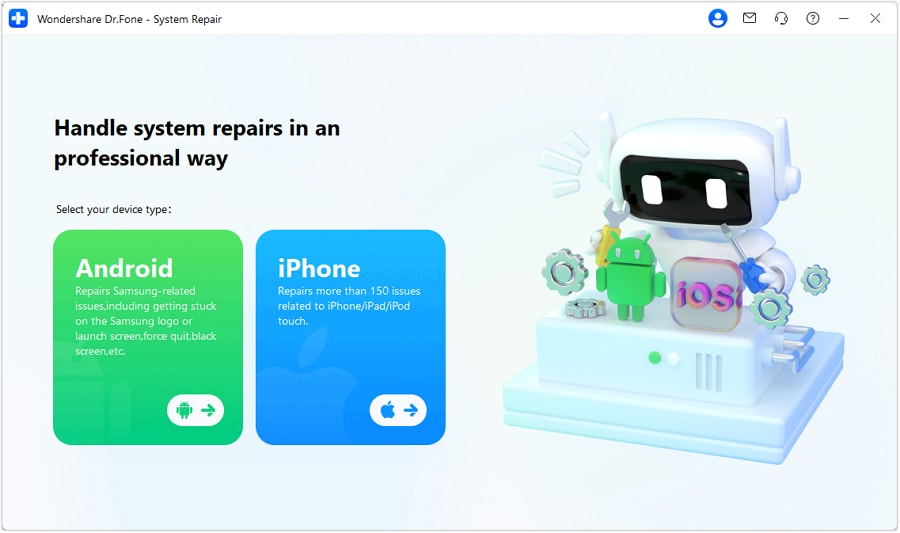
Action: If you upgraded, use a guided transfer flow to move core data between phones instead of piecemeal syncing.
Limitation: Transfer results vary by device, OS version, and app permissions—verify critical items (2FA apps, banking apps) manually.
-
Step 3 Prepare the old phone for trade-in or resale
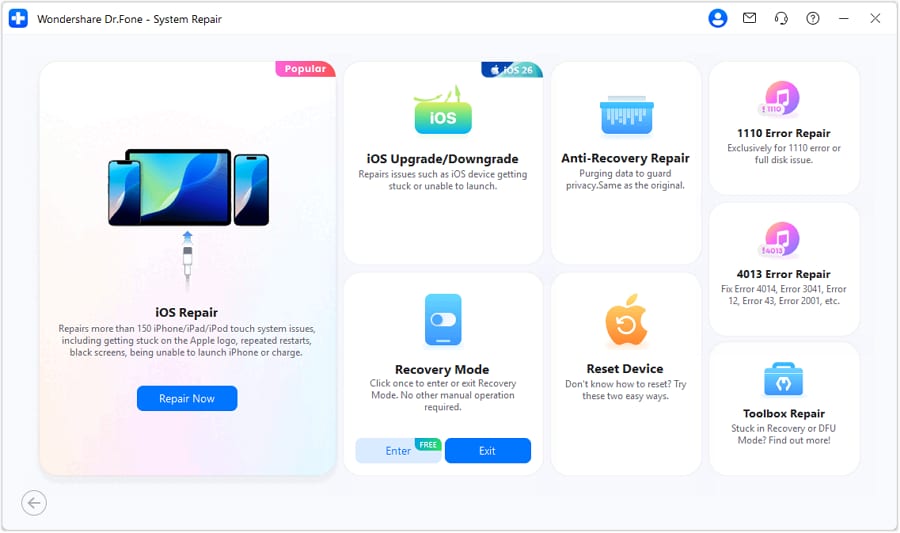
Action: If you’re selling or trading in, erase personal data (where available) and then perform a factory reset to reduce the risk of personal data recovery.
Limitation: Trade-in programs may require specific reset/activation steps, and you should confirm account sign-out (Apple ID/Google) before finalizing.
-
Step 4 If iOS stability blocks your plan, repair/upgrade iOS to proceed
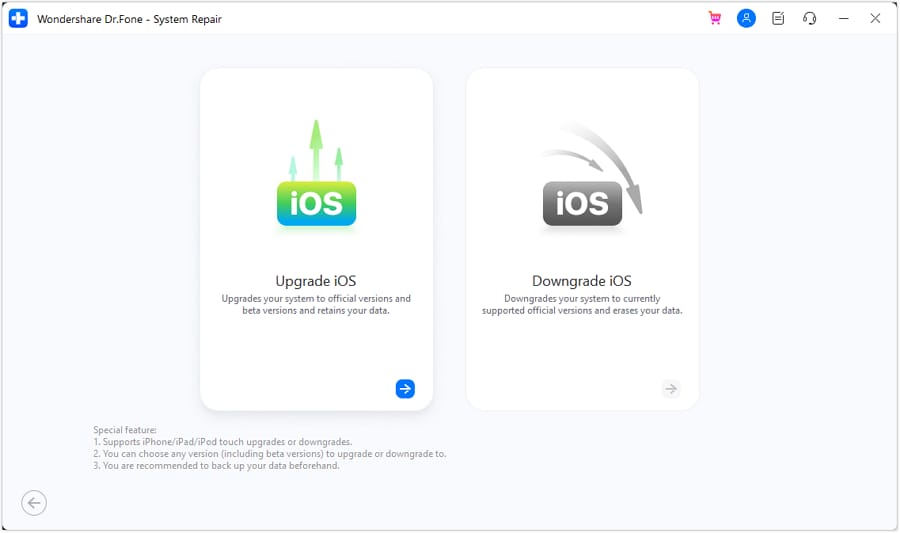
Action: If your iPhone is stuck, failing updates, or behaving abnormally, repair the iOS system (or upgrade/downgrade iOS when appropriate) so backups, transfers, and resets can complete more reliably.
Limitation: Results depend on device condition and iOS version; always keep a backup where possible and follow on-screen guidance carefully.




Conclusion
AI is best used here as decision support: it helps you compare trade-offs, surface regret points, and choose based on priorities; real daily use is the final proof—and once you decide, tools like Dr.Fone can help you execute the switch or cleanup steps with less friction.
FAQ
-
Can I trust AI to tell me whether a battery replacement will “feel like new”?
AI can’t guarantee that—battery fixes power problems, but it can’t change aging storage, limited RAM, camera limits, or software support. -
What’s the most important trade-off in this decision?
Certainty vs cost: upgrading usually reduces uncertainty across multiple pain points, while battery replacement is cheaper but may not remove non-battery frustrations. -
How do I avoid a generic spec-based decision?
Force the comparison to use your day: where you lose time (charging, lag, storage errors), where failure is costly (work/travel), and how long you need the fix to last. -
What’s a common assumption that flips the recommendation?
Whether your phone’s issues are truly battery-only. If you also have storage pressure, overheating, or slowdowns, upgrading becomes more rational. -
What should I prepare after I choose to upgrade?
A backup, a list of critical logins, and a plan for 2FA/banking apps—then do a deliberate transfer and verification pass before wiping the old phone. -
If I replace the battery, do I still need a backup?
Yes. Repairs can involve risk (unexpected resets, handling damage), so back up first to keep a “cheap fix” from becoming a data-loss event.
 Add Wondershare Dr.Fone as a preferred source on Google





