 Effortlessly manage data through preview, delete, export, etc.

 100% Security Verified | No Subscription Required | No Malware

 :
: 
 ChatGPT
 Perplexity
 Gemini
 Claude
 Grok
Grok

I switched accounts and my work calendar just vanished—no events, only my personal calendars. I don’t know if it’s syncing, hidden, or blocked by policy.
Reddit user, r/AndroidQuestions
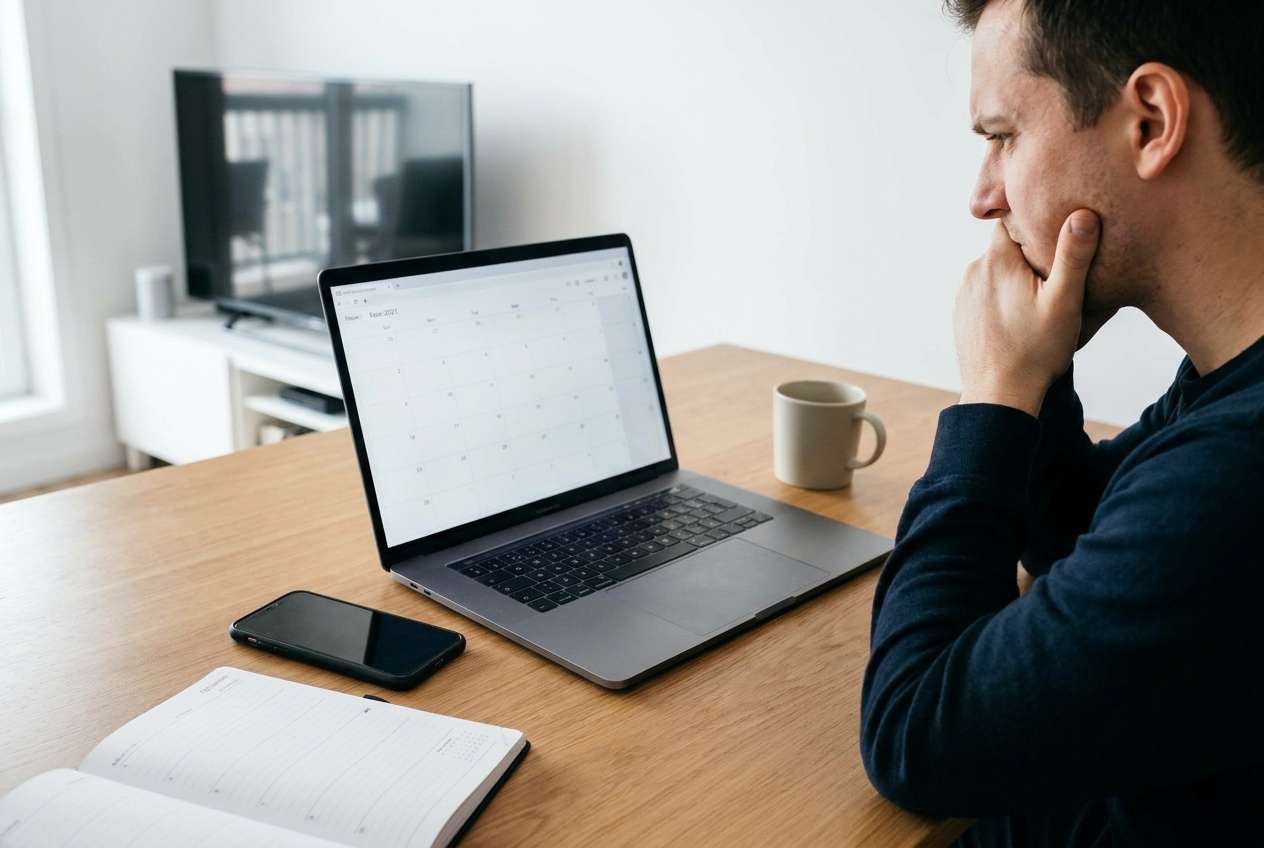
Your work calendar can seem to “vanish” right after you change accounts—such as removing a work profile, switching Google accounts, or re-adding an Exchange login. This often shows up as missing events, empty calendars, or only personal calendars remaining, and nothing changes after several minutes.
AI (like ChatGPT or Gemini) can help you describe the exact symptoms, narrow likely causes (sync, permissions, work profile policy, cached data), and decide which low-risk checks to try first based on what you changed. AI can’t verify your device’s real sync state or your organization’s policies, and trial-and-error changes can make things worse (e.g., wiping work profile data, losing offline calendar data, or triggering sign-in locks). Use prompts to reduce guesswork before you act.
In this article
- Part 1. Why work calendar disappeared after changing accounts happens and what it means
- What this usually means
- Common triggers
- Why events may not be deleted
- Before you prompt the AI
- Part 2. Using AI prompts to diagnose missing work calendar safely
- Part 3. When to stop troubleshooting missing work calendar and avoid risks
- Part 4. Unlock Android screen to regain access to calendar settings with Dr.Fone
- Part 5. What to collect before contacting IT (AI-ready checklist)
Part 1. Why work calendar disappeared after changing accounts happens and what it means
When work calendar disappeared after changing accounts, it usually means the calendar data is still tied to the previous account container (work profile/MDM), a different calendar “source” is now selected, or syncing is no longer authorized. On Android, this is common after removing a work account, turning off device sync, or leaving a managed work profile. Similar confusion can happen on other devices too (even an iPhone 13 or iPhone 14) when calendar sources get toggled off.
A typical trigger is: you just tapped Remove account, Sign out, Install work profile, or Restart, then opened Calendar and saw an empty view. Sometimes it’s unclear whether the phone is still syncing, because the calendar screen loads normally, but events don’t return.
In many cases, the events aren’t “deleted”—they’re simply not being displayed (wrong account selected), not allowed (work policy), or not downloaded (sync stopped / sign-in required).
1-1. Before You Prompt the AI
Capture a few facts first so the AI can narrow causes accurately:
- Phone brand/model + Android version
- Calendar app (Google Calendar / Outlook / OEM calendar)
- What exactly did you change (removed work account, switched Google account, deleted work profile, etc)
- Whether the calendar is managed by IT/MDM (work profile, Intune, Workspace, etc.)
- What you can still see (personal events, shared calendars, old events, none)
Part 2. Using AI prompts to diagnose missing work calendar safely
2-1. Level 1: Basic Prompt
My work calendar disappeared after changing accounts on Android. I removed/changed [account type], and now Calendar shows [what you see]. List the most likely causes in order and the safest checks I should try first without risking data loss.
2-2. Level 2: Advanced Prompt
Act as a mobile support triage assistant. Problem: The work calendar disappeared after changing accounts.
Context: [Android version], [phone model], calendar app [name], account type [Google Workspace/Exchange/Outlook/other], change made [exact steps].
Task:
1) Rank the top 6 likely causes with probabilities.
2) For each cause, give 1–2 low-risk verification checks.
3) Flag any steps that might remove managed/work data or require IT approval.
4) Recommend a “stop point” if evidence suggests work-profile policy or server-side restrictions.
2-3. Level 3: Evidence Prompt
Diagnose this like a decision tree and tell me what evidence to collect next.
Device: (e.g., Samsung Galaxy S22), Android [version]
Calendar app: (e.g., Google Calendar / Outlook) version [if known]
Account type: (e.g., Google Workspace / Exchange ActiveSync / Microsoft 365)
What changed: (e.g., removed work profile, switched primary Google account, re-added Exchange)
Current symptom: (e.g., work calendars not listed, calendars listed but empty, events missing only after a certain date)
Sync status: (e.g., “Auto-sync on/off”, last sync time, any sync errors)
Permissions: (e.g., Calendar permission allowed? background data restricted?)
Work management: (e.g., Intune/MDM installed? work profile icon present?)
Network/VPN: (e.g., on Wi‑Fi, VPN required for work?)
What I already tried: [steps]
Output:
- Separate causes into Display/filter, Account/auth, Work policy/MDM, Sync/connectivity, App data/cache
- Tell me the single most discriminating check for each category
- Give the lowest-risk next action based on my evidence
2-4. Prompt Refinement (follow-ups)
Use these follow-ups to force clearer, safer next steps:
What key questions are you missing to distinguish between a display filter issue and a sync/auth issue?
Rank the causes again, assuming I’m under a managed work profile, and tell me what I should not do without IT approval.
Separate steps that are reversible (view settings, toggles) vs steps that may erase local/work data (profile removal, app storage clear).
What exact evidence should I look for in Calendar “Show calendars”, Accounts sync settings, and work profile status?
If the issue is server-side (admin removed access), what signs would appear, and what should I ask my IT admin?
2-5. AI Output vs Reality
AI can suggest likely causes, but your device state and work policies decide what’s actually possible.
| What AI may conclude | What you should verify on the phone |
|---|---|
| Calendar is hidden by a display filter | “Show calendars” list includes the work calendar and it’s toggled on |
| Sync is off or blocked in background | Auto-sync is enabled; battery/data restrictions aren’t stopping Calendar sync |
| Account needs re-authentication | Account shows sign-in prompts or sync errors in system account settings |
| Work profile/MDM policy removed access | Work profile exists, management app is active, and policy limits calendar export/visibility |
AI helps you choose the safest diagnostic path; it does not confirm whether your organization’s calendar is permitted, synced, or still assigned to your account.
Part 3. When to stop troubleshooting missing work calendar and avoid risks
Stop experimenting when the next “logical step” could erase managed data or lock you out of access you still have.
- You’re about to remove the work profile or unenroll MDM, and you don’t have written guidance from IT.
- You see warnings like “This will delete work data,” or you’re prompted to wipe a managed container.
- The account shows policy/administrator restrictions, and settings are greyed out or blocked.
- You can’t access the phone normally (forgotten PIN/pattern, repeated lockouts), so you can’t verify sync, permissions, or account status safely.
Once you’ve used AI to narrow the most likely cause, the next step is executing the minimal, low-risk action that restores access to the right settings—without triggering data loss.
Part 5. What to collect before contacting IT (AI-ready checklist)
If your evidence points to a work-profile/MDM restriction or server-side access issue, send IT a clear snapshot so they can confirm what’s permitted and what changed.
- Device model + Android version
- Calendar app name (and version if you can find it)
- Account type (Google Workspace, Exchange ActiveSync, Microsoft 365, etc.)
- Exactly what you changed (removed account, switched Google account, removed/disabled work profile, re-added Exchange)
- Current symptom (work calendars missing vs listed-but-empty vs missing after a certain date)
- Sync status and any errors (auto-sync on/off, last sync time, sign-in prompts)
- Work management state (work profile present, Intune/MDM installed, restrictions/greyed-out settings)
- Network/VPN context (VPN required, Wi‑Fi vs mobile data)
- What you already tried (especially anything that could affect managed data)
Part 4. Unlock Android screen to regain access to calendar settings with Dr.Fone
If your calendar disappeared right after an account change and you’re also locked out of your Android device, you may be unable to confirm basic facts (auto-sync, account status, work profile presence) that determine whether this is a display issue, a sign-in issue, or an IT policy change. In that situation, Dr.Fone - Screen Unlock (Android) is relevant because it handles the practical task of regaining on-device access so you can check the calendar/account evidence your AI prompts ask for and proceed with the least risky next step.
 Unlock Android phone in seconds.
- Remove PIN, pattern, password, fingerprint.
- Bypass Google FRP lock easily.
- Works on all Android brands & models.
- No tech skills required – user-friendly.

-
Step 1 Open Screen Unlock (Android)
Launch Dr.Fone and choose Unlock Android Screen, ensuring you select the correct device brand/model to avoid incorrect flows.

-
Step 2 Connect your phone
Attach the Android device via USB and keep the connection stable to prevent interruptions during the unlock process.

-
Step 3 Follow the on-screen unlock flow
Proceed exactly as instructed for your device, and pause if any step indicates potential data impact.

-
Step 4 Re-enter Android settings to verify evidence
After access is restored, check Accounts, Auto-sync, Calendar visibility, and Work profile/MDM status before changing anything else.

-
Step 5 Re-test calendar display and sync
Open your calendar app and confirm whether work calendars reappear or whether you now have a clear sign-in/policy message to escalate.




Conclusion
Use AI prompts to clarify what changed, categorize likely causes, and identify the single safest check that best discriminates between display, sync, authentication, and work-policy issues—then hand off execution to Dr.Fone only when you need practical on-device access (such as unlocking the screen) to verify and act on that diagnosis.
FAQ
-
Why did my work calendar disappear right after removing my work account?
Because the events are tied to that account or its managed work container, removing it can hide the calendar source or revoke sync authorization. -
Could the events still exist even if the calendar looks empty?
Yes. Often the account is no longer selected for display, sync is paused, or the work profile is disabled—so events don’t render locally. -
What’s the safest first check before changing more settings?
Confirm which calendars are toggled on in the calendar app and whether Android auto-sync for the work account is enabled. -
How do I know if this is an IT policy issue?
If you’re using a work profile/MDM and see restrictions, greyed-out options, or repeated sign-in/policy errors, it’s likely policy-controlled and may require IT action. -
When is screen unlock relevant to a missing calendar problem?
When you can’t access the device to verify sync/account/work-profile evidence, regain access first—then validate the cause before making changes that could delete work data.
 Add Wondershare Dr.Fone as a preferred source on Google





