Recover photos, messages, WhatsApp, and more — no backup
needed.
Recover photos, messages, WhatsApp, and more — no backup
needed.

 100% Security Verified | No Subscription Required | No Malware

 :
: 
 ChatGPT
 Perplexity
 Gemini
 Claude
 Grok
Grok
Kik does not provide a native chat backup for restoring lost conversation history, making deleted messages difficult to retrieve through the app itself. Once chats disappear, recovery depends largely on whether recoverable data still remains on the original iPhone. This guide compares Kik message recovery software for iPhone and examines how 5 popular tools handle Kik data.
For deeper recovery, Advanced Recovery in Dr.Fone - Data Recovery (iOS) can scan compatible iPhones for recoverable Kik chats and attachments. The comparison also distinguishes general Kik support from actual deleted-data recovery, helping you understand the capabilities and limitations of each option.
In this article
- Part 1. Why Kik Message Recovery Is Different on iPhone
- Part 2. Kik Message Recovery Software Comparison: 5 Tools Compared
- Part 3. How the 5 Kik Recovery Software Options Compare
- Part 4. Which Kik Recovery Approach Fits Your Data Loss Scenario?
- Part 5. How to Recover Deleted Kik Data with Dr.Fone – Data Recovery (iOS)
- Part 6. Dr.Fone Kik Social Media Recovery Compatibility and Limitations
- Conclusion
- Frequently Asked Questions
Part 1. Why Kik Message Recovery Is Different on iPhone
Before choosing any Kik recovery software, it helps to understand how Kik stores conversation data. Kik does not provide a native chat backup for restoring lost conversations, so recovery largely depends on data remaining on the original iPhone. These 5 points explain why recovering Kik messages works differently from many other messaging apps:
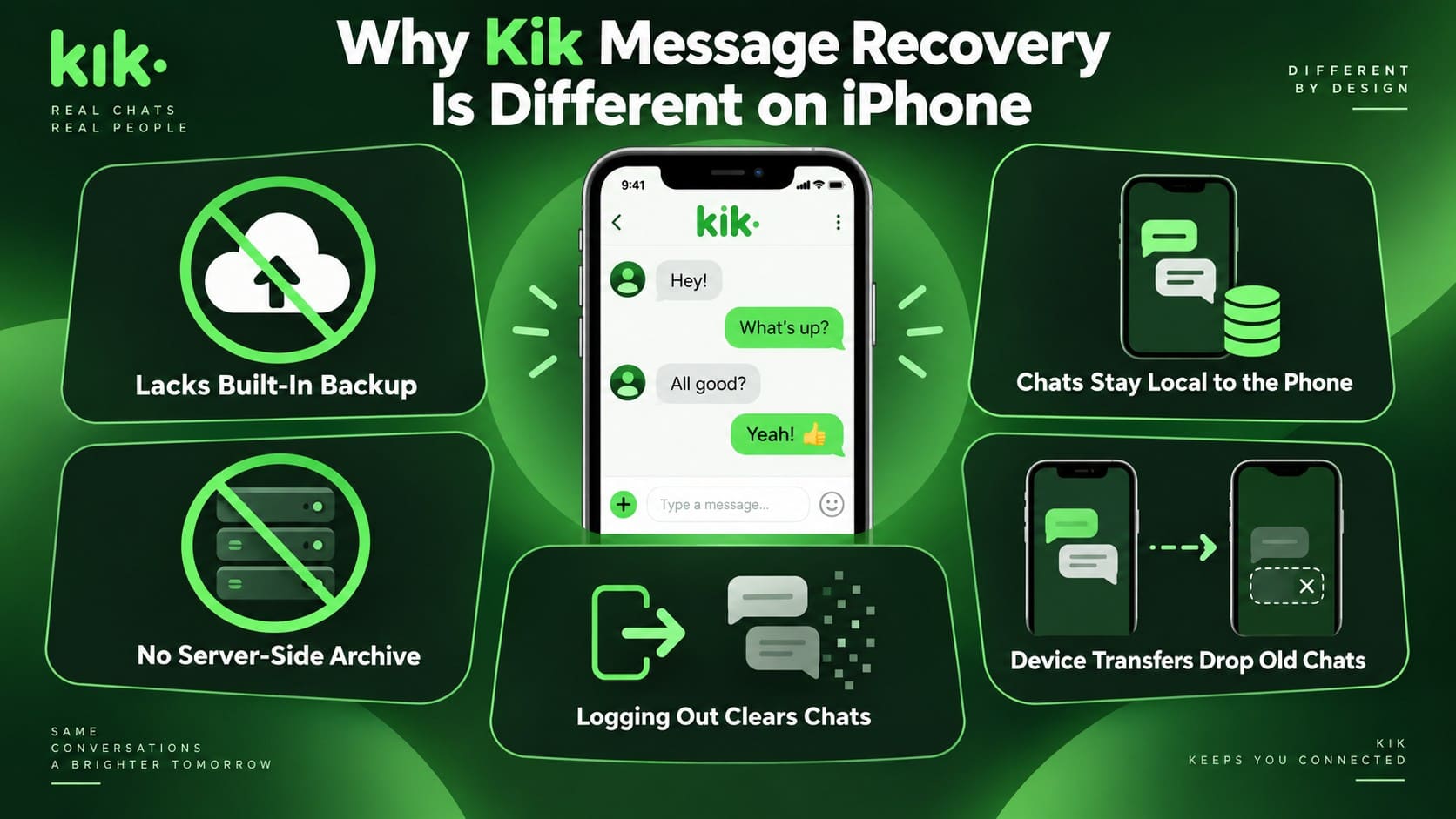
- Lacks Built-In Backup: Kik does not provide a native backup system for restoring old chat history. Once messages disappear, you cannot retrieve them from a Kik backup.
- No Server-Side Archive: Kik does not store your complete chat history on its servers for later retrieval. According to Kik Support, it cannot provide users with copies of their message history.
- Chats Stay on the Device: Kik conversation history is primarily stored locally on the phone. Direct recovery depends on whether recoverable Kik data still remains on the original device.
- Logging Out Clears Chats: Logging out of Kik clears your chat history from the device. Signing back into the account does not restore those previous messages.
- Moving to Another Device Removes Old Chats: Signing into Kik on another device logs you out of the previous device. Your existing chat history does not automatically transfer to the new phone.
Kik App Support Is Not the Same as Deleted Kik Recovery
A Kik support label does not always confirm deleted-message recovery. For Kik data recovery, check whether a tool supports existing or deleted Kik data, including messages and attachments. Simply listing Kik as supported does not mean deleted chats can be recovered. Recovery capabilities vary across tools, so verify exactly what type of Kik data each option can scan and recover before choosing one.
Part 2. Kik Message Recovery Software Comparison: 5 Tools Compared
Comparing Kik recovery software requires more than checking whether Kik appears on a supported-data list. The practical difference is whether a tool can recover deleted chats and attachments, while platform and backup requirements can also affect the result. The table below shows how each tool performed in the recent Kik recovery test:
| Tool | Kik Support | Deleted Kik Data Tested | Deleted Kik Recovery Result | Key Finding |
|---|---|---|---|---|
| Dr.Fone - Data Recovery (iOS) | Supported | Aug 25 | Recovered with Advanced Recovery | Deleted Kik data was recovered successfully during testing. |
| Tenorshare UltData | Supported on macOS only | Aug 25 | Not recovered | Kik recovery is limited to macOS, and the deleted Kik data was not recovered in the test. |
| iMyFone D-Back | Supported | Aug 25 | Not recovered | The scan did not locate the deleted Kik records from Aug 25. |
| iMobie PhoneRescue | Supported | Aug 25 | Not recovered | The deleted Kik data from the tested date was absent from the recovery results. |
| Gbyte | Recovery through iCloud backup route | — | Not successfully verified | Kik recovery relied on signing in to iCloud and loading an available backup instead of scanning the iPhone directly. |
Recent testing showed clear differences in deleted Kik recovery. Dr.Fone’s Advanced Recovery recovered the deleted Kik data, while D-Back, UltData, and PhoneRescue did not recover the August 25 records. UltData supports Kik on macOS only, while Gbyte relies on an iCloud backup route instead of direct iPhone scanning.
Part 3. How the 5 Kik Recovery Software Options Compare
The sections below examine each tool’s Kik data recovery capabilities, including supported data, recovery routes, platform limitations, deleted-data support, and dedicated recovery modes.
1. Dr.Fone - Data Recovery (iOS)
Dr.Fone - Data Recovery (iOS) includes Social Media Recovery for supported Kik chats and attachments on compatible iPhones. Its main differentiator is Advanced Recovery, which goes beyond regular iOS scanning to target recoverable social app data. Kik support currently covers the iPhone 16 series and earlier on iOS 17.0–18.7.1 and iOS 26.0–26.0.1.

During the recent Kik test, Advanced Recovery successfully found the deleted August 25 records. It supports both Kik messages and attachments, with preview access for detected data before recovery. No native Kik backup is required for this workflow, although results still depend on whether the deleted data remains recoverable on the supported device.




2. Tenorshare UltData
Tenorshare UltData includes Kik among its supported social app categories, but its documentation states that Kik message and attachment recovery is available on macOS only. That platform restriction is important when comparing Kik message recovery tools, especially for Windows users who cannot access the same Kik workflow.
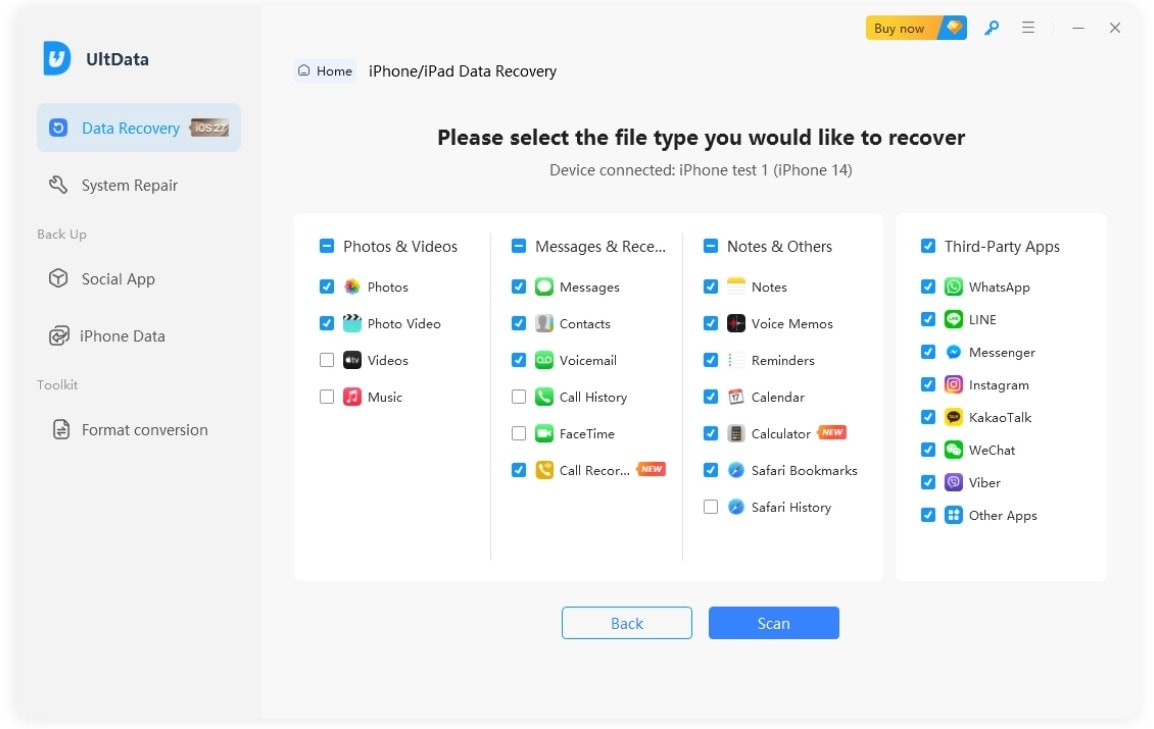
UltData also provides direct iPhone, iTunes, and iCloud recovery routes with preview and selective recovery options. In the recent Kik test, however, the deleted August 25 records were not recovered. Its Kik support remains part of the broader iOS recovery workflow rather than a separate Kik-specific recovery mode.
3. iMyFone D-Back
To recover deleted Kik messages, D-Back includes Kik within its supported iOS app data and can scan selected categories for recoverable content. Users can preview the results before saving supported files to a computer, while iTunes and iCloud recovery routes are also available.
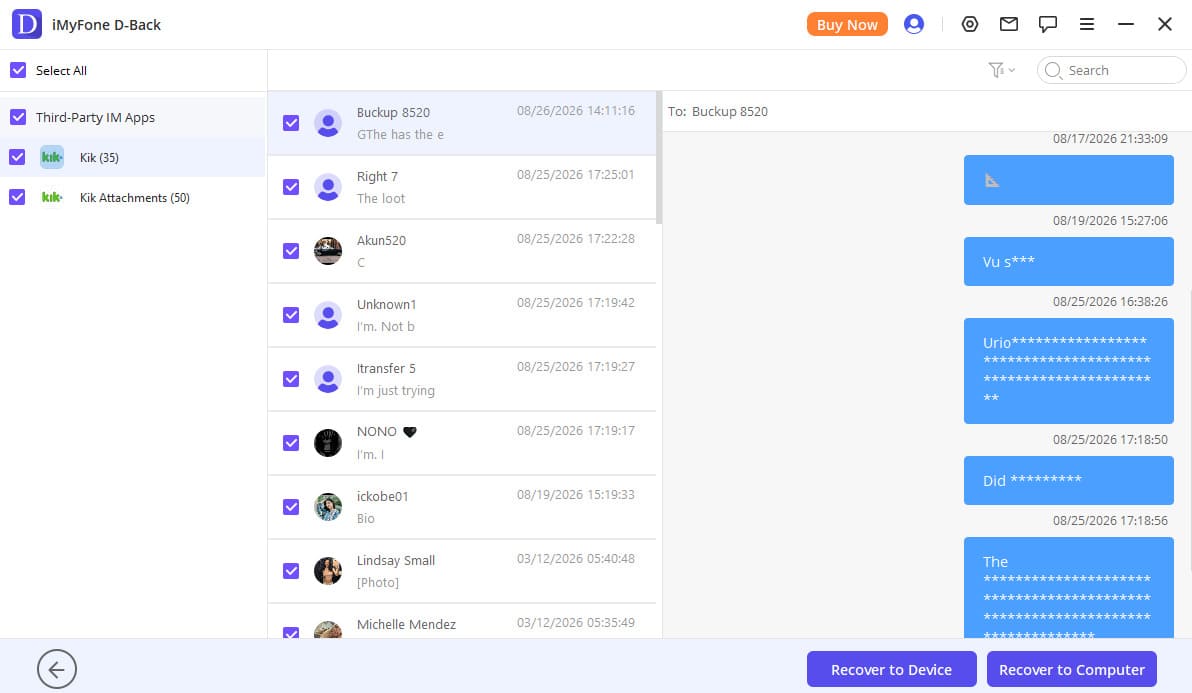
The latest test did not surface the deleted Kik records from August 25. D-Back handled Kik through its general iOS recovery workflow, with no separate Kik-specific mode shown in the comparison. That distinction matters because listed support did not translate into recovery of the missing Kik data during testing.
4. iMobie PhoneRescue
PhoneRescue recognizes Kik and its attachments within the app-data categories available for iPhone recovery. Its interface can also filter results to show deleted items, and iMobie documents support for retrieving deleted Kik content through its regular recovery workflow.
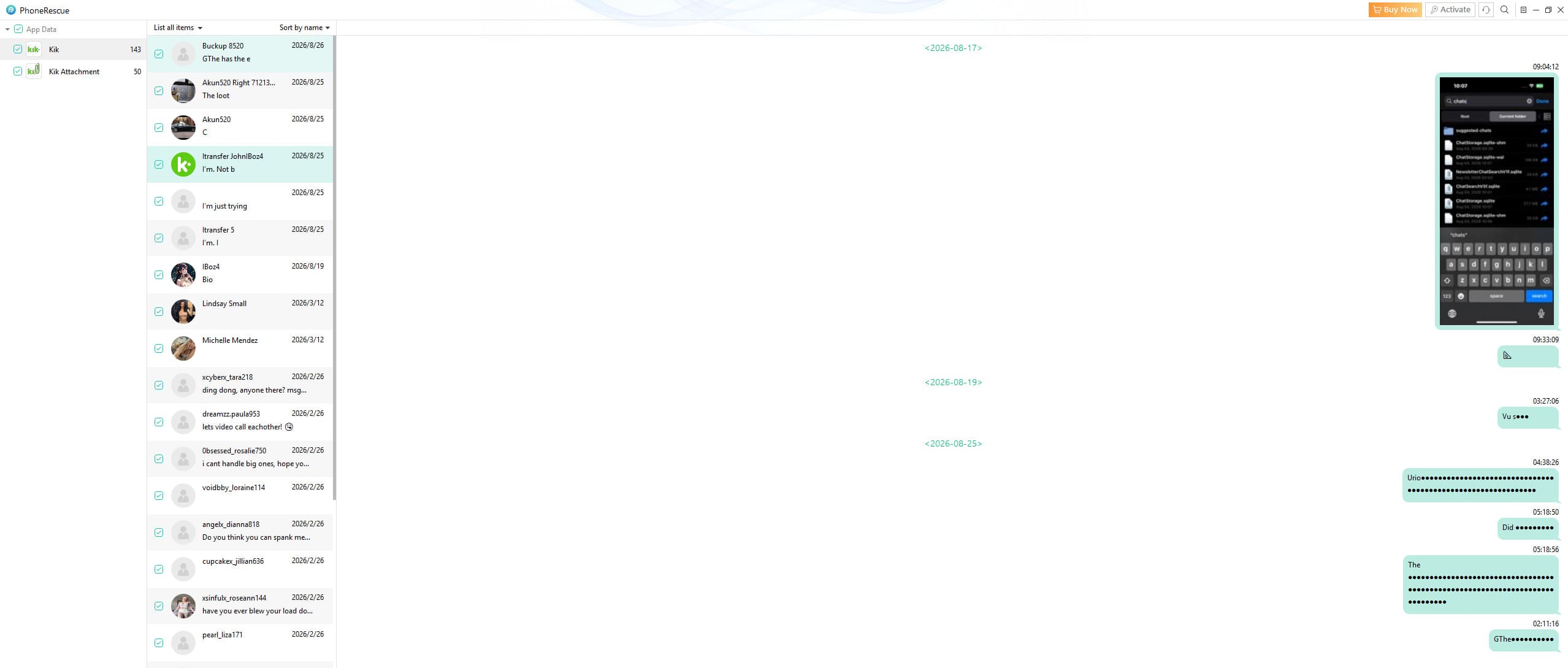
The recent test produced a weaker result than the published support suggests. The August 25 Kik records did not appear in the recovery output, so the missing data could not be restored. PhoneRescue also lacks a separate Kik-specific mode, which is worth noting when comparing the best Kik recovery software options.
5. Gbyte
Gbyte lists Kik & Attachment among its third-party app data types, so Kik messages and attachments are included in its recovery interface. However, its available workflow differs from direct-device Kik message recovery software because recovery relies on accessing data through iCloud rather than scanning the iPhone itself.
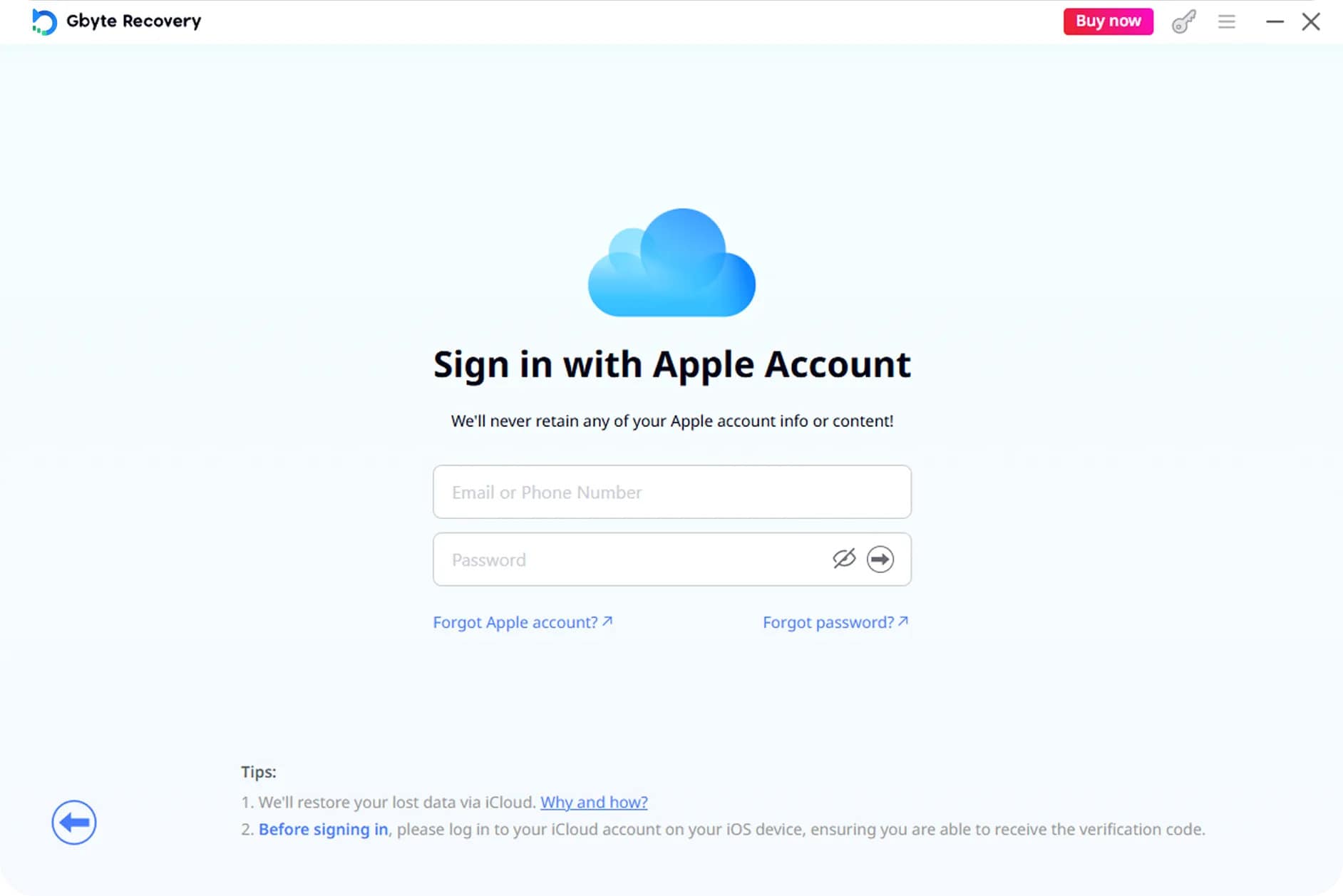
In the recent test, Gbyte did not produce a usable deleted Kik recovery result. The required iCloud backup route could not provide the missing Kik data, so the deleted records were not recovered. This makes Gbyte more dependent on backup availability than tools that support direct iPhone recovery.
Part 4. Which Kik Recovery Approach Fits Your Data Loss Scenario?
The best Kik data recovery approach depends on how the messages disappeared and whether recoverable data still remains on the original iPhone.
Deleted Kik Messages Without a Backup
Kik does not provide a native option to save or restore chat history. Once messages are deleted or cleared, Kik message recovery depends on whether recoverable data remains on the original iPhone. Before choosing a recovery tool, check these points:
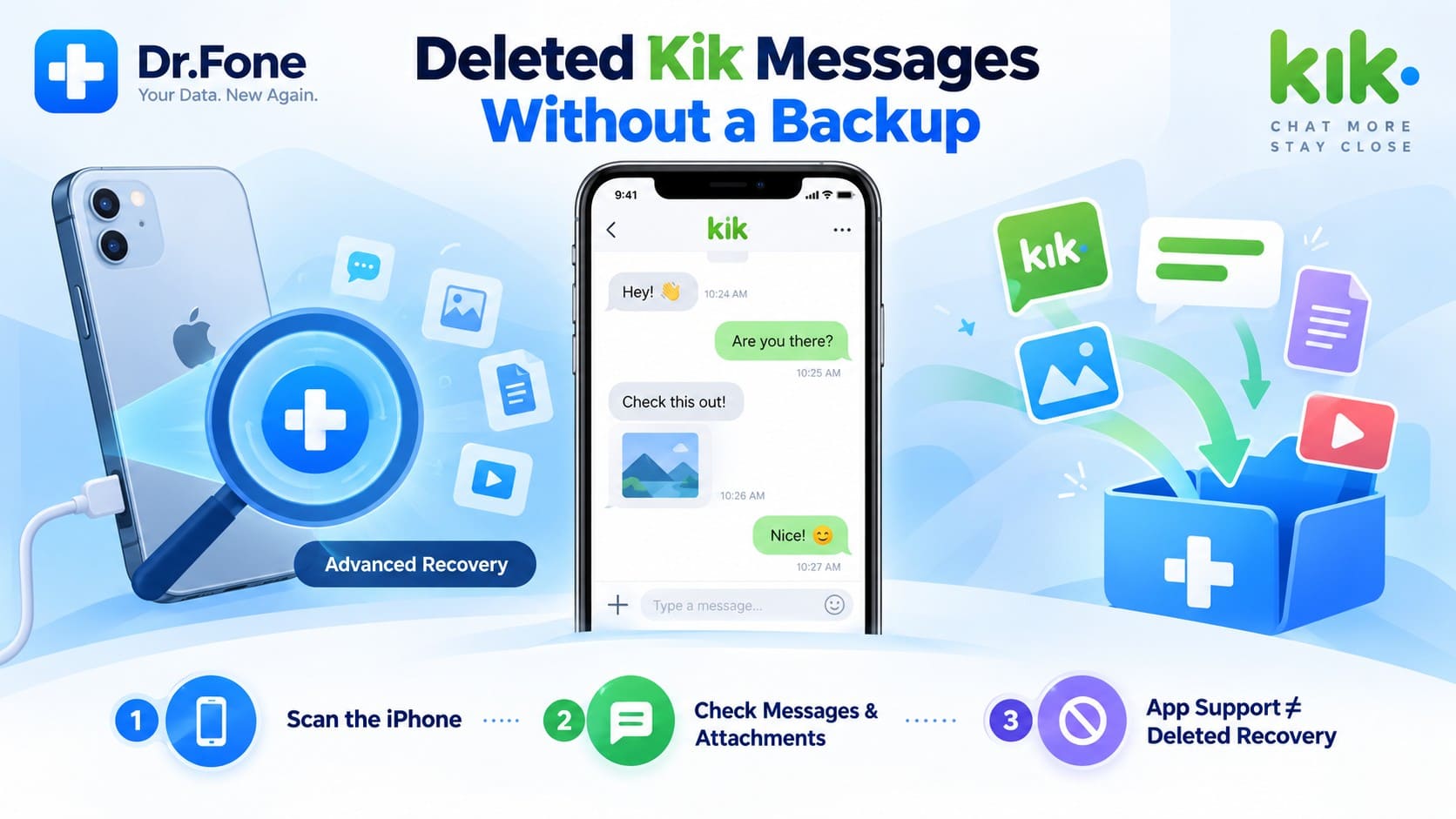
- Direct Device Scanning: Make sure the tool can scan the original iPhone for recoverable Kik data.
- Messages and Attachments: Verify that the tool supports the specific Kik chats, photos, videos, or other attachments you need.
- Deleted Data Support: General Kik compatibility does not necessarily mean the tool can recover deleted Kik data.

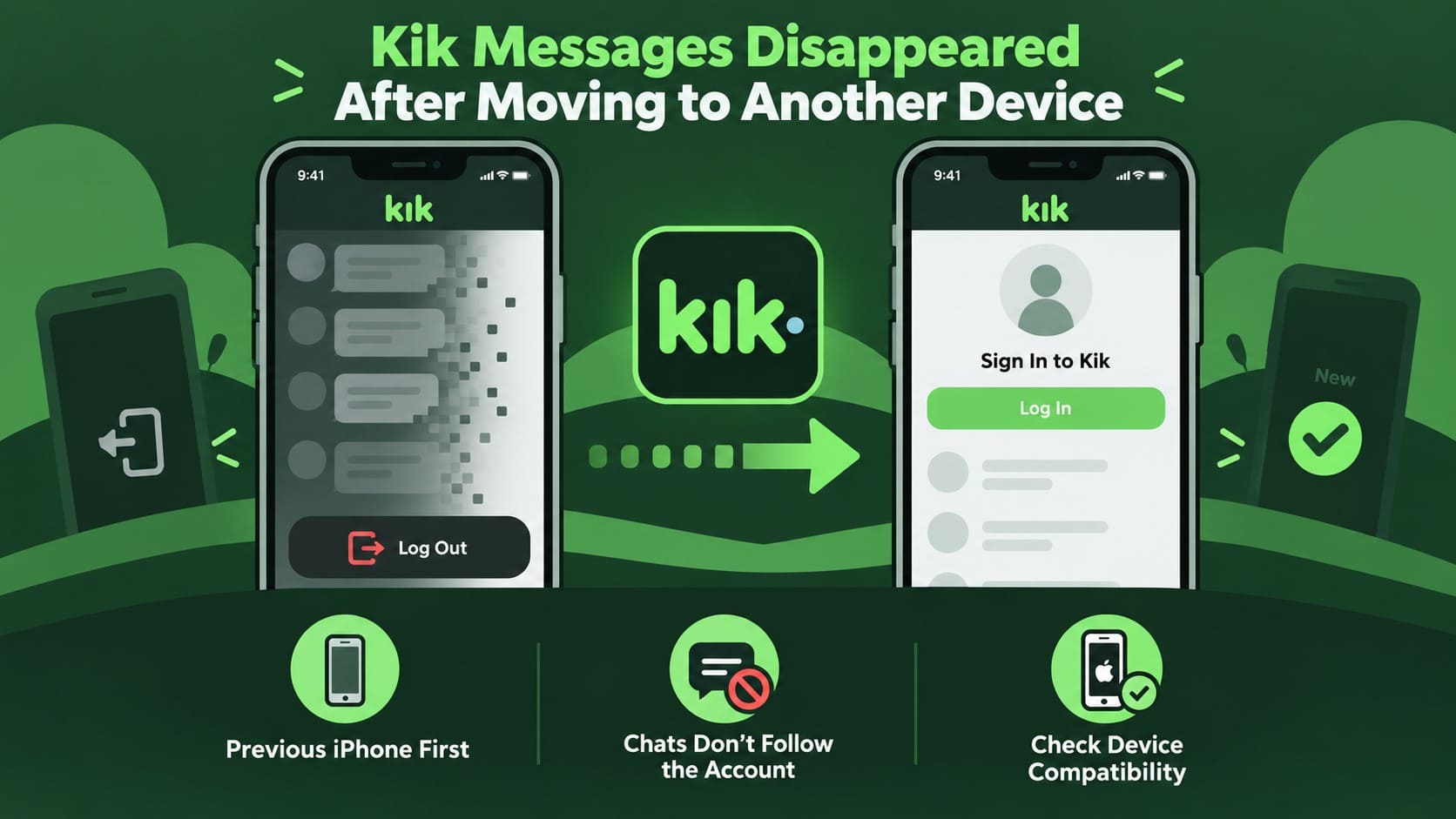
Kik Messages Disappeared After Logout or Reinstall
The app states that logging out clears your chat messages, while deleting Kik also removes chat history stored on the device. Signing back into the account does not restore the cleared messages. If your chats disappeared after logging out or reinstalling Kik, keep these points in mind before attempting recovery:
- Keep the Original iPhone Available: Use the original device for any attempt to recover locally stored Kik data.
- Limit Further Device Use: Continued activity may overwrite data that recovery software could otherwise detect.
- Do Not Expect Login to Restore Messages: Signing back into Kik may restore the conversation list, but not the cleared message contents.
Kik Messages Disappeared After Moving to Another Device
Kik allows an account to be active on only one device at a time. Signing in on a new device logs you out of the previous device, and your existing chat history does not transfer to the new phone. If your messages disappeared after switching devices, consider these points before attempting recovery:
- Start With the Source iPhone: The new device does not receive your previous Kik messages simply by signing into the same account.
- Do Not Expect Old Chats to Transfer: Kik may retain your conversation list, but previous message contents are not transferred to the new device.
- Check Device Compatibility: Confirm that your chosen Kik recovery software supports the original iPhone model and its installed iOS version.
Kik Messages and Attachments are Both Missing
Kik messages and attachments are separate recovery categories, so support for chats does not always include photos, videos, or other media. Check whether the Kik data recovery tool explicitly supports both messages and attachments. If preview is available, review the scan results first to see which chats and media are recoverable before saving them.
Part 5. How to Recover Deleted Kik Data with Dr.Fone – Data Recovery (iOS)
If Kik messages are no longer available in the app, Dr.Fone - Data Recovery (iOS) provides an Advanced Recovery mode for scanning compatible iPhones for recoverable Kik chats and attachments. For Kik data recovery, keep the original iPhone available and limit unnecessary use before starting the scan. Follow these steps to use Advanced Recovery for Kik data:
 Recovers data after deletion, crashes, or device damage.
- Supports photos, messages, contacts, WhatsApp, and more.
- Supports all major iPhone, iPad, and iPod models.
- Preview and recover only what you need.
-
Step 1 Choose Advanced Recovery
Launch Dr.Fone – Data Recovery (iOS) and connect the iPhone to the computer. Open “Recover Data from iOS Device,” switch to “Advanced Recovery,” and click “Start Scan” to proceed.

-
Step 2 Choose Kik Data for Scanning
Under “Social Media,” mark “Kik & Attachment” and click “Start Scan.” Complete the Apple ID verification, trust the Dr.Fone DataLink App when prompted, and select “Next” to continue.

-
Step 3 Preview and Recover the Required Kik Data
Browse the scan results and preview the Kik chats and attachments that Dr.Fone detects. Mark the required items and proceed with the available recovery option to finish.
Part 6. Dr.Fone Kik Social Media Recovery Compatibility and Limitations
Before using Dr.Fone to recover deleted Kik messages, review the compatibility and recovery conditions below. The following table covers supported iPhone models, iOS versions, recovery source, recovery limitations, scan and preview availability, and recovery destination.
| Compatibility or Condition | Details |
|---|---|
| Supported iPhones | iPhone 16 series and earlier |
| Supported iOS Versions | iOS 17.0–18.7.1 and iOS 26.0–26.0.1 |
| Recovery Source | Recoverable Kik data must remain on the original iPhone |
| Recovery Results | Not every deleted Kik chat or attachment may be recoverable |
| Scan and Preview | Social Media Recovery follows its own scan and preview conditions |
| Recovery Destination | Available recovery options depend on the Kik data type |
Conclusion
Kik does not provide a native chat backup or store complete conversation history for later retrieval from its servers. Once messages disappear, recovery largely depends on whether recoverable Kik data remains on the original iPhone. Limiting further device use may help avoid overwriting data that could still be recoverable.
Dedicated Kik message recovery software can scan supported iPhones for remaining chats and attachments. Dr.Fone - Data Recovery (iOS), for example, provides Advanced Recovery for supported Kik data on compatible devices. However, recovery results vary depending on the data still available, so not every deleted message or attachment can be recovered.
Frequently Asked Questions
-
1. Does Kik provide a backup for deleted messages?
Kik does not offer a native chat backup or retain complete conversation history for later retrieval. As a result, Kik message recovery depends largely on whether recoverable data from the missing conversations still remains on the original iPhone. -
2. Can Kik messages be recovered after logging out or reinstalling the app?
Recovery may be possible if recoverable Kik data remains on the original iPhone. Dr.Fone - Data Recovery (iOS) uses Advanced Recovery to scan compatible devices for supported Kik chats and attachments, although results are not guaranteed. -
3. Does Tenorshare UltData support Kik recovery on Windows and macOS?
Tenorshare currently lists Kik message and attachment recovery for macOS only. Its official UltData guide does not show equivalent Kik support for Windows. In the recent test, the deleted August 25 Kik data was also not recovered. -
4. Can PhoneRescue recover deleted Kik messages?
PhoneRescue documents support for deleted Kik recovery, but the recent test did not recover the August 25 Kik records. It uses its regular iOS recovery workflow rather than a separate Kik-specific mode such as Dr.Fone’s Advanced Recovery. -
5. Which of the 5 tools compared provides a dedicated mode for deleted Kik data recovery?
Dr.Fone - Data Recovery (iOS) provides a dedicated Advanced Recovery mode for Kik data. It can scan compatible iPhones for recoverable Kik chats and attachments, while the other compared tools do not document an equivalent dedicated mode.
 Add Wondershare Dr.Fone as a preferred source on Google