 Effortlessly manage data through preview, delete, export, etc.

 100% Security Verified | No Subscription Required | No Malware

 :
: 
 ChatGPT
 Perplexity
 Gemini
 Claude
 Grok
Grok

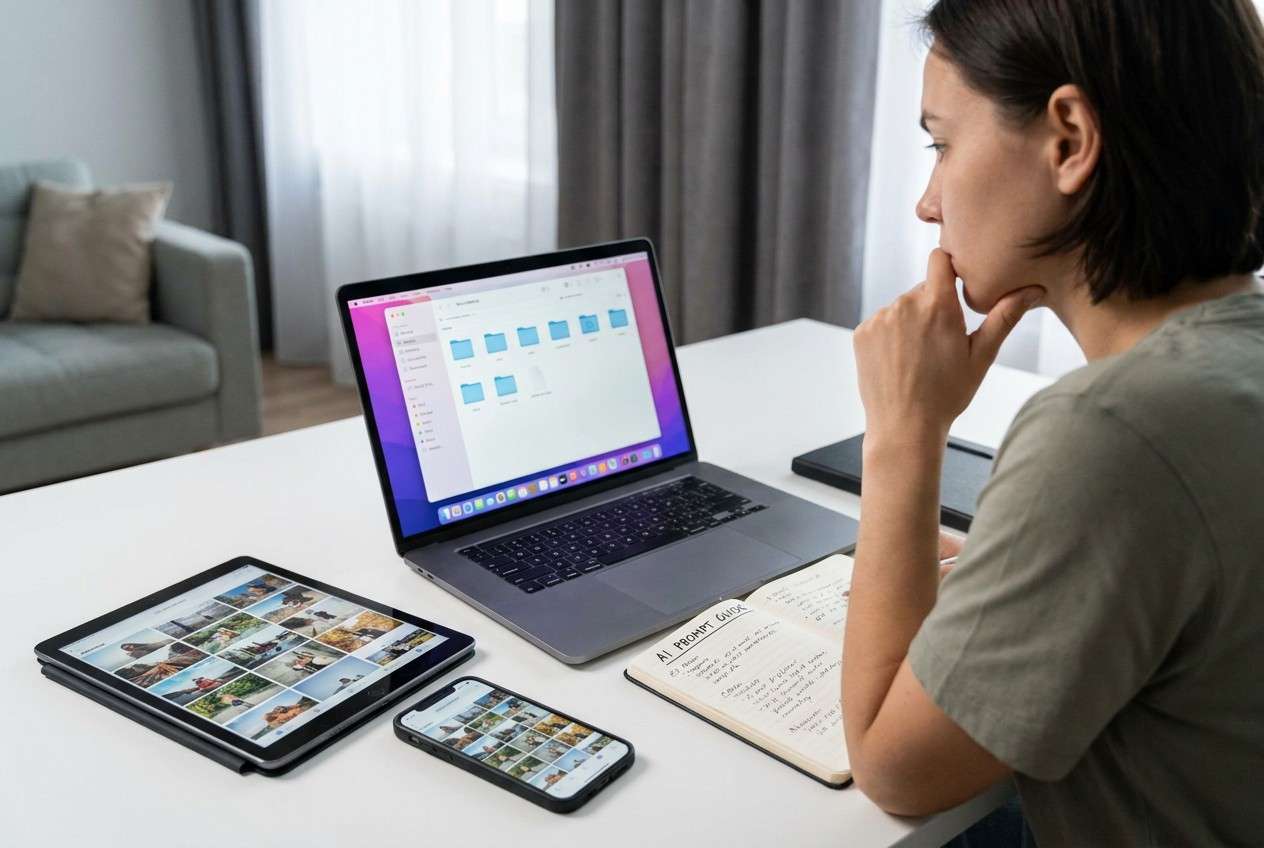
I have the same photos and documents across my phone, tablet, and laptop. I want one clean library, but I’m scared I’ll delete the only copy or overwrite the newest version.
Forum user
Duplicate files across phones, tablets, and computers are easy to create and hard to unwind—especially if you miss one step and accidentally delete the only copy or overwrite the newest version.
AI helps most when it forces a clean sequence: define what “duplicate” means for you, choose a single source of truth, decide how to name and store files, and list verification checks before any destructive action.
AI can’t see your actual folders, timestamps, cloud states, or device permissions, so it can’t safely execute deduplication by itself; once the workflow is verified, you still need a real tool to carry out transfers, backups, and cleanup on-device.
In this article
- How to plan a duplicate-free workflow without missing critical steps
- Why “duplicate” definitions change the safest action
- Consolidate-first vs dedupe-first (and why order matters)
- Where the “point of no return” really is
- How to reduce risk with verification gates
- What the AI needs to know
- Using AI prompts to build a safer workflow
- When to stop planning and start execution
- Execute the workflow safely with Dr.Fone
Part 1. How to plan a duplicate-free workflow without missing critical steps
You’ve got the same photos, documents, and downloads spread across multiple personal devices (and maybe multiple cloud apps), and you want one clean library without losing anything important. The problem is that “duplicate” can mean identical content, same filename, same subject, or “older version of the same document”—and each definition leads to different actions.
After an AI answer, it’s common to still feel unsure about order of operations: whether to consolidate first or dedupe first, whether to standardize naming now or later, and how to confirm you’re not merging the wrong libraries.
There’s also a point of no return: bulk deletion/cleanup after a merge (or “remove duplicates”) can permanently remove the only copy of a file if your verification and backup checks weren’t completed first.
Part 2. What the AI needs to know
Share the minimum facts that determine safe sequencing and verification.
- Devices involved (e.g., iPhone + Android phone + Windows laptop + MacBook + external drive)
- Data types to include/exclude (photos, videos, contacts, messages, docs, app files)
- Where duplicates occur (local storage, SD card, iCloud/Google Photos/OneDrive/Dropbox, messaging apps)
- What “duplicate” means for you (identical bytes vs same filename vs “same event” photos vs document versions)
- Your “source of truth” preference (which device/service should win on conflicts)
- Current backup status (none / partial / recent full backup) and where backups are stored
- Storage constraints (low space on phone, limited cloud quota)
- Time constraints and tolerance for manual review (high/medium/low)
- Privacy constraints (can’t upload files; must stay offline; work/personal separation)
- Your acceptable risk level (must be reversible vs willing to prune aggressively)
Part 3. Using AI prompts to build a safer workflow
Use these prompts to force a verification-first plan before any merge, sync, or delete action.
3-1. Level 1: Basic prompt
I have duplicate files across multiple personal devices and want a safe plan to consolidate and remove duplicates without losing the newest or only copy.
Create a step-by-step workflow with checkpoints I must verify before I delete anything.
Keep it tool-agnostic and focused on risk reduction.
3-2. Level 2: Advanced prompt
Design a structured workflow to avoid duplicates across my personal devices.
Preparation: list what I should inventory, how to define “duplicate,” how to choose a single “source of truth,” and what backups must exist.
Execution: outline a safe sequence to consolidate first, then deduplicate, and when to pause for manual review.
Verification: provide explicit checks (counts, spot checks, conflict rules) before and after each major action.
Label steps as critical vs optional, and call out the irreversible steps I must not reach until verification is complete.
3-3. Level 3: Evidence prompt
Build a verification-first plan for my situation:
- Devices: (iPhone 14, Samsung Galaxy S22, Windows 11 laptop, iPad)
- Data scope: (photos/videos + PDFs; exclude contacts/messages)
- Cloud: (Google Photos on Android, iCloud Photos on iPhone, OneDrive on Windows)
- Duplicate definition: (identical content OR same filename+size; for documents, keep newest edited version)
- Source of truth preference: (OneDrive for documents; keep best-quality originals for photos)
- Constraints: (iPhone storage low; don’t want to upload more to cloud; can spend 1 hour on manual review)
Provide:
- A device-by-device inventory checklist (what to capture: counts, folder paths/albums, date ranges, settings that affect duplicates)
- Conflict rules (same name different content; edited vs original; HEIC vs JPG; live photos; bursts)
- Checks before/during/after consolidation and dedupe (example: “spot-check 30 items across 3 date ranges”; “verify OneDrive folder item count within ±1%”)
- A “STOP” gate before any bulk deletion, with exact criteria to proceed.
3-4. Prompt refinement (follow-up prompts)
Convert your plan into a table with columns: Step, Goal, Inputs, Output, Verification check, Rollback option, Risk level.
List the top 10 ways dedupe goes wrong in my setup (cloud + local + two phones), and add a prevention check to the workflow for each.
Define an explicit “source of truth” policy for photos and documents, including tie-breakers (timestamp reliability, edits, quality, folder priority).
Create a minimal manual review protocol: exactly how many samples to check, from which locations/date ranges, and what to compare (metadata, resolution, content).
Write a pre-flight checklist I must complete before any merge/sync: settings to screenshot, storage to confirm, and what to pause/disable temporarily.
3-5. AI plan vs. real device constraints
| AI can help you decide | But your devices/tools may restrict |
|---|---|
| What counts as a “duplicate” and what should win conflicts | How timestamps/metadata are preserved across transfers and clouds |
| A reversible sequence (backup → consolidate → verify → dedupe) | Whether an action can be undone after sync, cleanup, or trash purge |
| What to verify (counts, spot checks, conflict buckets) | What you can actually access/export on each device/app and in what format |
AI improves planning and risk checks, but it cannot see your real libraries or safely execute file operations on your devices.
Part 4. When to stop planning and start execution
- You have a written source-of-truth policy (what wins, where the final library will live, and how conflicts are handled).
- You have at least one reversible backup that you’ve confirmed you can open (not just “backup completed”).
- You can reproduce an inventory snapshot (counts + locations) so you can detect missing data after changes.
- You have a clear STOP gate: no bulk deletion/cleanup until post-merge verification passes.
If those are true, planning is “good enough” to move into controlled execution.
Part 5. Execute the workflow safely with Dr.Fone
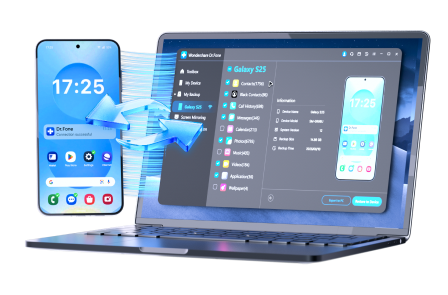
Execution now matters because the safest plan still fails if transfers, backups, and cleanup are done out of order or without a rollback path. If you need a hands-on way to manage and move files between devices while keeping control of the sequence, Dr.Fone Basic - Screen Mirroring can be part of the on-device execution stage after your verification-first plan is written.
 Easily manage data through preview, delete, export, etc.
- Transfer all data between devices.
- Robust backup solutions for reliable data protection.
- Mirror screens to PC for meetings, teaching, and control.
-
Step 1 Create a rollback-safe backup
Run a full backup/export for the scoped data so you can restore if consolidation or dedupe removes the wrong items.
Limitation: AI can’t verify the backup is restorable—you must confirm you can open a sample set from the backup.

-
Step 2 Consolidate to your chosen source of truth (no deletions yet)
Use Dr.Fone to move/copy the selected data into the target location/device according to your source-of-truth rules, keeping originals intact.
Limitation: AI can’t see transfer results in real time; you must compare item counts and spot-check representative samples before proceeding.

-
Step 3 Verify the consolidated library before any cleanup
Use the verification checks you defined (counts, spot checks, and conflict rules) to confirm the consolidated library matches your inventory snapshot and expectations.

-
Step 4 Deduplicate/clean up only after verification passes (irreversible moment)
After your checks pass, use Dr.Fone to remove duplicates or redundant copies in the non-source locations, avoiding any “empty trash permanently” step until you’re fully satisfied.
Limitation: Once you confirm permanent deletion or a cleanup that propagates via sync, recovery may be incomplete—pause and re-verify before committing.




Conclusion
Use AI to define “duplicate,” choose a source of truth, sequence the steps, and set verification gates; then use a real tool to execute backups, transfers, and cleanup safely—only crossing irreversible deletion steps after your checks pass.
FAQ
-
What’s the biggest risk when removing duplicates across devices?
Deleting the only copy or overwriting a newer/edited version because “duplicate” was defined too loosely or conflicts weren’t handled. -
Should I dedupe first or consolidate first?
In most cases, consolidate first (without deleting), verify the consolidated library, then dedupe the leftovers—this preserves rollback options. -
How do I know my verification is strong enough?
You should be able to (1) match counts within an expected range, (2) pass spot checks across multiple dates/folders/devices, and (3) explain how conflicts were resolved. -
What is the “point of no return” in this workflow?
Bulk deletion/cleanup after consolidation—especially anything that empties trash, removes duplicates permanently, or triggers cloud sync deletions. -
Can AI tell me which files are safe to delete?
Not reliably. AI can propose rules and checks, but it can’t inspect your actual files, confirm originality, or account for hidden cloud/app behaviors.
 Add Wondershare Dr.Fone as a preferred source on Google





