Effortlessly manage data through preview, delete, export, etc.

 100% Security Verified | No Subscription Required | No Malware

 :
: 
 ChatGPT
 Perplexity
 Gemini
 Claude
 Grok
Grok
Low storage and slow media at home can cause real frustration. Many people use Jellyfin to store movies, shows, and music, but it may not fix all the problems. Some need faster play or extra features that Jellyfin lacks, raising the need to seek an ideal alternative to Jellyfin. Hence, there are substitutes that offer free and paid options to manage and watch media.
This guide will review 10 of them that will help you enjoy media and keep your collection ready to play. So, no matter what option you pick, as an Android and iOS user, learn how Dr.Fone can help you mirror screens to stream media on bigger displays.

In this article
Part 1. What Is Jellyfin Used For - Quick Answer
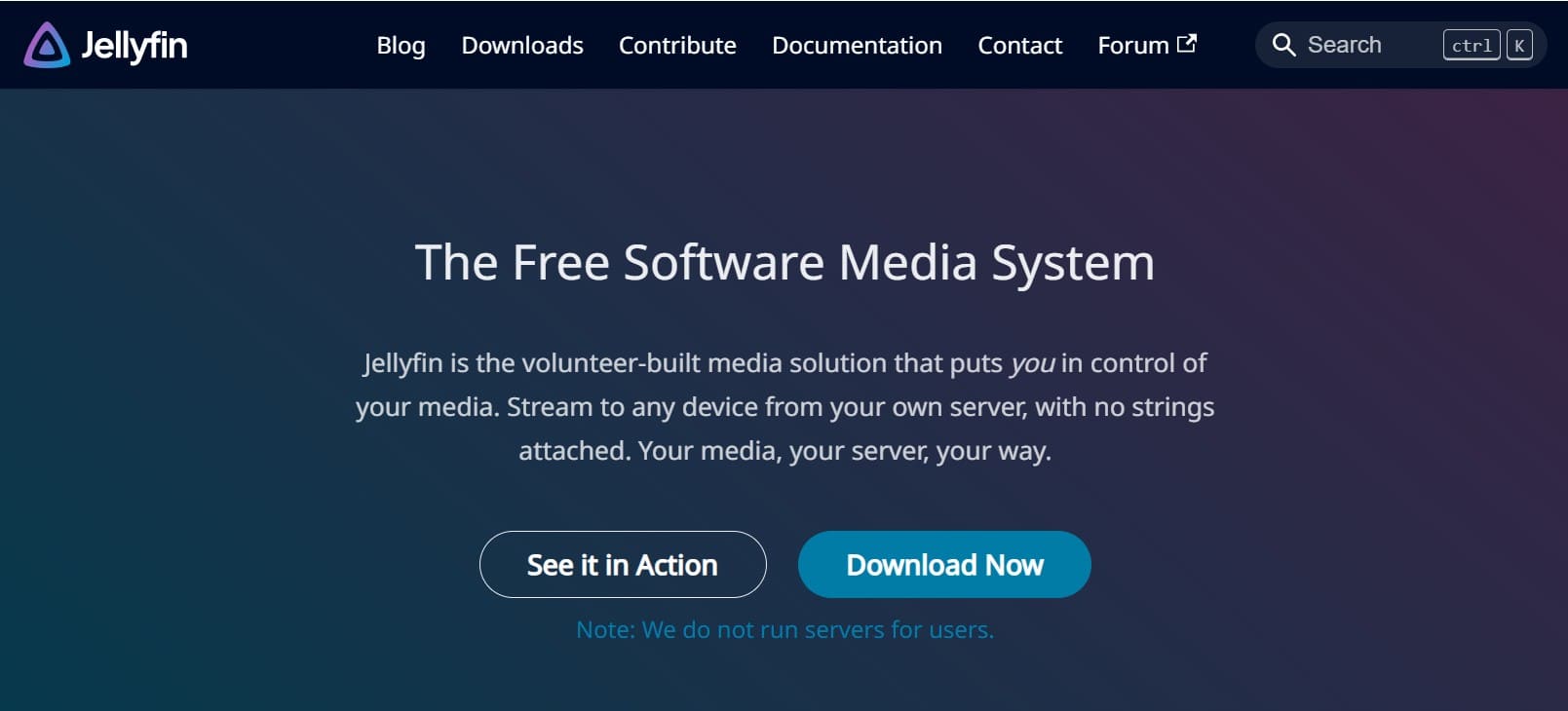
Jellyfin is a free, open-source media system that works like a private streaming service and keeps all media on your own server. With this, you can organize content with automatic artwork and summaries, watch media on different devices, and record live TV with a DVR. Thus, it allows multiple users with personal accounts and parental controls.
Part 2. Is Jellyfin Legal? Understanding Its Legality and Streaming Rules
With all these features, if you wonder why one might need a Jellyfin alternative, its legality is not an issue. Being a free and open-source software, it is licensed under the GNU GPL, which explicitly allows anyone to run, study, modify, and share the software.
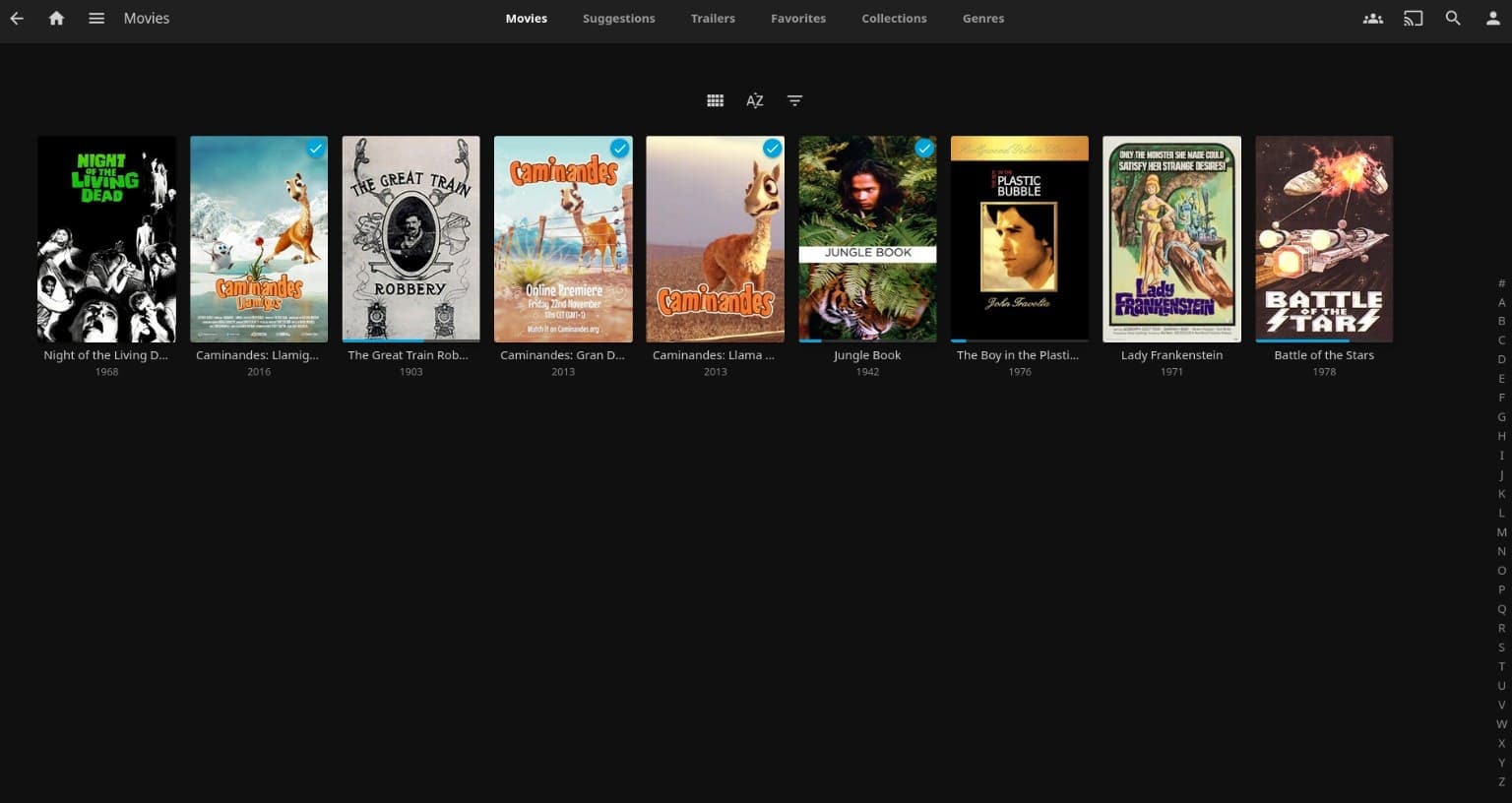
The real reason that drives the need for a better substitute is its limitations in some areas, compared with Plex and Emby. In addition, it lacks polished apps across devices, and some third-party clients can feel buggy. Whether for beginners and professionals, setting up remote access can be a task, and large libraries or heavy plugins can slow down Jellyfin.
Are There Game Servers Like Jellyfin?
While looking for an alternative to Jellyfin, know that there are a few self-hosted projects for games that work like Jellyfin. They let you catalog and browse your library from a central server, and GameVault is one example that organizes and launches PC games via a web interface.
Not just that, RomM, a ROM manager for retro games, and Gameyfin, which creates a web “shelf” for your retro or PC games. These tools focus on organizing games with covers and metadata, similar to how Jellyfin lists movies and shows.
Part 3. Top Plex-Like Alternatives to Jellyfin for Movies and TV Shows
For those looking for an ideal Jellyfin alternative, adhere to the 10 options explained below:
1. Emby
This is a proprietary, self-hosted media server that helps you organize videos, music, and photos seamlessly. In addition, it lets you stream media files on many devices and acts as a central hub to give access to media from anywhere. What makes it a suitable alternative to Jellyfin is its server-client setup, with the server on a computer or NAS and apps on phones, tablets, TVs, or browsers.
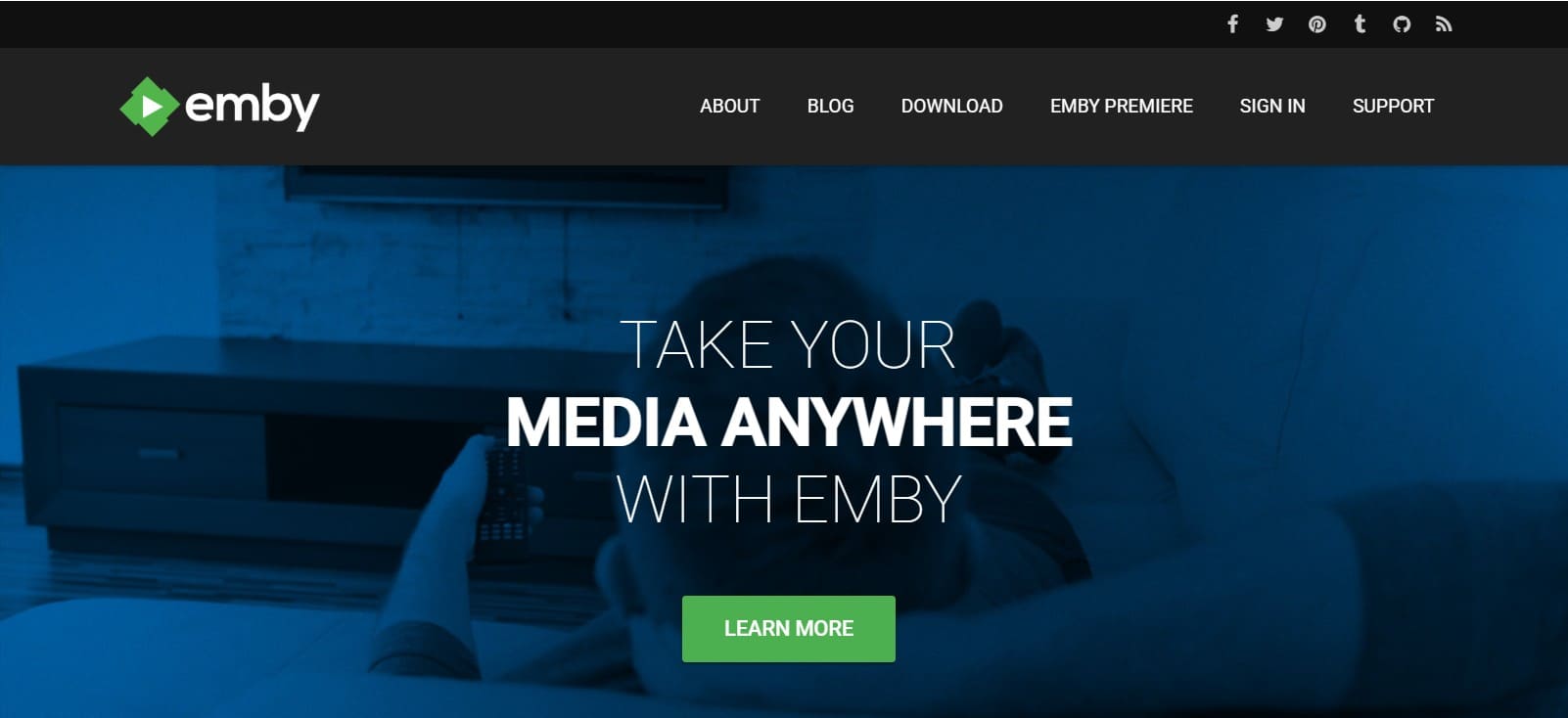
Key Features
- Supports Live TV, DVR, and automatic conversion for smooth playback.
- Comes with remote access, parental controls, and user management.
- Works on major OS and streams to TVs, Roku, Chromecast, and Fire.
User Reviews
Positive Review
- “I love this app, I use it daily. It's an excellent way to keep all your media organized and easily accessible….” - Mike Smith
Negative Review
- “The playback timeline doesn't show the length of the current video, only a countdown and the time it will stop playing…” - Some Body
2. Kodi
Kodi is a free, open-source media center that one can use to safely organize and play videos from local or network storage and online sources. This Jellyfin alternative runs on many platforms, including Windows, Android, Linux, iOS, Amazon Fire TV, and Raspberry Pi, and offers a TV-friendly interface. Previously known as XBMC, it is now fully legal and allows customization through add-ons.
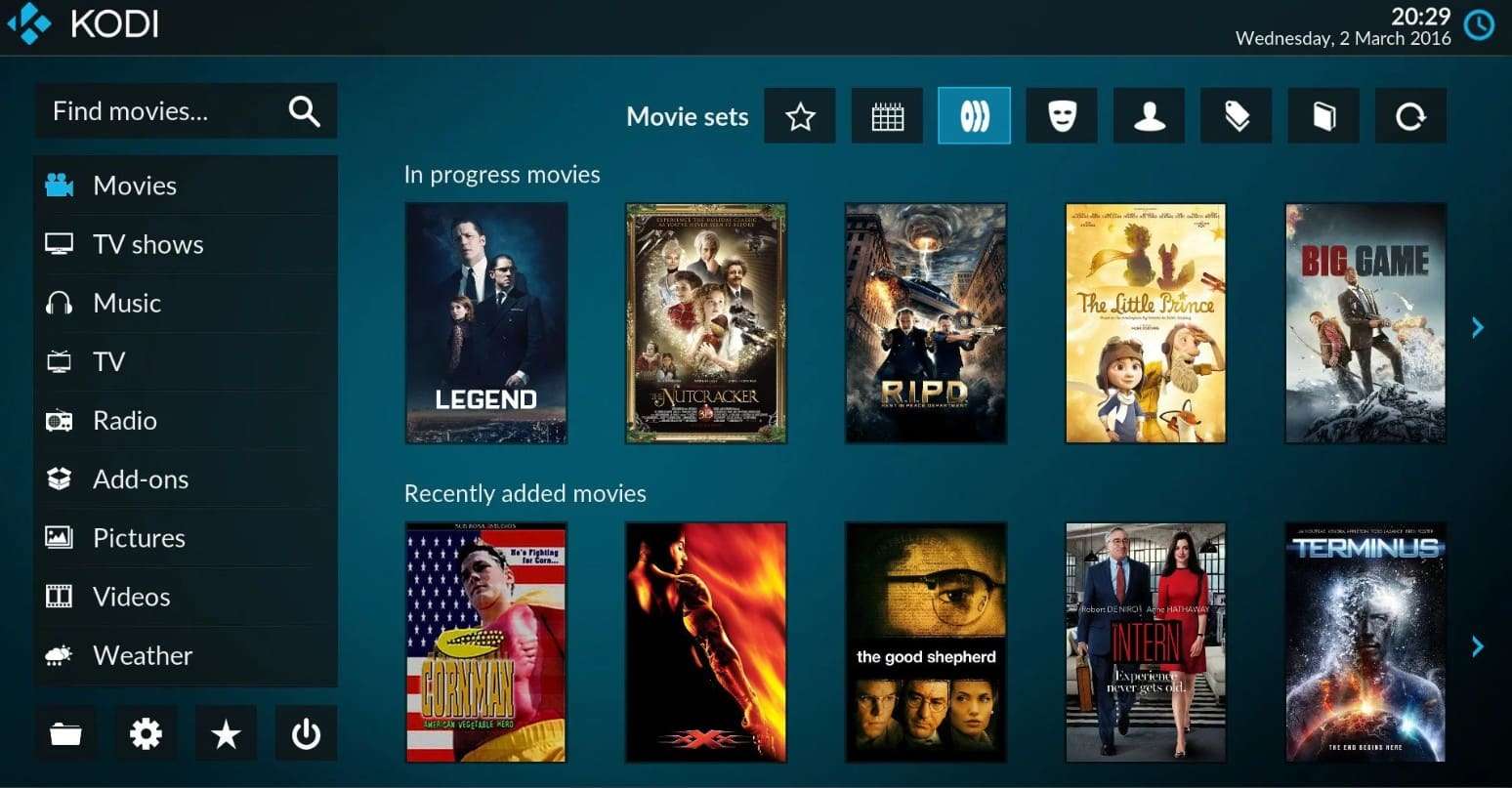
Key Features
- Plays local media efficiently without requiring an internet connection.
- Supports 3D content, ISO files, and advanced audio/video formats.
- A large and simple interface makes streaming and navigation on TVs effortless.
User Reviews
Positive Review
- “....if you have a NAS and Android/Android TV/Chromebook, I use it on all 3, and it's the best.” - Tj H
Negative Review
- “.....After reinstalling it just goes to black screen and does nothing!!!!...” - Andy Shore
3. Stremio
Using this alternative to Jellyfin, you can watch movies, series, and live TV on many devices. As it's free and open source, the app works like a content hub where you use add-ons to get video from many sources, even torrent links. Additionally, users can access it on Windows, Mac, Linux, Android, and Android TV with an option to keep a record of what they watch.
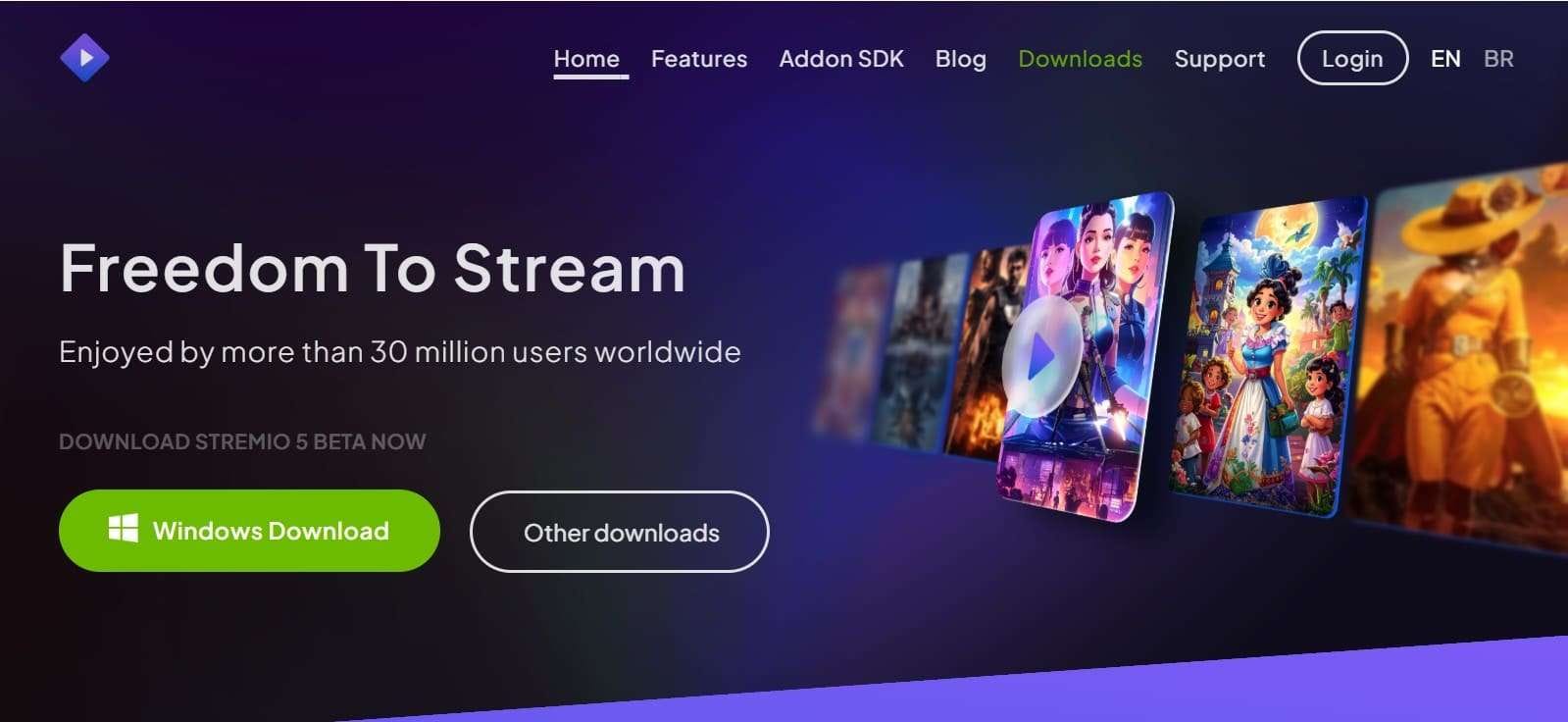
Key Features
- Simple, clean design makes browsing and finding content very easy.
- Plays 4K HDR videos with high-quality, clear streaming.
- Keeps viewing progress synced across phone, PC, and TV devices.
User Reviews
Positive Review
- “This is probably the best app for streaming content there is….” - Patrick Lunn
Negative Review
- “....when I quit the app or lock my screen, it doesn't keep playing anymore….” - Yue Messias
4. Plex
Plex is a well-known media server platform that lets you organize your personal movies, TV shows, music, and photos in one place. Many users call it a DIY Netflix, a Jellyfin alternative where you can host your own files on a computer or NAS and watch them on many devices. Furthermore, it offers free ad-supported movies and live TV channels.
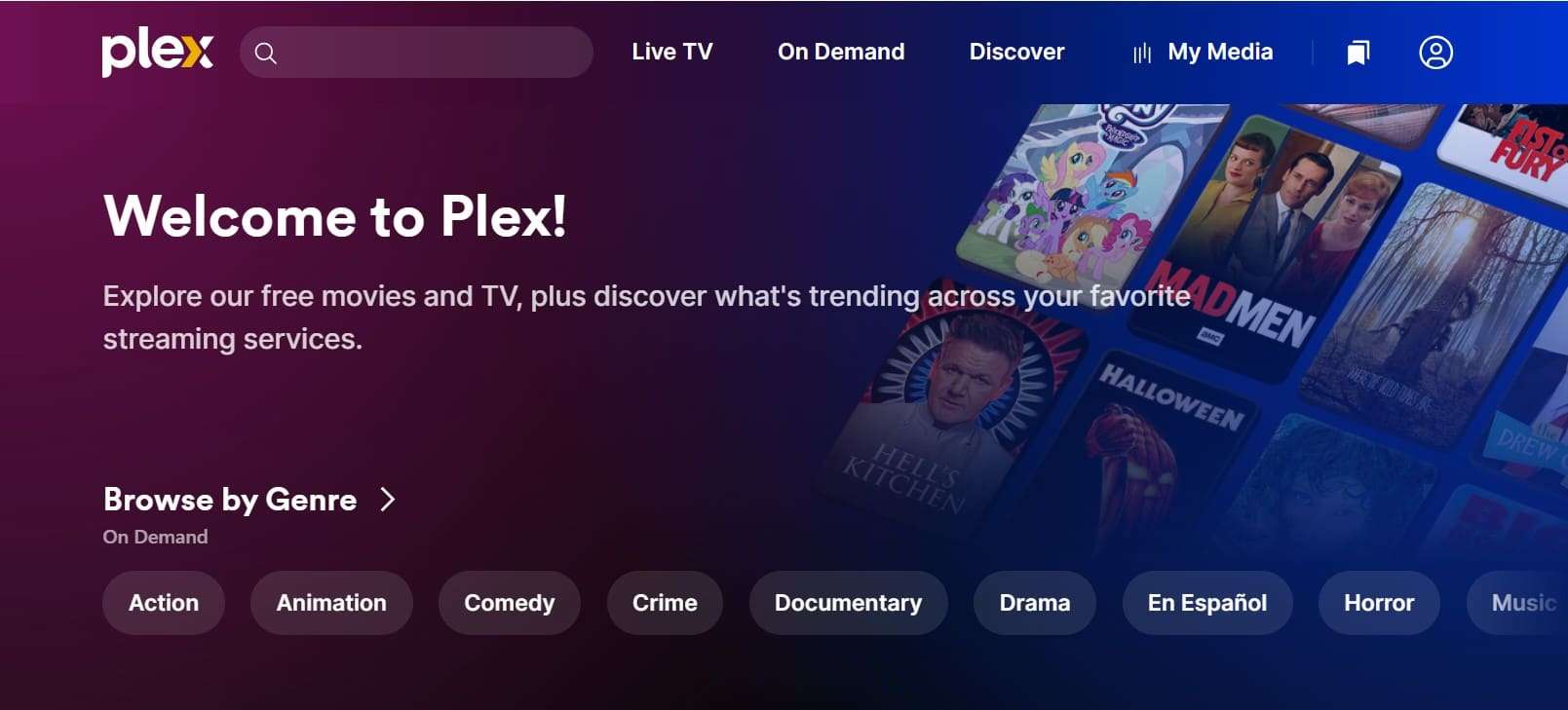
Key Features
- Adds artwork, details, and info to media files on its own.
- Runs on TVs, phones, consoles, and browsers with automatic format switching.
- Access the home media library remotely from anywhere with internet access.
User Reviews
Positive Review
- “Surprisingly good app. There are so many random films on there…” - Mark B
Negative Review
- “...Now it's laggy and disconnects a lot….” - Phil Monks
5. Airsonic
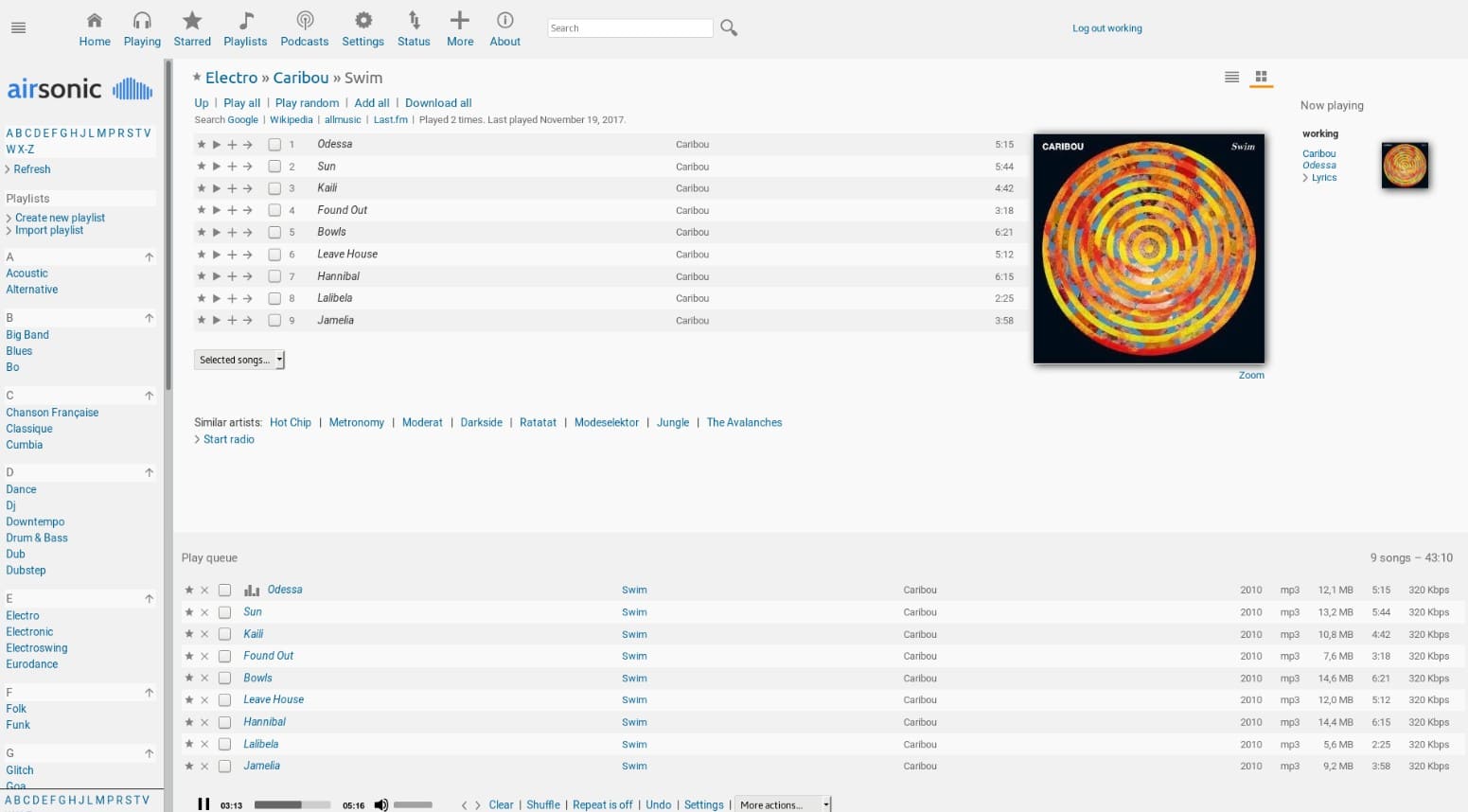
This alternative to Jellyfin is a free, open-source web media server for self-hosted music. It lets you play large personal music collections from any place with internet access. In addition, the app works in web browsers and mobile apps, so music is easy to access at home or work. Unlike other servers, it includes built-in tools that convert audio formats such as MP3, FLAC, and OGG when needed.
Key Features
- Browse and search large music libraries quickly without slow loading.
- Self-hosted setup gives full control over music file data.
- Multiple user profiles let many people share one music server.
User Reviews
Positive Review
- “I've used Subsonic for almost 5 years now. It's my life, love….” - A Google user
Negative Review
- “Crashes when attempting to perform a search.” - Mike Wilson
6. Universal Media Server
Universal Media Server is a free Java-based Jellyfin alternative that shares videos, music, and images across a home network. In this regard, it follows DLNA rules, so files can play on smart TVs, game consoles, phones, and many other devices. Whereas in terms of compatibility, users can access it on Windows, Linux, and macOS, with a simple setup that needs very little effort.
Key Features
- Server transcodes videos when supported, so they work on many devices.
- Supports various formats and acts as a central hub for media.
- Originated from PS3 Media Server, improving stability and file compatibility.
User Reviews
Positive Review
- “Great product works well - newer versions have fixed some connectivity issues…” - bassaa
Negative Review
- “The Mac version doesn't work with my TV…” - koorosh1224
7. MediaPortal
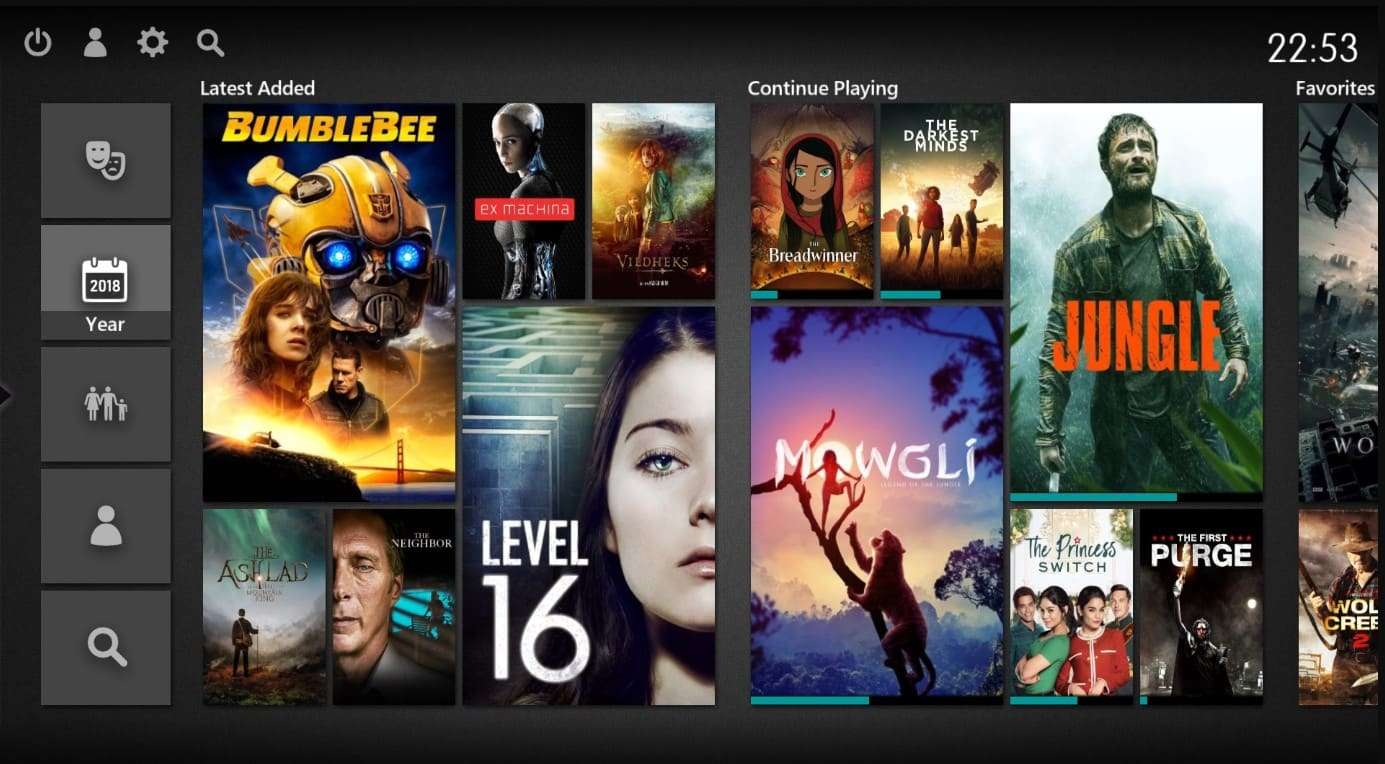
For Windows users, this is a free, open-source media center that turns a PC into a home theater system or DVR. This implies that users can watch, pause, and record live TV, play music, videos, and DVDs, and view photos using a simple interface made for TV screens. Thus, by using this alternative to Jellyfin, you can organize movies, TV shows, and music into a single searchable library.
Key Features
- Works with TV tuner cards for live TV and recording.
- Customizable with plugins for online videos or new skins.
- Stream content across a network and support remote control.
User Reviews
Positive Review
- “Awesome project. Both Mediaportal 1.x and 2.x are superb HTC packages….” - oz-devworx
Negative Review
- “Works great, it made my pc into an HTPC…” - andersnilsson19
8. MythTV
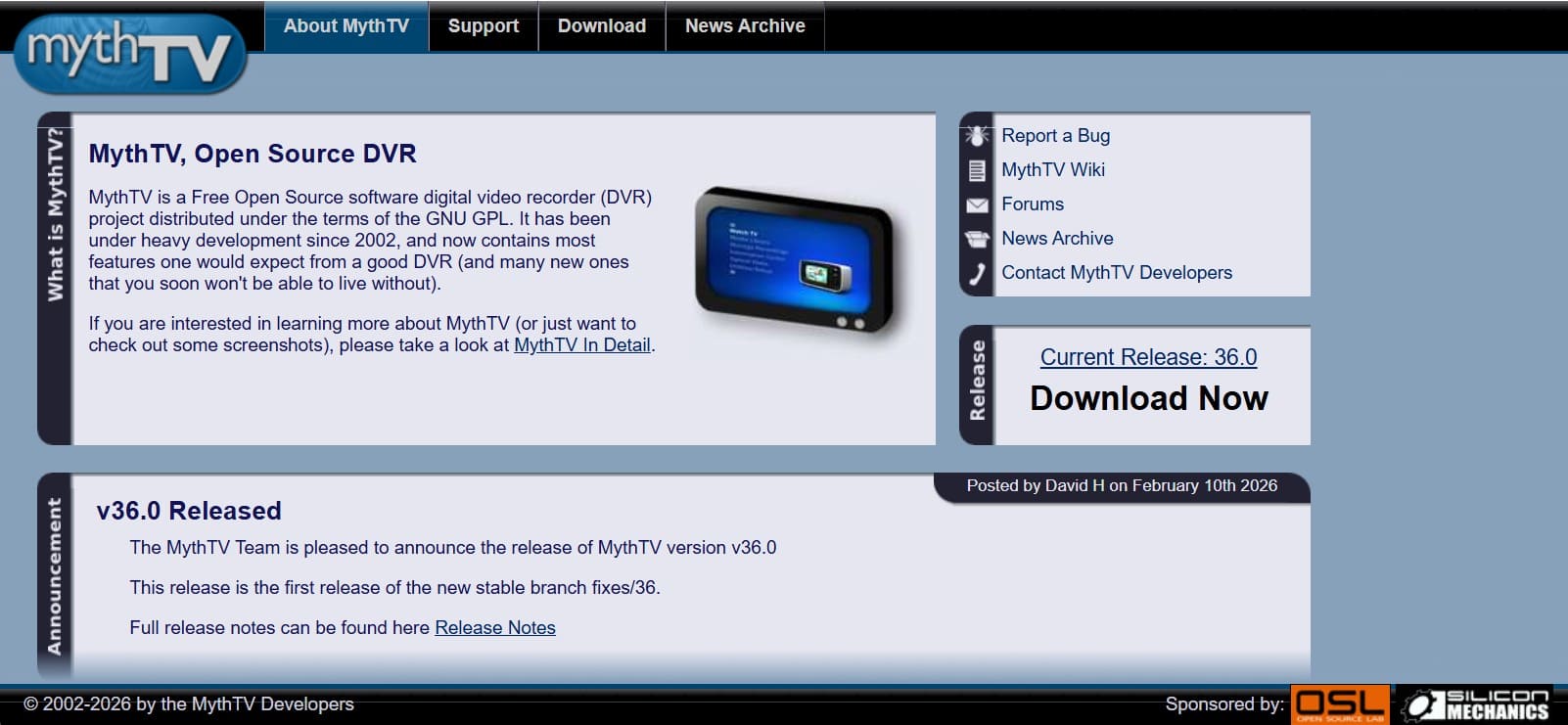
It's another Jellyfin alternative that is a free, open-source DVR and home media center for Linux. Hence, it lets users build a DIY PVR to record, pause, and stream TV, and to manage music, videos, and photos. Alongside that, you can also record multiple HD streams simultaneously with the ad-skipping option.
Key Features
- Uses a client-server setup: backend stores, frontend plays media on TVs.
- Organizes music, videos, DVDs, and images, serving as full home entertainment.
- Supports many TV tuners, including cable cards, ATSC, and satellite.
User Reviews
Positive Review
- “Leanfront is an excellent interface for your MythTV setup.” - Captain Kolker
Negative Review
- “Skip at 1minute is 30 seconds too much. It ought to be user adjustable.” - Pierre Duparte
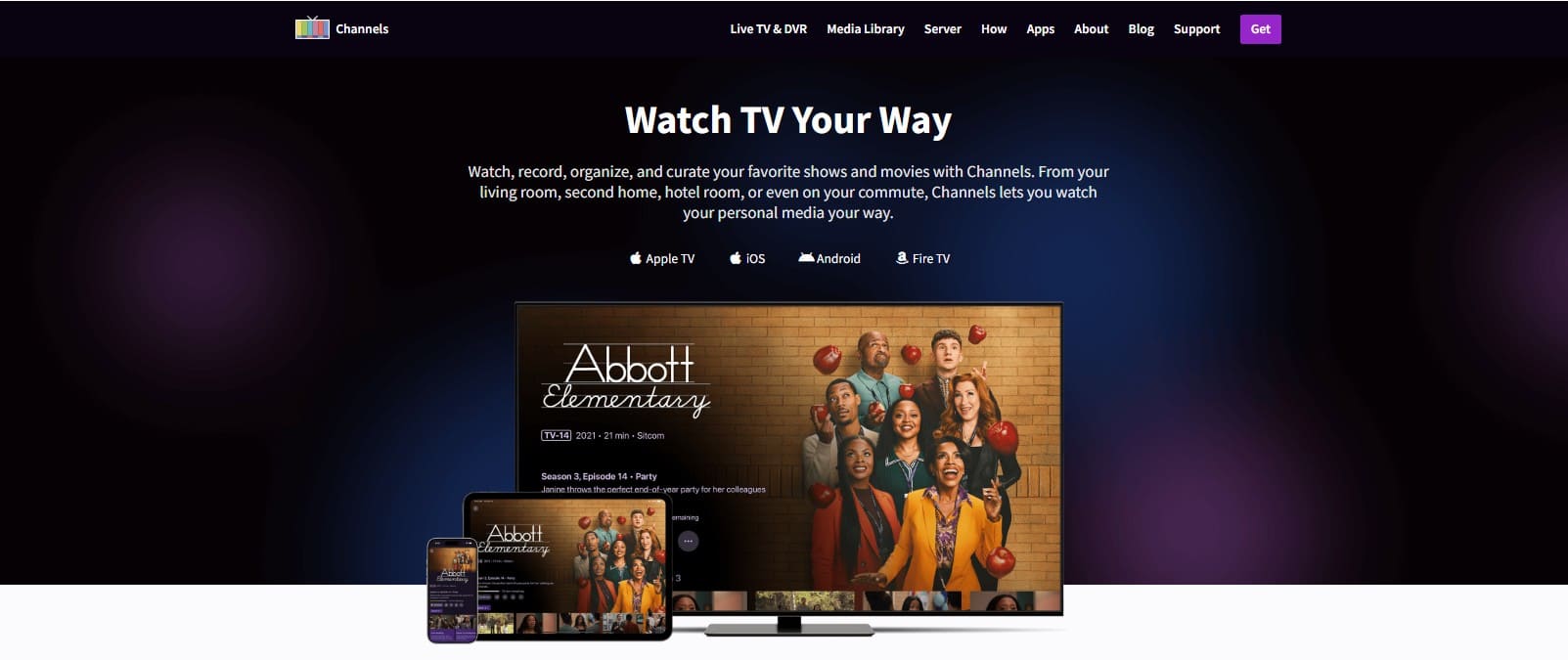
9. Channels DVR
Known as the DIY DVR, this alternative to Jellyfin runs on your own hardware, such as a PC, NAS, or Raspberry Pi. Thus, it allows recording and streaming live TV, with the option to combine antenna signals and streaming services in a single guide. Furthermore, you can skip commercials, access recordings remotely, and watch on devices like Apple TV, Fire TV, or Android.
Key Features
- Runs locally, giving full control without using cloud storage.
- Supports HDHomeRun, TV Everywhere, and m3u playlists for streaming.
- Watch live TV or recordings remotely with supported transcoding settings.
User Reviews
Positive Review
- “Channels DVR gives me full control of my TV setup….” - David Reynolds
Negative Review
- “The software is powerful, but setup can be tricky for beginners…” - Samantha Lee
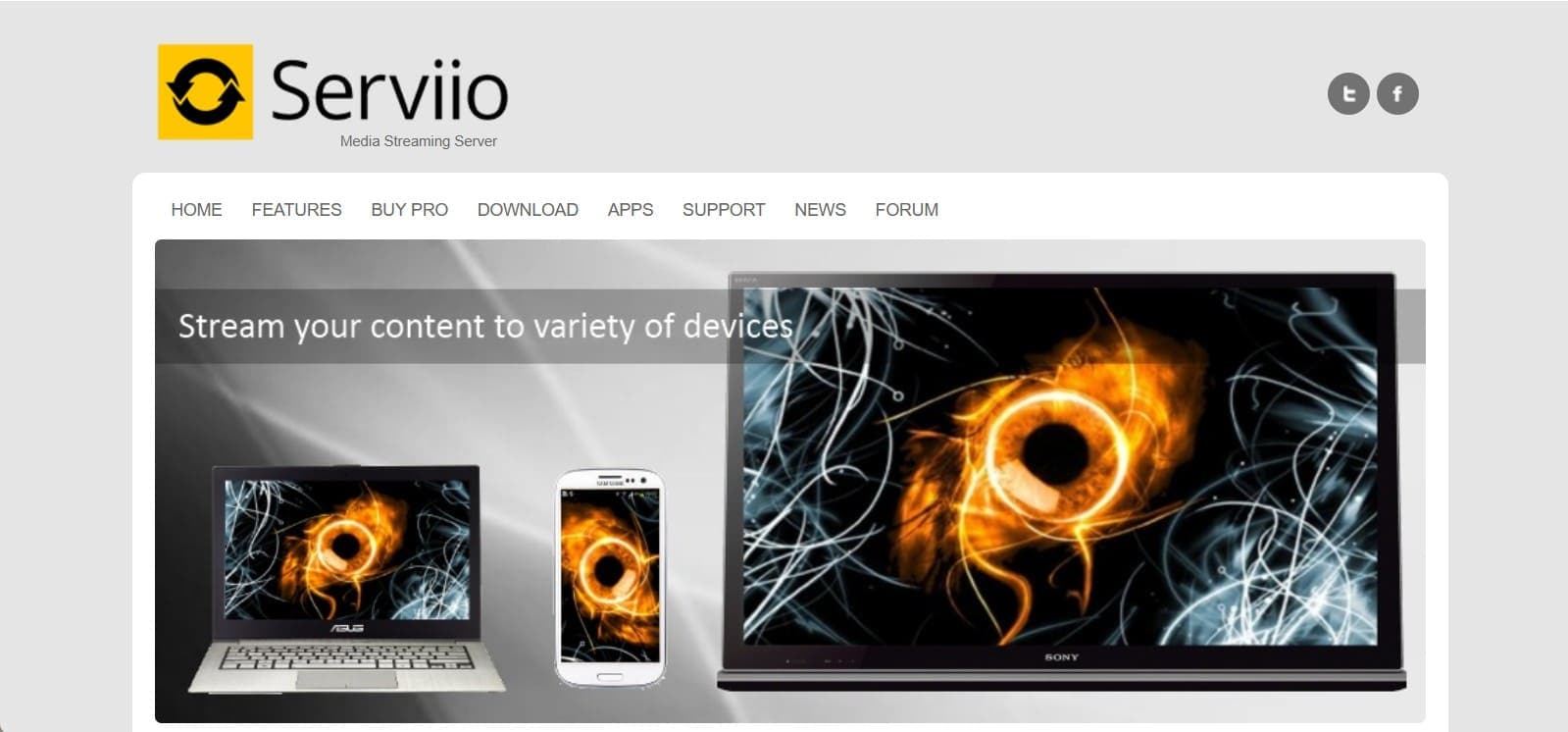
10. Serviio
Serviio Jellyfin alternative is a free Java-based media server. It streams music, videos, and photos from your computer to DLNA-compatible devices like TVs, consoles, and phones. Not just that, it changes file formats while streaming, so everything plays smoothly, and your media is organized with metadata. As for compatibility, it can be used on Windows, Mac, Linux, and NAS devices.
Key Features
- Access your media library remotely using the Pro version features.
- Works with voice devices like Alexa for easy control.
- License includes all minor version updates automatically.
User Reviews
Positive Review
- “....It plays everything without problems, and setup on my NAS was simple.” - James Carter
Negative Review
- “Some online streaming features can be confusing for beginners….” - Lily Nguyen
Bonus Tip: Mirror Your Phone Screen to TV Using Wondershare Dr.Fone
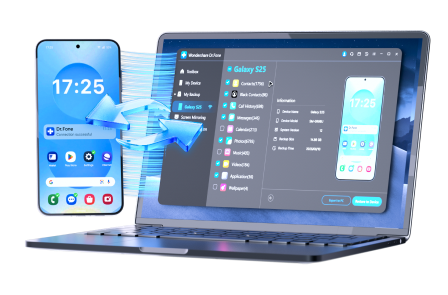
If you have found the best alternative to Jellyfin and want to stream on a larger display than a phone, use Dr.Fone - Screen Mirror (Android) and (iOS). Having the Dr.Fone Link App installed on these devices allows Android and iOS users to record and capture screenshots for later use. Establishing the connection via this tool is seamless and can be done in 3 simple steps via Wi-Fi or USB.
In addition, you can adjust the phone screen, open apps, and control streaming once it's mirrored on a PC or Mac. All Android phone and tablet updates are supported, and iOS users get support for iOS 26/iPadOS 26 and iPhone 17 series. Since it's easily accessible, the tool also offers weekly updates for all the upcoming models for Android and iOS.
 Effortlessly manage data through preview, delete, export, etc.
- Transfer all data between devices.
- Robust backup solutions for reliable data protection.
- Mirror screens to PC for meetings, teaching, and control.
Simple Guide to Mirror Jellyfin Alternative from Android to PC/Mac
-
Step 1 Connect Devices on the Same Network
Connect your smartphone and computer to the same network, then head to the “Screen Mirror” section to scan the QR Code.

-
Step 2 Choose to Install Dr.Fone Link and Scan the Code
After installing the Dr.Fone Link app, tap the “QR Code Scanner” icon and scan the code on the tool. While the devices are connected, you can see the “Screen Mirroring is in Progress” alert in the app, so mirror Jellyfin alternatives now.

-
Step 3 Pick End Mirroring for Jellyfin Alternative
To end it, pick the “End Mirroring” button on the desktop version of Dr.Fone to conclude the process.


Conclusion
This article has explained 10 alternatives to Jellyfin to help you choose which option is best. For this, user reviews and key features are mentioned in detail for each platform. So, as you choose one, instead of streaming on phones, enjoy the wider display with the Dr.Fone - Screen Mirror tool for Android and iOS. This makes managing and watching your personal media collection more comfortable at home.




Frequently Asked Questions
-
1. Do these Jellyfin alternatives support remote access?
Many alternatives like Plex, Serviio Pro, and Channels DVR allow streaming outside your home network with proper setup. -
2. Which options support multiple users at once?
Plex, Airsonic, and Universal Media Server can handle multiple streams or users simultaneously. -
3. Can these alternatives to Jellyfin handle different media formats?
Yes, Serviio, Universal Media Server, and Super Renders Farm support on-the-fly transcoding for smooth playback.
 Add Wondershare Dr.Fone as a preferred source on Google