Effortlessly manage data through preview, delete, export, etc.

 100% Security Verified | No Subscription Required | No Malware

 :
: 
 ChatGPT
 Perplexity
 Gemini
 Claude
 Grok
Grok
I'm trying to gather research materials for my thesis and found several great resources on Google Books. How can I download books from Google Books for free so I can read them offline without needing an active internet connection?
Sarah J. Research Analyst

Google Books is a massive digital library, but accessing your favorite titles offline can be a challenge. Whether you are a student, a professional researcher, or an avid reader, having a reliable free google books downloader is essential for managing your digital collection. In 2026, many users are looking for ways to download a google book for free to save on data and ensure access even in remote areas.
This comprehensive guide reviews the top 8 safe and efficient tools to download google ebook for free. We will cover both online platforms and offline software, helping you find the perfect google books downloader online or desktop utility. Furthermore, we will show you how to manage these files effectively across your mobile devices using professional management solutions.
In this article
Part 1. Understanding Free Google Books Downloaders
A google books downloader free is a specialized utility or web service designed to extract digital content from the Google Books platform. These tools allow you to save pages or entire volumes as local files, such as google books pdf download versions, JPEGs, or PNGs. This is particularly useful for public domain literature or books that Google has made available in "Full View."
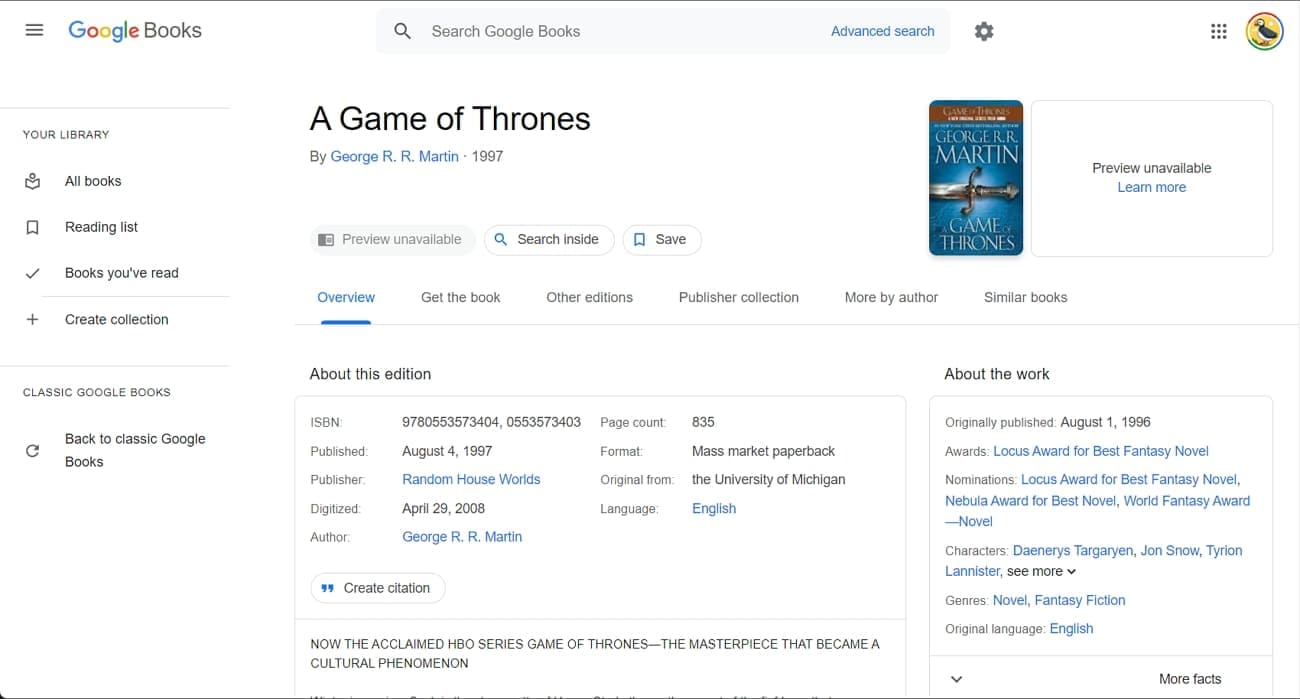
While some tools are simple google books downloader free download packages for Windows, others operate as google books downloader online services requiring no installation. Most of these tools work by capturing the image stream of the book pages and compiling them into a single document. It is important to note that these should primarily be used for accessible content to respect digital rights management (DRM).
Part 2. Safety and Ethics of Using Google Book Downloaders
When searching for a way to download books from google books free, safety should be your primary concern. Not every google books downloader free tool found on the internet is secure. Many third-party sites may bundle their software with unwanted ads or malware. To stay safe in 2026, always download software from reputable sources or use well-known open-source repositories like GitHub.
Furthermore, consider the legal aspect. It is perfectly legal to download a google book for free if the book is in the public domain (copyright has expired). However, bypassing security on copyrighted, paid-for material can lead to account suspension or other issues. For a safe experience, focus on tools that emphasize "Full View" extraction and public domain access.
Pro Tip. Manage & Transfer Downloaded eBooks with Dr.Fone — Phone Manager
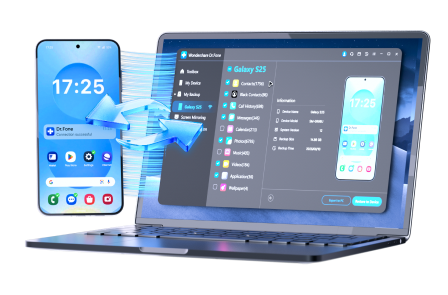
Once you have used the best free google books downloader to save your favorite titles to your PC, the next step is getting them onto your mobile device for on-the-go reading. Managing thousands of PDF and EPUB files can be messy if you rely on standard file explorers. This is where Dr.Fone - Phone Manager comes in.
Whether you use Dr.Fone - Phone Manager (Android) or the iOS version, this tool provides a seamless bridge between your computer and your phone. It supports the latest iOS 26 and Android systems, allowing you to organize your google books pdf download files, delete duplicates, and export your library with a single click. It is a much faster alternative to bulky software like iTunes.
 Effortlessly manage data through preview, delete, export, etc.
- Transfer all data between devices.
- Robust backup solutions for reliable data protection.
- Mirror screens to PC for meetings, teaching, and control.
How to Transfer Downloaded eBooks to Your Phone using Dr.Fone
Follow these quick steps to move your google books free download files from your computer to your smartphone safely:
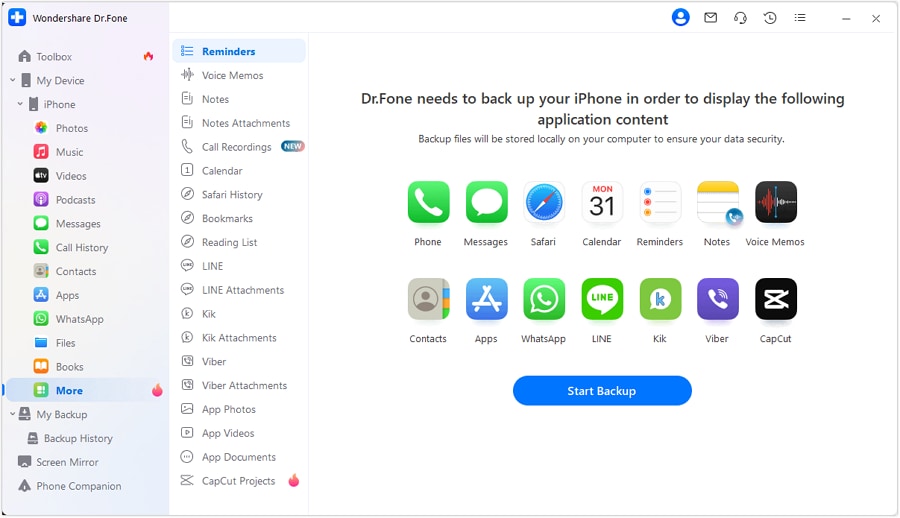
Step 1 Connect Your Device and Open the Books Tab
Launch Dr.Fone on your PC or Mac and connect your iPhone or Android via USB. Navigate to the "My Device" section and select the "Books" category from the left sidebar to view your current mobile library.
Step 2 Import Your Google Books PDF Files
Click the "Import" button at the top. Browse your computer for the folders containing your google ebook for free downloads. Select the files and click "Open" to sync them to your device instantly.




Part 3. 8 Best Free Google Books Downloaders in 2026
Finding the right google books downloader free depends on your operating system and whether you prefer an online or offline solution. Below are the 8 best-tested methods for 2026.
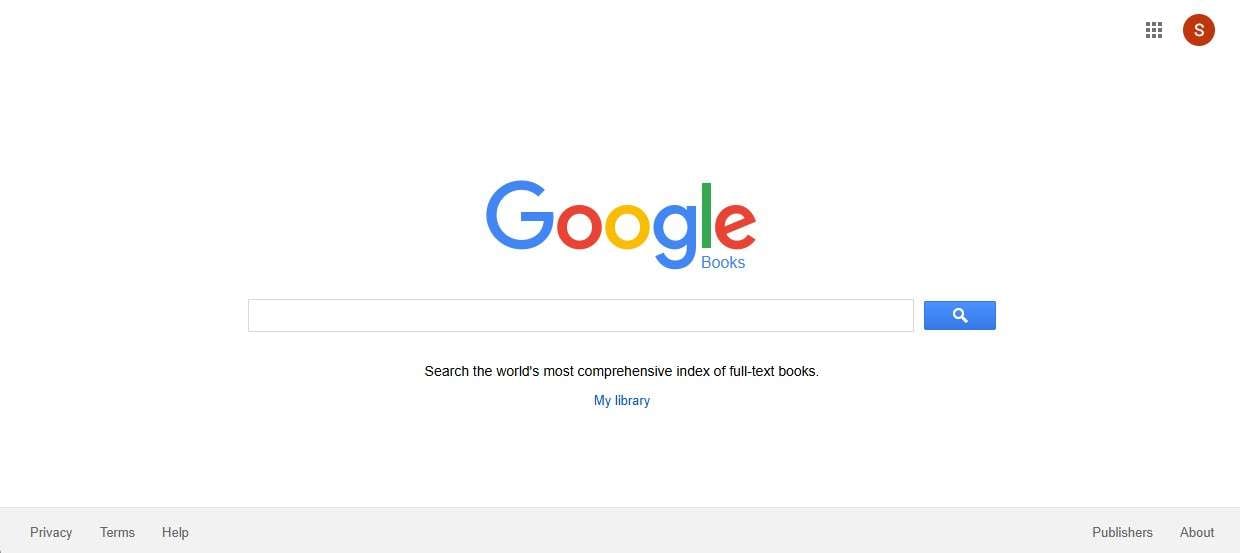
3-1. Google Books Download (Web-based)
This google books downloader online is a highly accessible web service that eliminates the need for software installation. It allows users to browse millions of titles and download those in the public domain as high-quality PDF or EPUB files. It is perfect for users who need a quick google books pdf download without cluttering their hard drive.
- No installation required for quick access.
- Supports generation of standard citations.
- Easy to use personal library organization.
- Limited to public domain or full-view titles.
- Requires a stable internet connection during use.
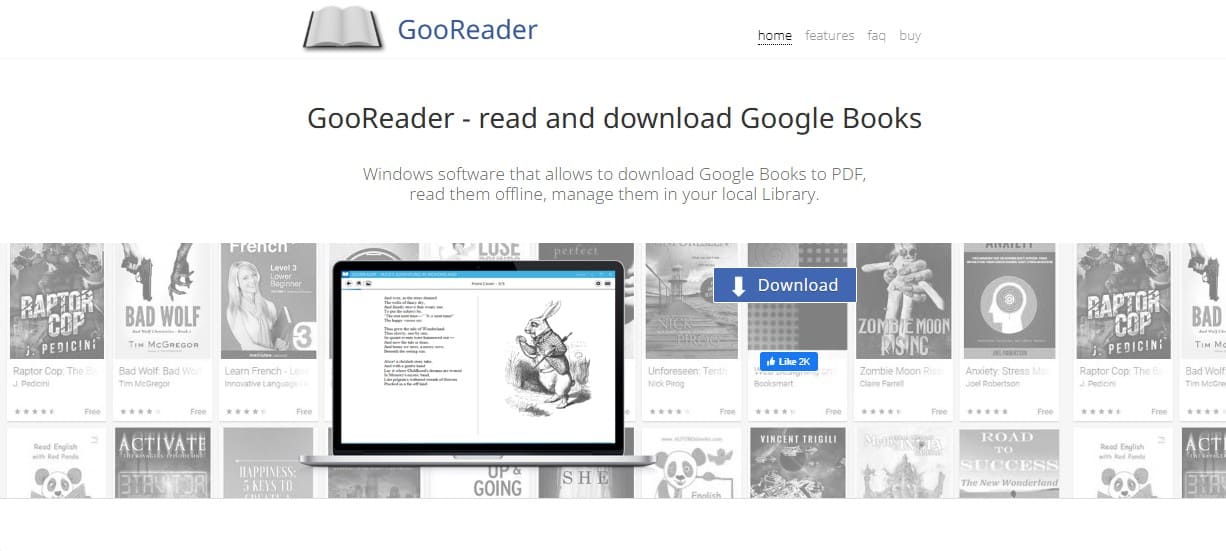
3-2. GooReader for Windows
If you want to download google ebook for free with a more aesthetic touch, GooReader is the answer. It features a virtual bookshelf interface that makes reading on a PC feel more natural. This google books downloader free download tool is designed specifically for Windows users who want to organize their local collection elegantly.
| Tool Name | System | Interface Style | Offline Support |
|---|---|---|---|
| GooReader | Windows | Bookshelf/3D |
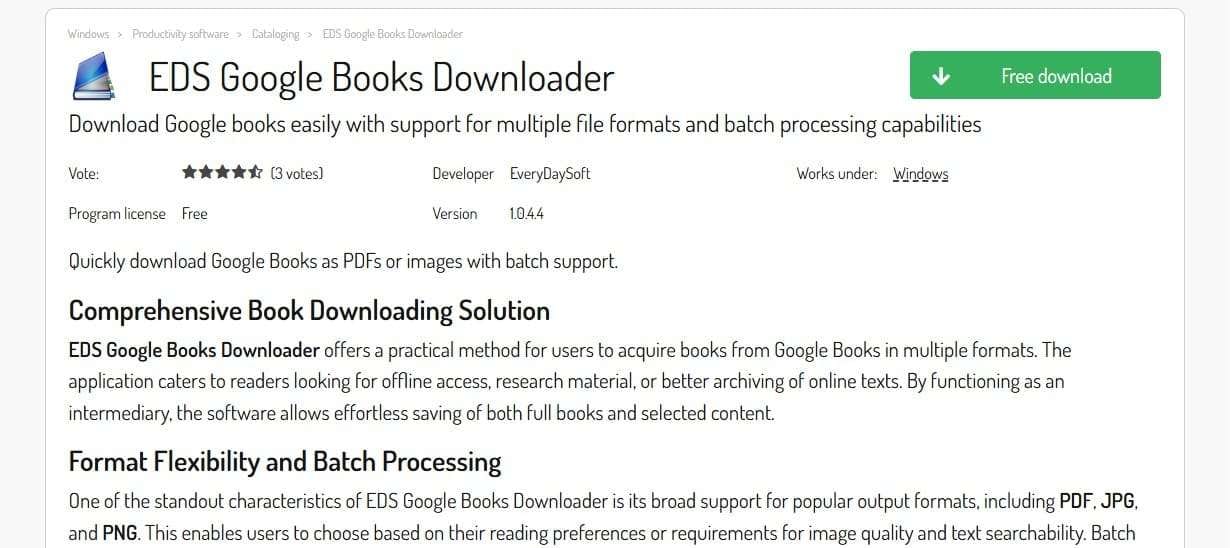
3-3. EDS Google Books Downloader
EDS is a lightweight free google books downloader that focuses on speed and simplicity. It allows for batch downloads, which is vital for researchers needing multiple chapters or books at once. It supports outputting files in PDF, JPG, and PNG formats, giving you flexibility in how you view your content.
- Efficient batch downloading feature.
- Portable version often available.
- Supports multi-language interfaces.
- Can't bypass heavy DRM protection.
- Limited to standard page resolutions.
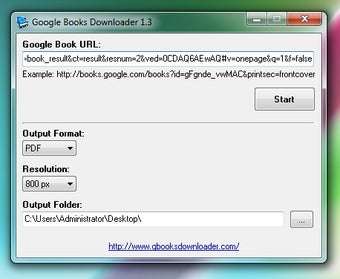
3-4. Gbooksdownloader
Gbooksdownloader is a simple but effective google books free download utility for Windows. Its primary advantage is the built-in bookshelf that helps you keep track of what you have already saved. This tool is ideal for casual readers who need a straightforward way to download google ebook for free without complex settings.
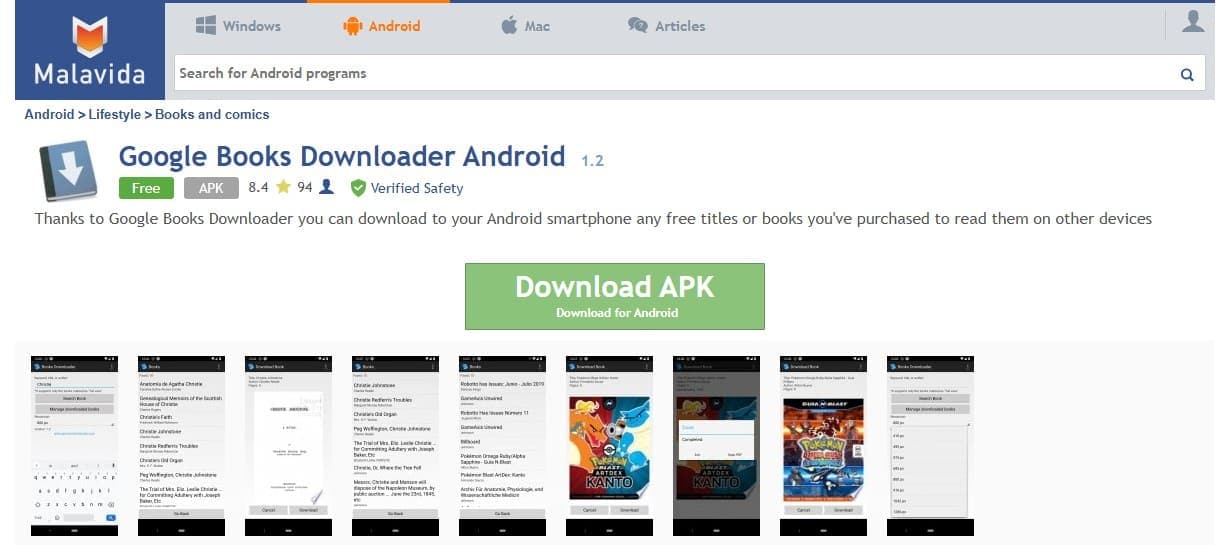
3-5. Google Books Downloader 1.2 APK (Android)
For those who prefer a mobile-first approach, this APK allows you to download books from google books free directly to your Android device. It supports multiple output resolutions and can even bypass some basic restrictions, making it a flexible google books downloader free option for smartphone power users. Always ensure you source APKs from verified sites to maintain device security.
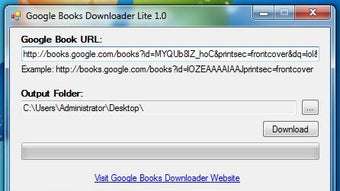
3-6. Google Books Downloader Lite
If you are short on disk space, this "Lite" version is the perfect google books downloader online alternative for desktop. It is portable, meaning it runs directly from a USB drive without installation. It focuses on saving books as PNG images, which are easy to print or view on any basic image viewer.
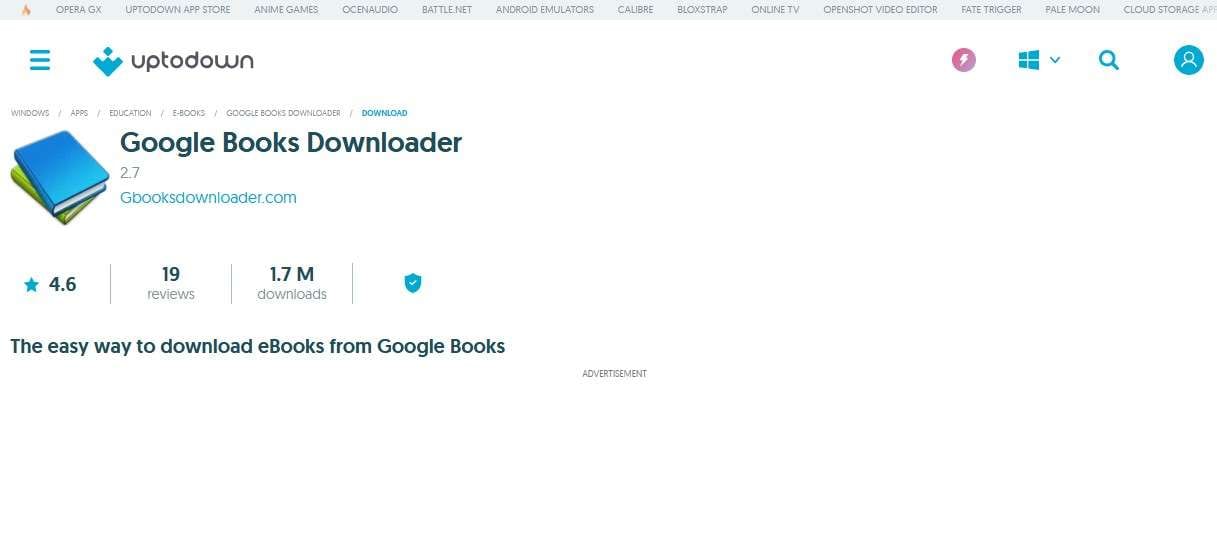
3-7. Google Books Downloader 2.7
This version is a classic google books downloader free download staple. At just 640 KB, it is one of the smallest tools available. It specializes in google books pdf download tasks and requires zero administrative permissions to run, making it ideal for use on public computers or restricted environments.
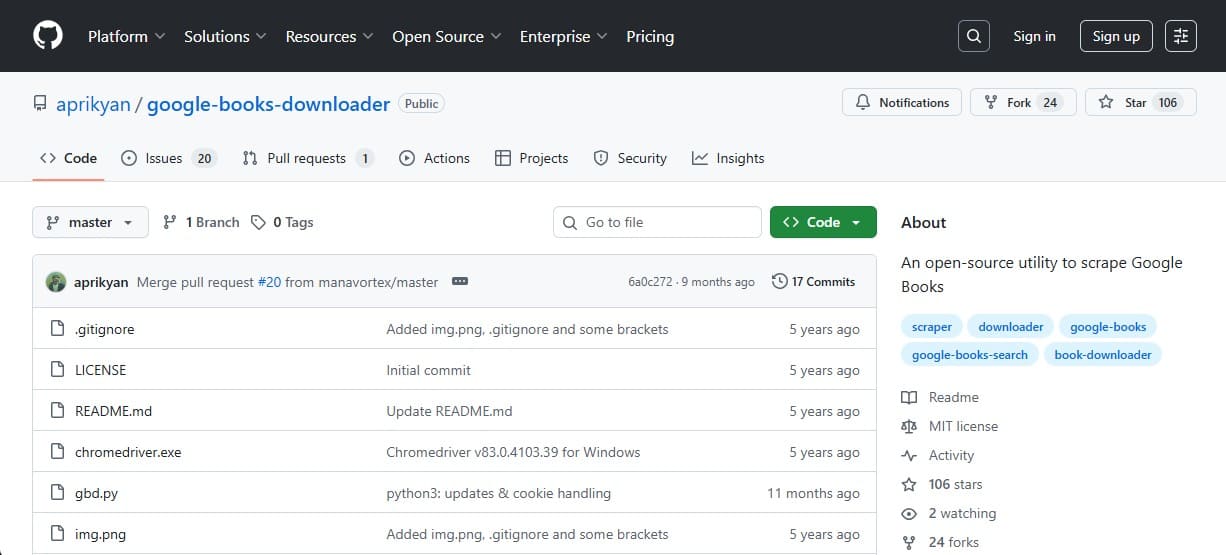
3-8. GitHub Open-Source Utilities
For advanced users, GitHub offers several open-source free google books downloader scripts (such as those by aprikyan). These tools work across Windows, macOS, and Linux. Since they are community-maintained, they are often updated more frequently to handle changes in Google's website structure. They are excellent for getting high-resolution google books free download copies of rare manuscripts.

Conclusion
In 2026, finding a reliable free google books downloader is easier than ever. Whether you choose a web-based google books downloader online or a robust desktop program, you now have 8 proven ways to download a google book for free. These tools empower you to build a versatile offline library that you can access anytime.
To ensure your library is always at your fingertips, remember to use Dr.Fone - Basic for all your data transfer needs. It provides a secure and organized way to move your google ebook for free downloads across all your devices without the hassle of traditional sync methods.
FAQ
1. Can I convert my downloaded book images into searchable text?
Yes, you can use OCR (Optical Character Recognition) software like PDFelement or Adobe Acrobat to turn image-based google books pdf download files into searchable text documents. This is extremely helpful for researchers.2. Will these downloaders work on macOS or Linux?
While many are Windows-specific, the GitHub open-source tools and web-based google books downloader online options work perfectly on macOS and Linux systems through browsers or cross-platform scripts.3. Is registration required for these free downloaders?
Most of the tools listed in this guide are completely free and do not require any registration or personal information to download google ebook for free.4. How do I sync my reading progress across devices?
Standard free downloaders do not sync progress. However, once you transfer your files using Dr.Fone, you can use cloud-based reading apps like Google Play Books or Kindle to upload your PDFs and sync your progress.
 Add Wondershare Dr.Fone as a preferred source on Google