Effortlessly manage data through preview, delete, export, etc.

 100% Security Verified | No Subscription Required | No Malware

 :
: 
 ChatGPT
 Perplexity
 Gemini
 Claude
 Grok
Grok
Do you want to install iPogo or other tweaked apps on your iPhone but avoid jailbreak or unsafe files? If you discover Signulous as a safer option, the key question remains whether it is truly worth using. In this guide, you will learn what Signulous offers, how it works, what you receive for the price, and whether it is a practical choice for iPogo users.
By the end, you will know if Signulous fits your needs or if another option makes more sense for you. In addition, understand how Dr.Fone can help you safely manage iPhone data while using signed applications.
In this article
- Part 1. What Is Signulous
- Part 2. What Is Signulous Used For? Core Features That Make Signulous Popular
- Part 3. Is Signulous Free? Pricing, Limits, and What You Really Get
- Part 4. Signulous Download Guide: From Registration to App Launch
- Part 5. Installing iPogo with Signulous: What You Should Know First
- Part 6. Common Signulous Issues and How to Solve Them
- Part 7. Free and Paid Options That Compete with Signulous
- Pro Tip. Keep Your iPhone Organized While Using Signed Apps
- Frequently Asked Questions
Part 1. What Is Signulous
Know that the Signulous app is a paid, web‑based iOS app signing service. It matters because it helps users install apps that Apple does not host on the App Store, such as beta apps, special tools, or tweaked versions. Thus, Signulous works as a cloud signing platform, where you can either upload your IPA file or choose an app from its library.
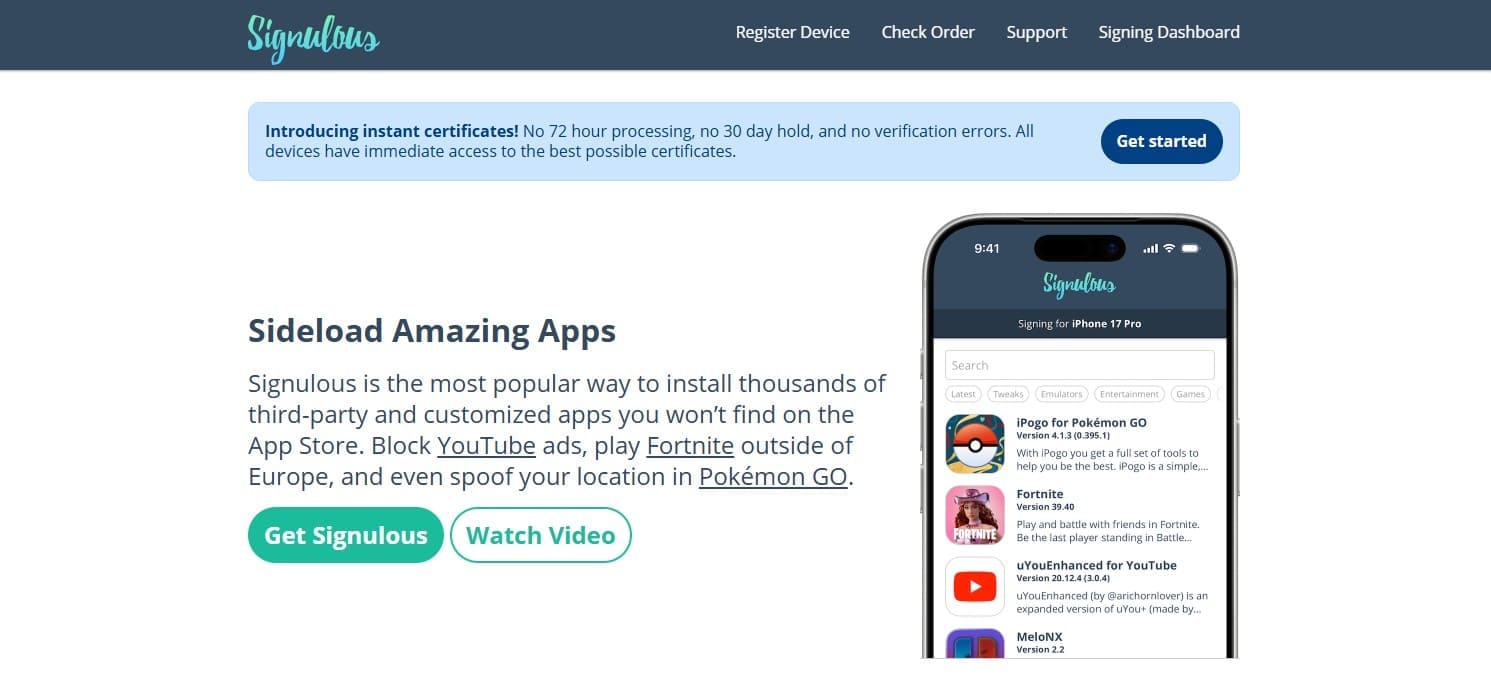
This service signs the app using developer certificates so iOS can install it. Additionally, it offers many third‑party and modified apps, such as emulators, ad‑free apps, games, and jailbreak tools. So, you pay a yearly fee per device, usually around $19.99, instead of using a free 7‑day Apple ID certificate.
Part 2. What Is Signulous Used For? Core Features That Make Signulous Popular
To further know about Signulous.com, adhere to some of its key features and how they are used:
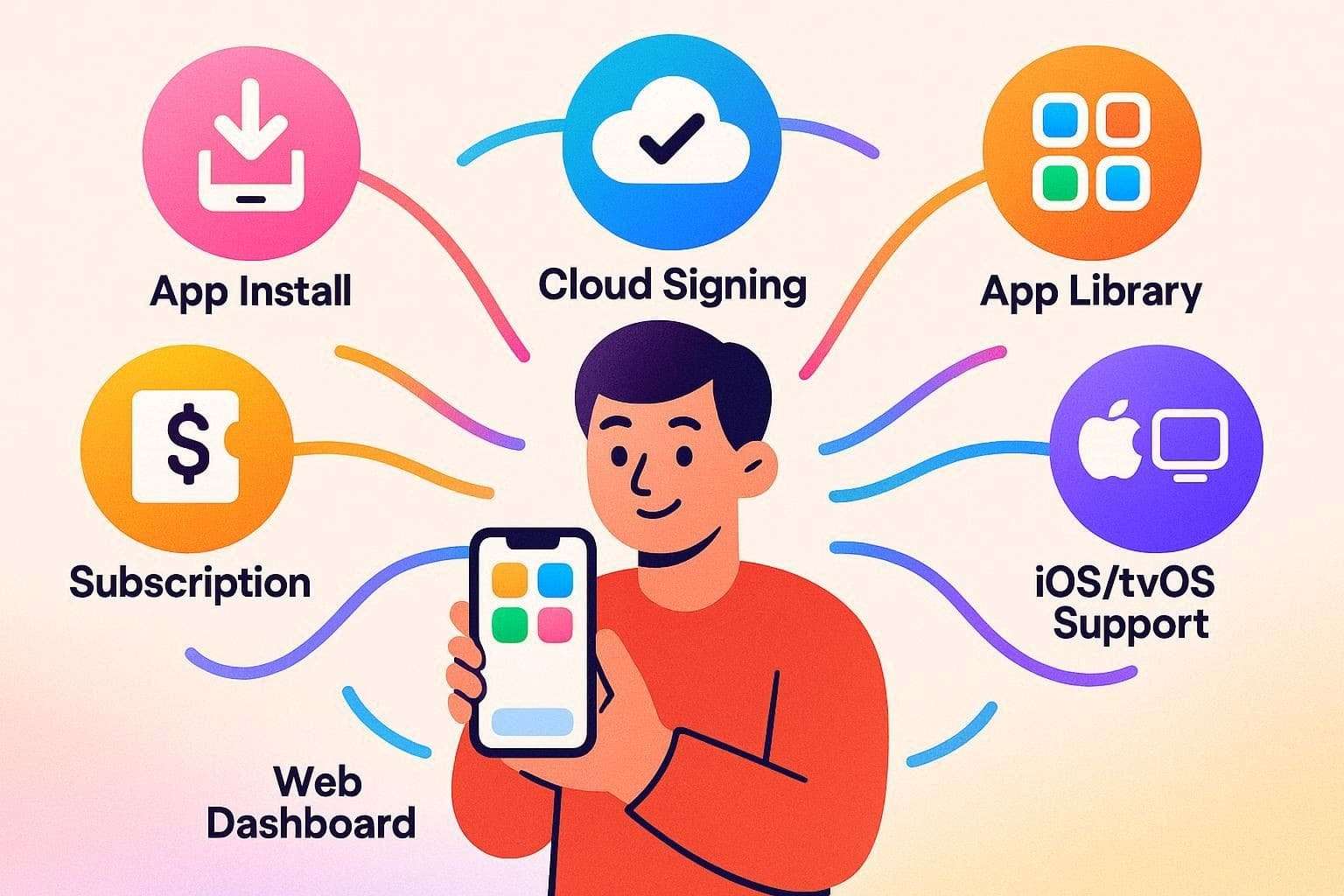
- Install Apps Without Jailbreak: You can install apps not on the App Store, and this option works on iPhone, iPad, and Apple TV without a jailbreak. Thus, this option suits users who need beta apps, test builds, private business tools, and special apps without jailbreak risk.
- Cloud Signing for IPA Files: It also enables you to upload your own IPA file, and Signulous signs the file with its certificate so iOS or tvOS accepts it. Later, it is used by developers for app testing, by users for modified apps, or for older app versions no longer on the App Store.
- Built‑In App Library: This service includes a built-in library that provides access to tweaked apps, emulators, game tools, and special utilities. Hence, it can be used for retro game play, ad‑free app use, extra app features, and tools that Apple normally blocks.
- Web‑Based System: Along with all the features, the web system removes the need for Xcode or a Mac. This feature is suitable for non‑technical users who want a simple way to install custom apps without complex setup.
- Support for iOS and tvOS: It supports iPhone, iPad, and Apple TV, enabling custom app use on both mobile devices and home TV setups. This is why it can be used for media apps, emulators, and tools on a big screen through Apple TV.
- Device Registration and Profile Link: Know that each app links to one registered device, which can be customized by changing the name or icon of the application. Hence, this aspect makes it ideal for secure app control, personal device access, and reduced risk of app misuse on other devices.
Part 3. Is Signulous Free? Pricing, Limits, and What You Really Get
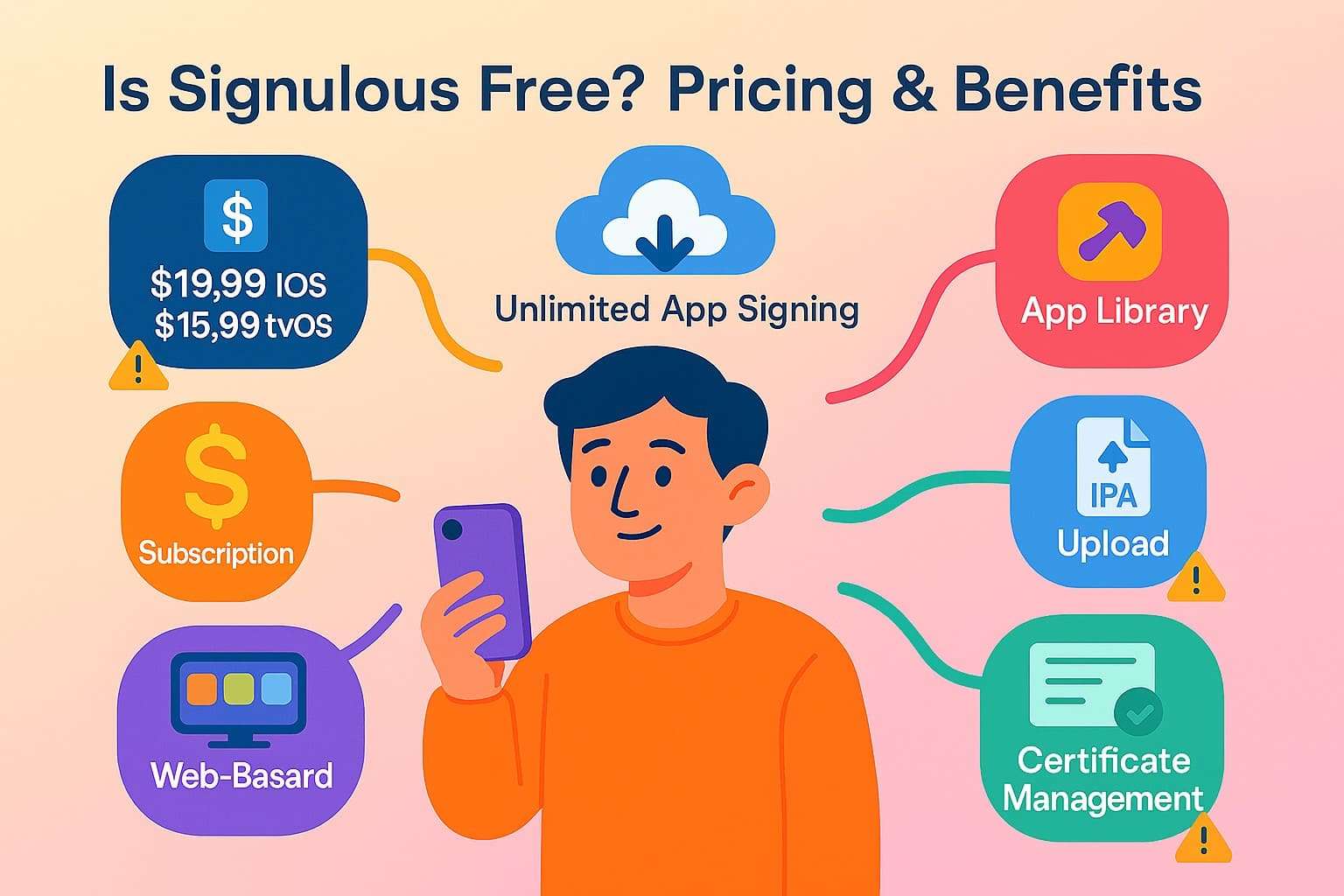
When one asks, “Is Signulous free?” the answer will be no. It is a paid service that requires payment for each device. To further elaborate, the official price is $19.99 per year for iOS devices and $15.99 per year for tvOS devices.
What You Get with a Paid Subscription
- Sign unlimited apps on one device for one full year.
- Access the library of tweaked apps, tools, and emulators easily.
- Upload and install IPA files directly from your browser.
- The service manages certificates, so you avoid manual renewals.
Limitations
- One $19.99 payment covers only one single device.
- Year access may be shortened if certificates are revoked.
- Apple policy changes can break or limit app signing.
Part 4. Signulous Download Guide: From Registration to App Launch
Having the basics cleared, many of you might be eager to know the detailed Signulous download process. So, this section highlights how you can download and use this service to get your favorite apps signed and installed on your device:
-
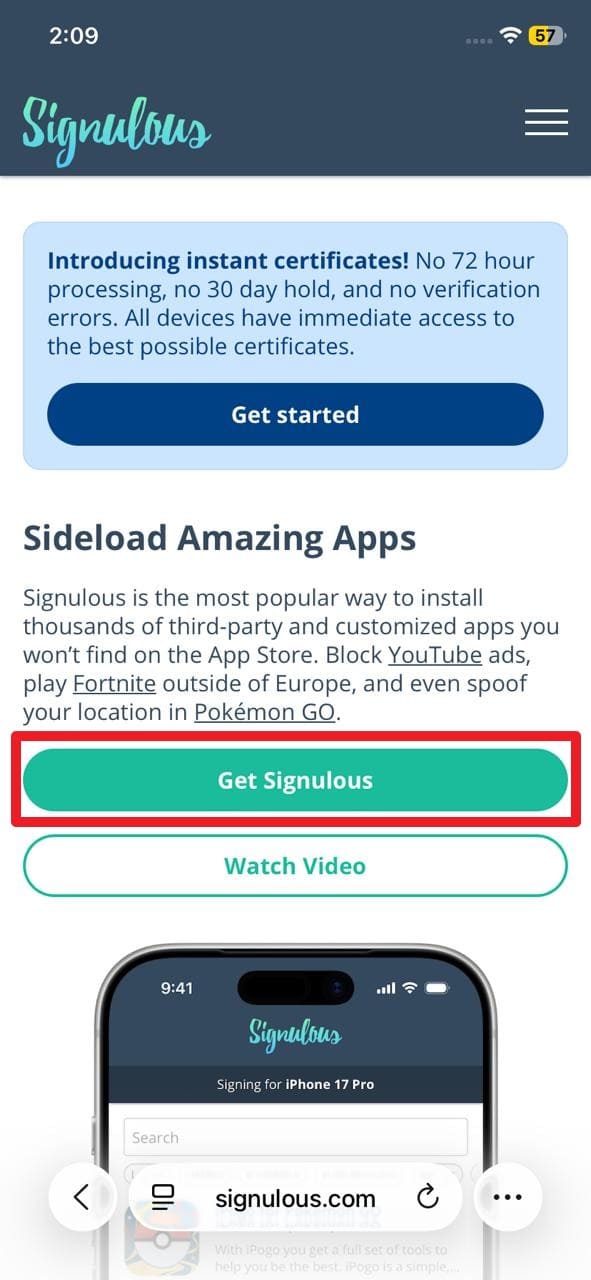
Step 1 Start the Signulous Registration
Go to the Signulous on Safari and press the “Get Signulous” button on the main interface.
-
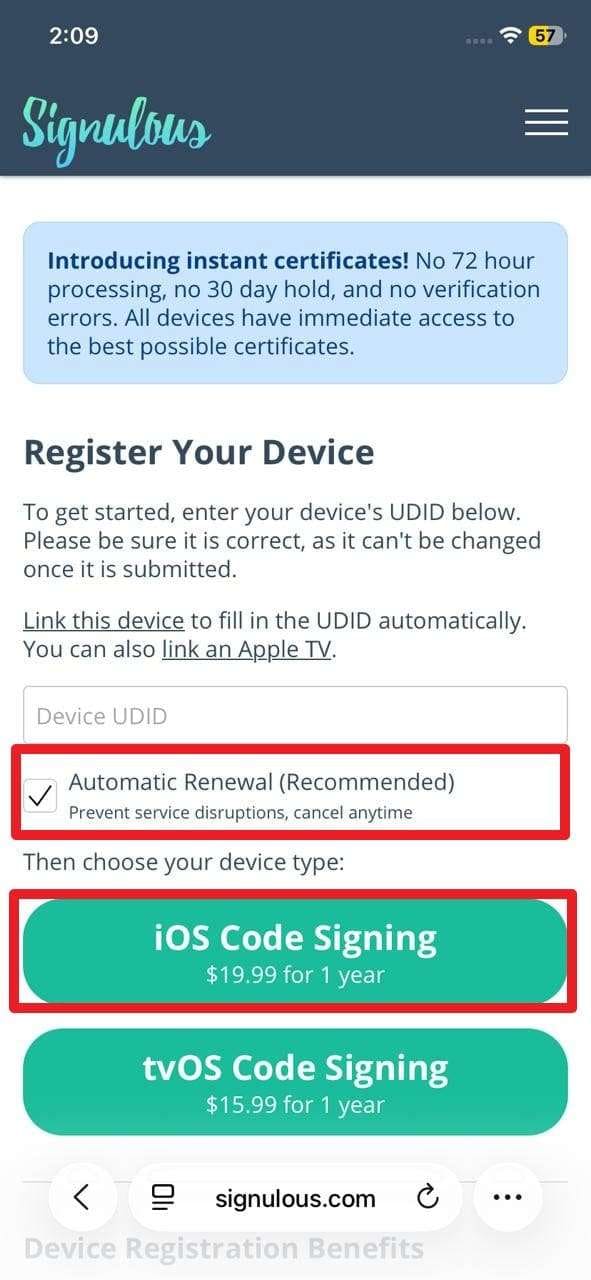
Step 2 Install Profile and Complete Payment
Now go to the settings and select the “Profile Downloaded” button after installing the temporary profile. When you head back to Signulous, your UDID details will be automatically filled in. Now, to prevent any interruption in the service, tick the “Automatic Renewal (Recommended)” option. After that, select the “iOS Code Signing” button, complete the payment process, and wait up to 72 hours before installing anything on the phone.
-
Step 3 Sign Your First App
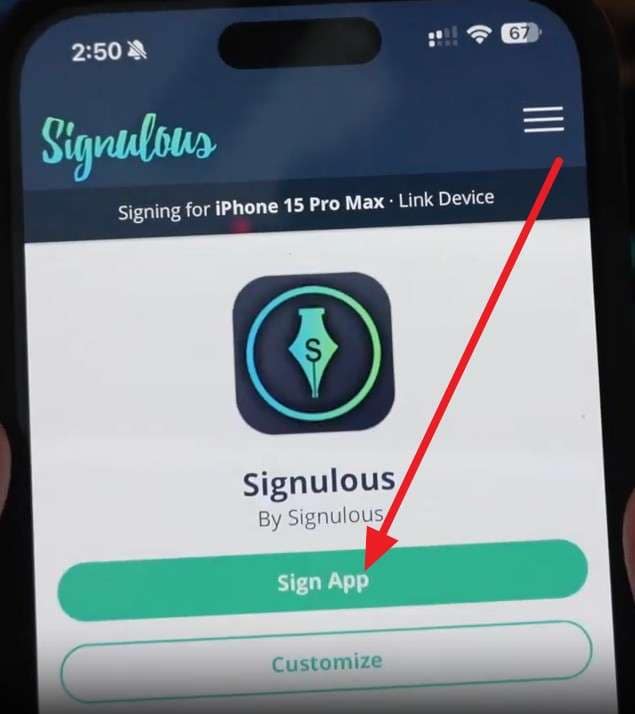
Once the day's limit has passed, select the “Signulous App” option by picking any app listed on the dashboard, then tap the “Sign App” button to complete the setup.
-
Step 4 Install the Signed App
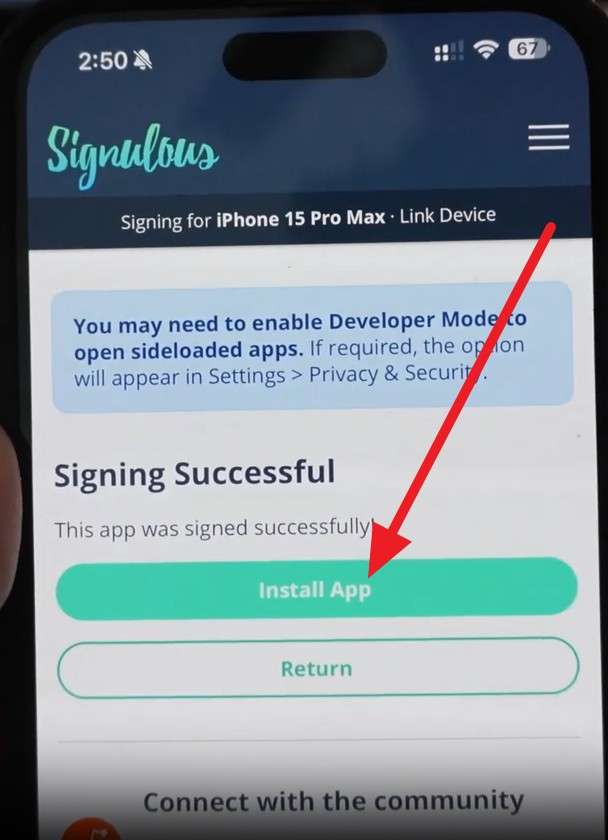
Then, choose the “Install App” button and choose “Install” to confirm the installation.

Part 5. Installing iPogo with Signulous: What You Should Know First
Now that the Signulous iOS is set up, you might want to know how it handles game tweaks and how to access iPogo on iOS. In this regard, adhere to the given details on how the service signs the modified app and delivers it to your device:
How Signulous Handles Game Tweaks Like iPogo on iOS
Signulous supports game tweaks like iPogo by working as a third‑party app signing service. Ideally, iPogo is available inside the Signulous App Library, so there is no need to search for the IPA file on other sites. Later, it only signs and installs the app so it can run on a normal iPhone without jailbreak. Furthermore, the full process works in Safari on your iPhone, so no computer is required.
iPogo Installation Guide with Signulous
For Signulous iPogo, follow the simple steps given below in detail for guidance:
-
Step 1 Access the Signulous Dashboard
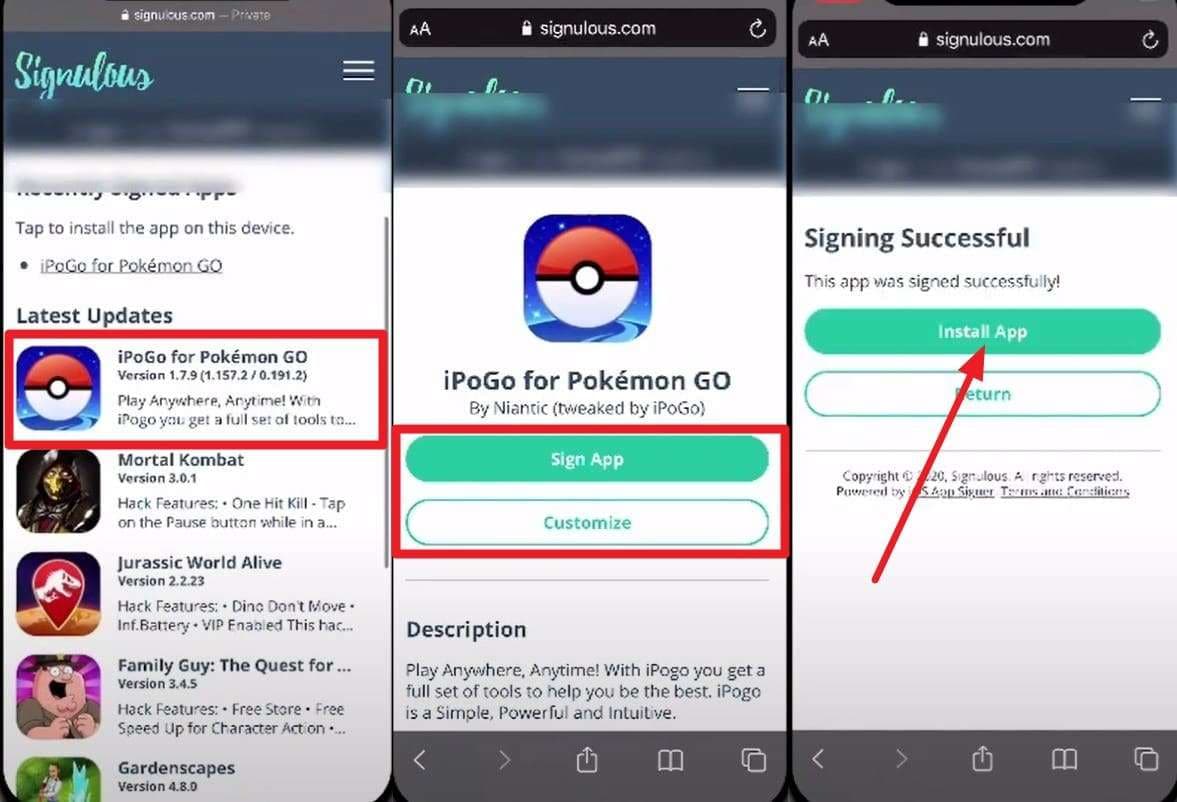
With the Signulous downloaded via the above-mentioned steps, head to the dashboard. There, locate the “iPogo” in the app list and choose the “Sign App” option. There, you can also press the “Customize” button to change the app name or other parameters.
-
Step 2 Install iPogo on Your iPhone
Otherwise, choose the “Install App” and “Install” buttons to get it on iOS.
Part 6. Common Signulous Issues and How to Solve Them
While downloading Signulous Pokémon GO, if you face any issues, see why you are having a certain problem and how to resolve it:
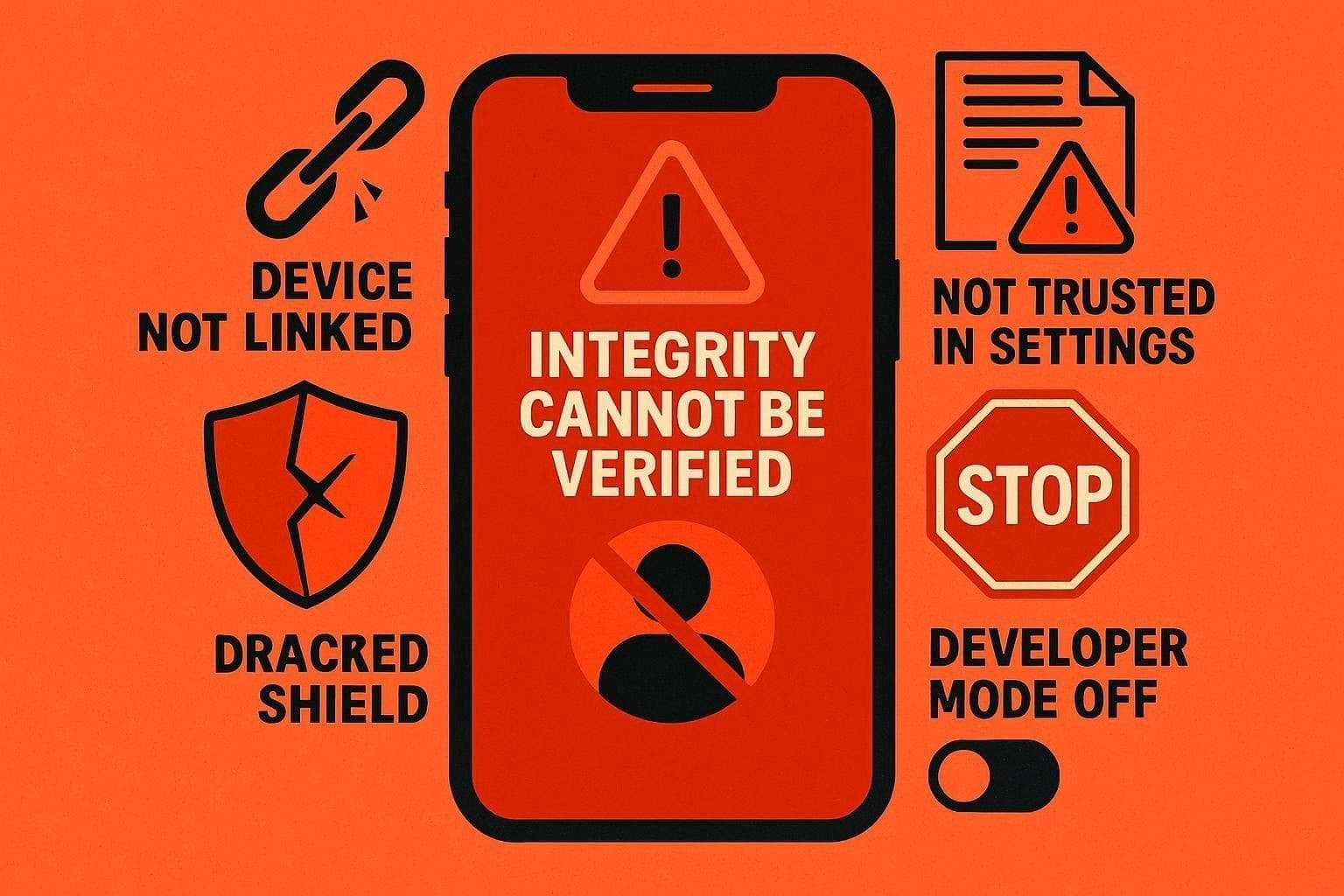
1. “Integrity Cannot Be Verified”/Profile Won’t Install
Causes: The device may not be linked correctly, the profile may not be trusted in settings, or Developer Mode may not be turned on in newer iOS versions.
Tested Fixes:
- Open Safari, log in to Signulous, relink the device, then install the profile.
- On iOS 15 or later, open Settings, trust the Signulous certificate.
- On iOS 16 or later, enable Developer Mode, restart, and reinstall the app.
2. Apps Suddenly Stop Opening (Revoked Certificate)
Cause: The Signulous enterprise certificate was revoked, so signed apps crash or fail to open.
Tested Fixes:
- Wait for Signulous to release a new certificate and timeline update.
- After activation, delete apps, re‑sign, and reinstall from the dashboard; no new payment required.
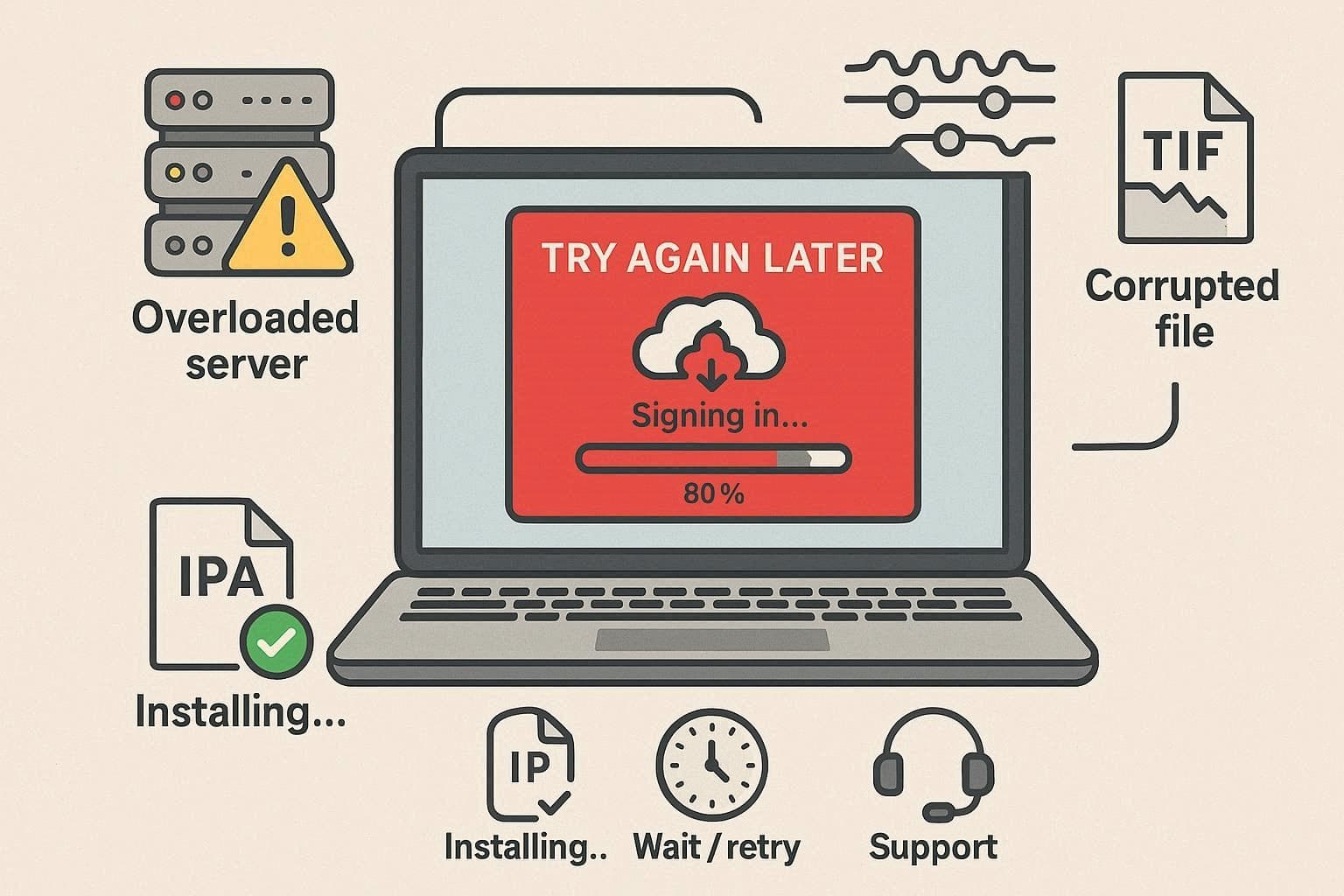
3. “Try Again Later”/Signing Fails in the Dashboard
Cause: Temporary server problems, heavy traffic, or issues with certain IPAs can prevent some apps from installing.
Tested Fixes:
- Test with another app or a smaller IPA to see if the problem is file‑specific.
- If many apps fail, wait and retry later; contact Signulous support if the issue continues.
4. Device Registration Stuck on “Delayed”/Looping
Cause: Backend registration delay or conflicting old profiles/certs on the device.
Tested Fixes:
- Delete old Signulous profiles and apps signed with old certificates, then restart your device.
- Relink the device in Safari and install the new profile; long delays indicate server issues.
5. “Untrusted Enterprise Developer” Keeps Reappearing
Cause: You haven’t trusted the new certificate, or iOS moved the trust setting.
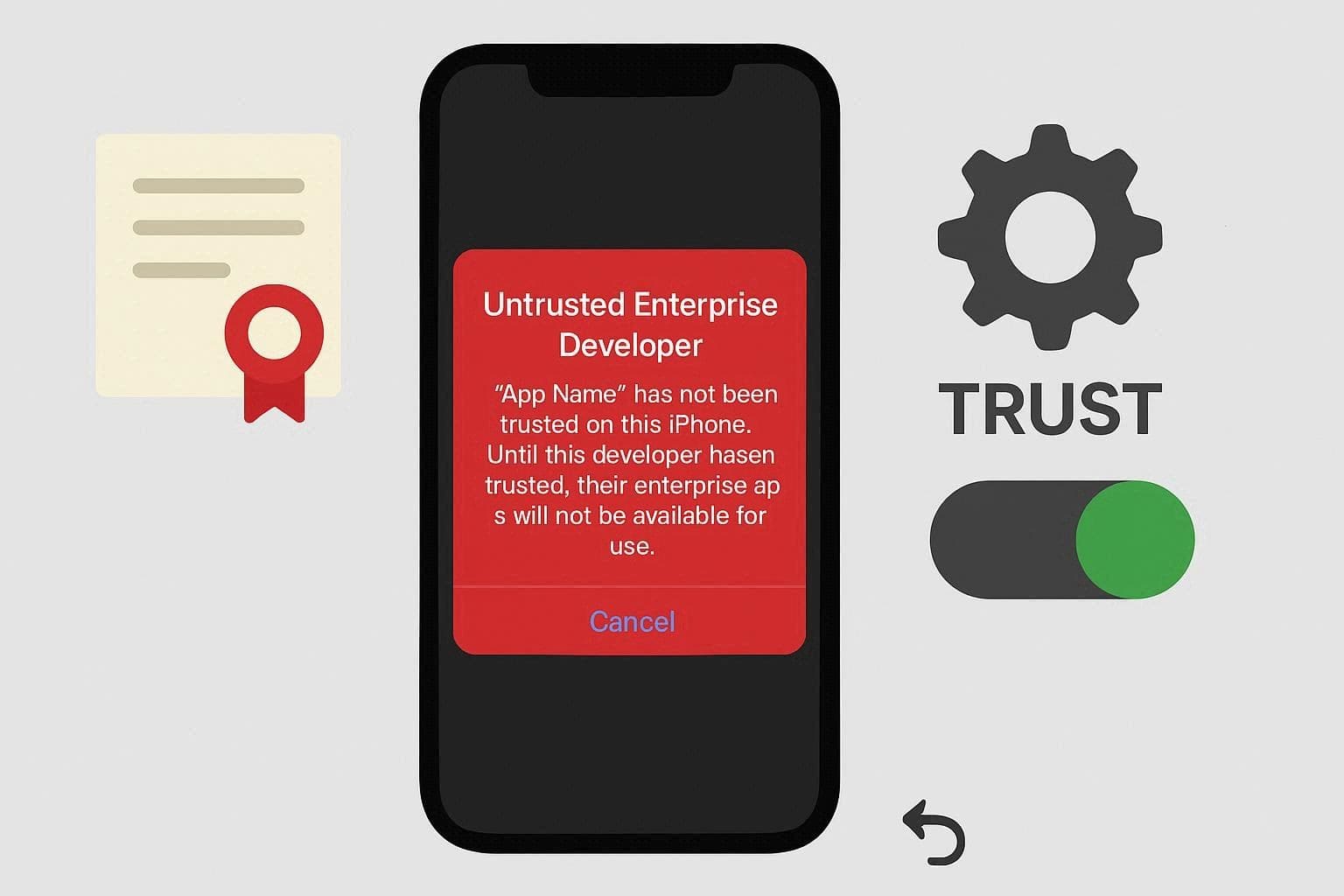
Trusted Fix: On iOS 15 or later, go to Settings > General > VPN & Device Management > tap Signulous Developer App > Trust. Then reopen the app; if it fails, delete and reinstall from Signulous.
Part 7. Free and Paid Options That Compete with Signulous
If nothing resolves the issue mentioned, you might consider a Signulous alternative. Thus, this section will highlight 5 of them with detailed insights to determine if they are actually worth using:
1. AppDB
Unlike Signulous, this is an independent app marketplace and sideload platform for iOS, iPadOS, and macOS, with free and paid options. It offers a large IPA library, lets developers publish apps outside the App Store, and supports several sideload methods such as community certificates.
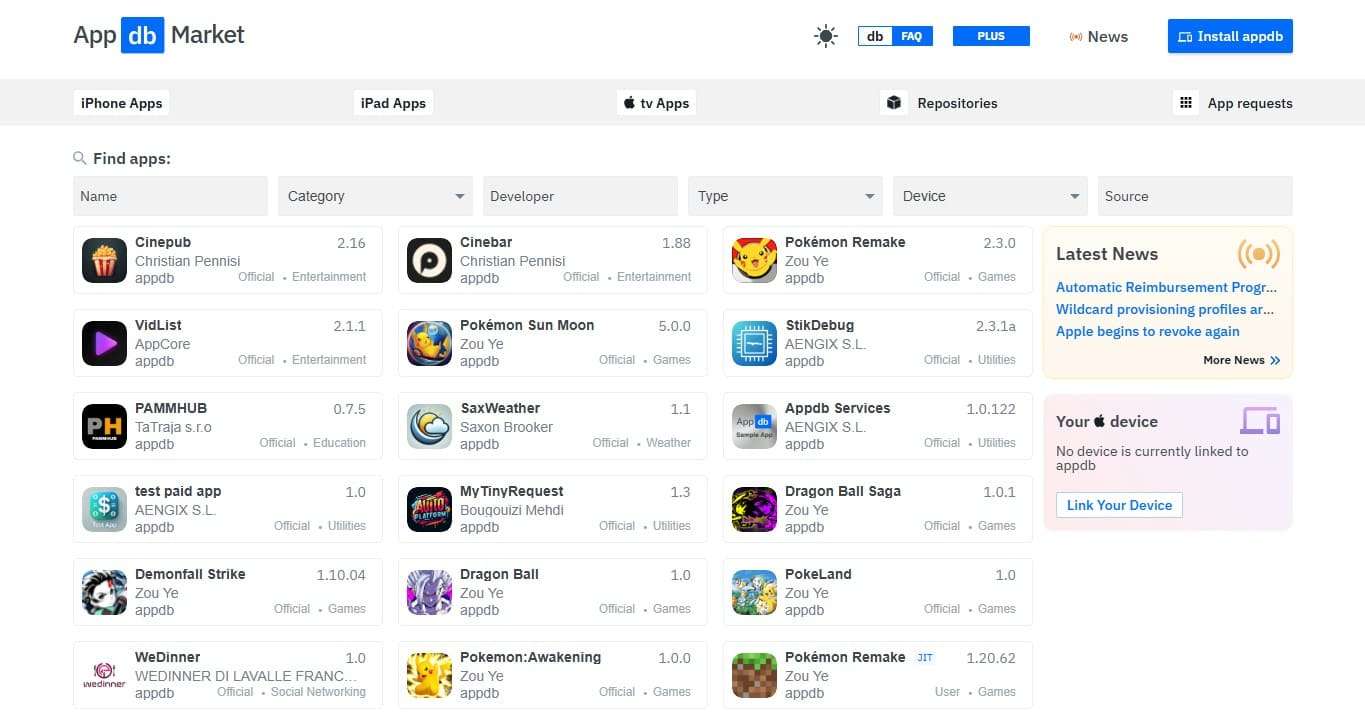
- Free certificates often get revoked; apps stop working frequently.
- Best stability requires a paid developer or a third-party certificate.
2. AppValley
AppValley is a third-party app store for iOS, and in some cases, Android. This top-rated alternative to the Signulous app offers a large library of modded apps, game hacks, and “++” apps not found on the App Store.
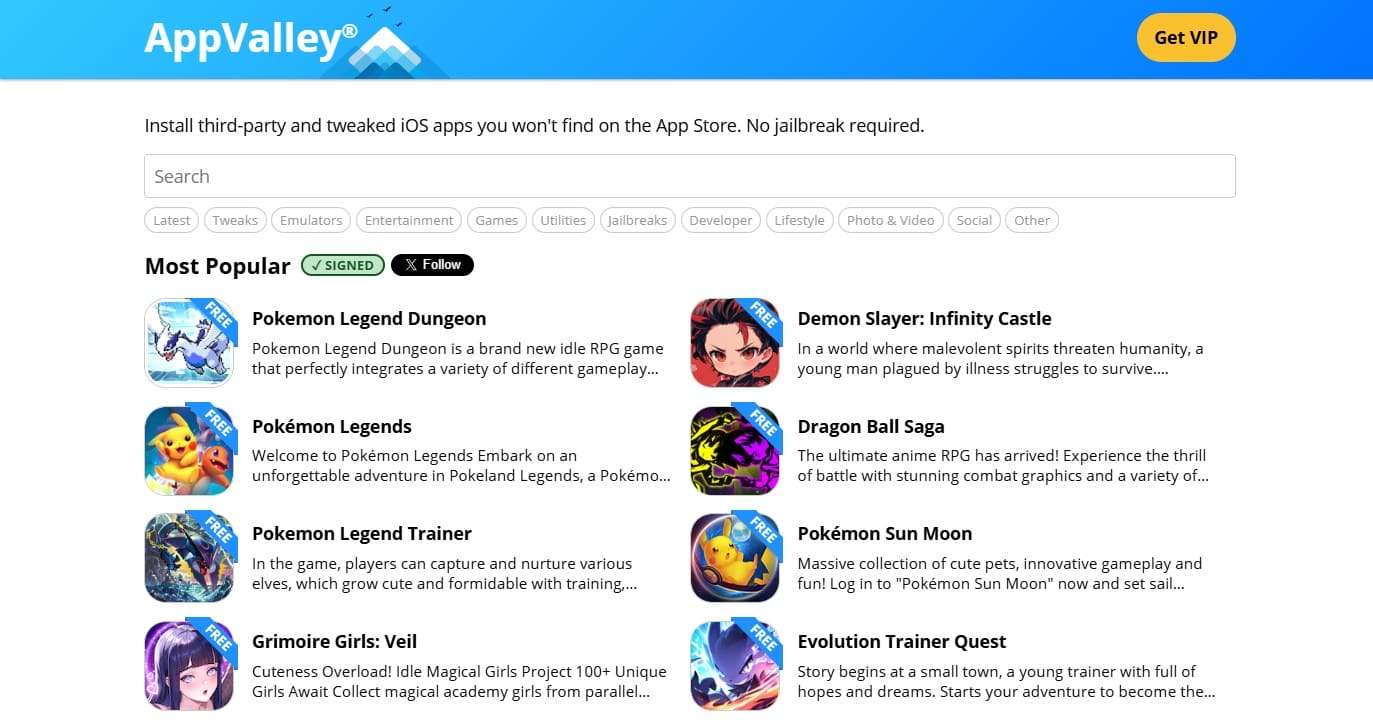
- Requires a third-party profile, reducing overall device security.
- Some apps may contain spyware or malicious code.
3. SideStore
As a Signulous iOS substitute, it is an untethered, AltStore-style sideload app. It focuses on non-jailbroken iOS that uses your own Apple ID and a VPN method to keep apps active without a computer after setup.
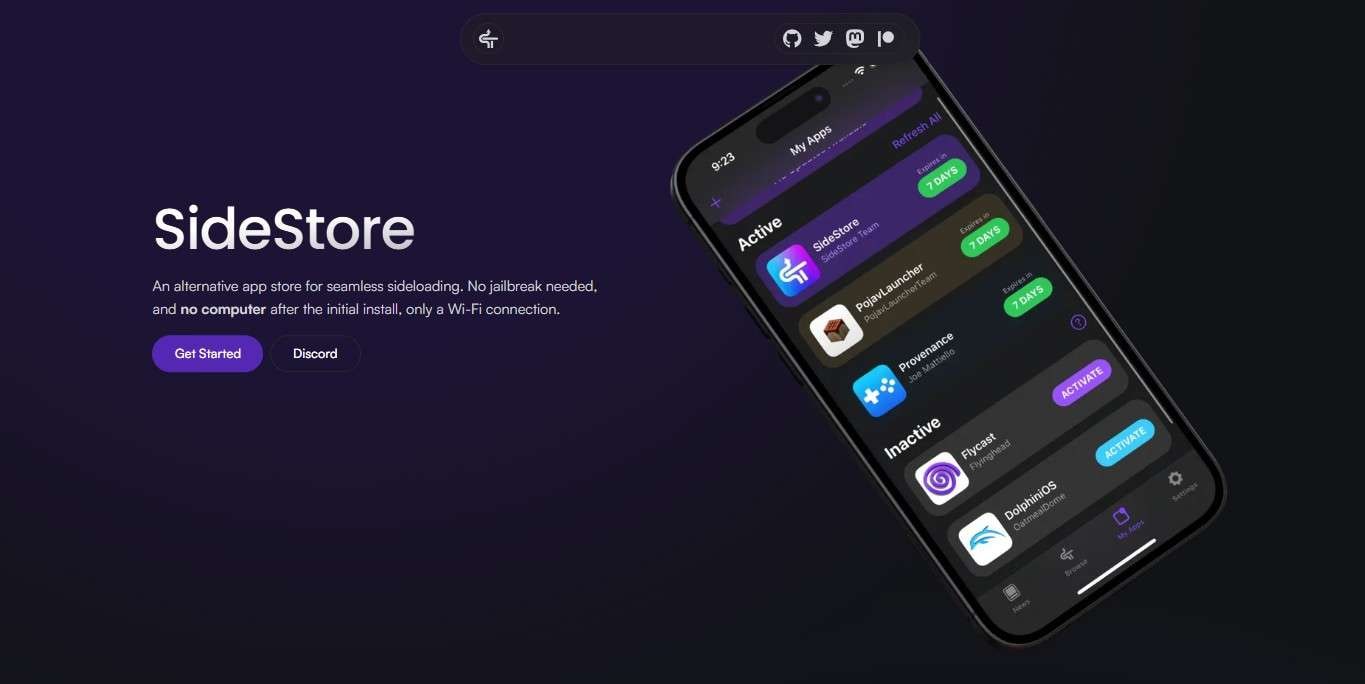
- Sources may not refresh, hiding new app updates.
- Installs can stall at eighty percent, wasting slots.
4. AltStore
With this Signulous alternative, you can sideload apps with your own Apple ID instead of shared enterprise certificates. Thus, it has a built-in catalog with apps like Delta, Clip, and UTM, and also lets you import your own IPA files.
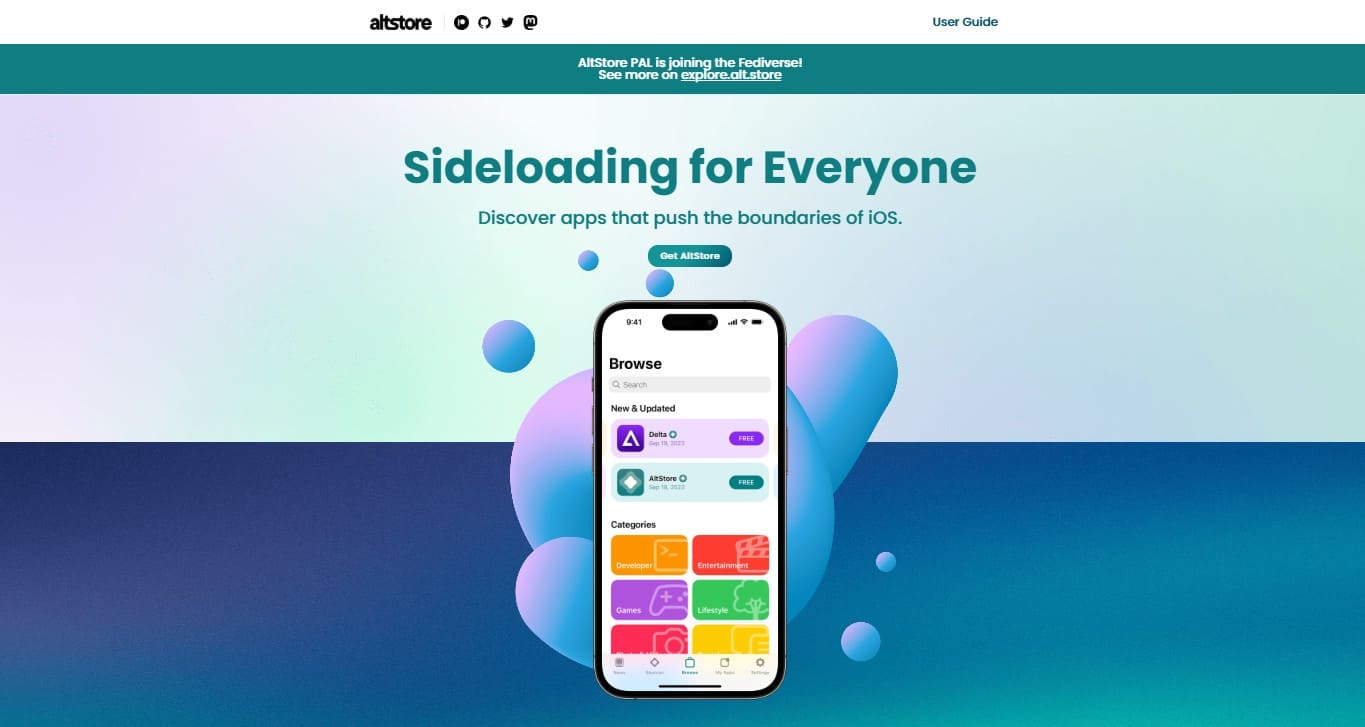
- Requires a Windows or macOS computer running AltServer.
- AltStore and AltServer must share the same network.
5. Sideloadly
This desktop Signulous substitute installs IPA files on non-jailbroken iPhone, iPad, Apple Silicon Mac, and Apple TV devices. It works with free or paid Apple IDs, supports drag-and-drop IPA install, and offers modes like normal install, ad-hoc sign, and IPA export.
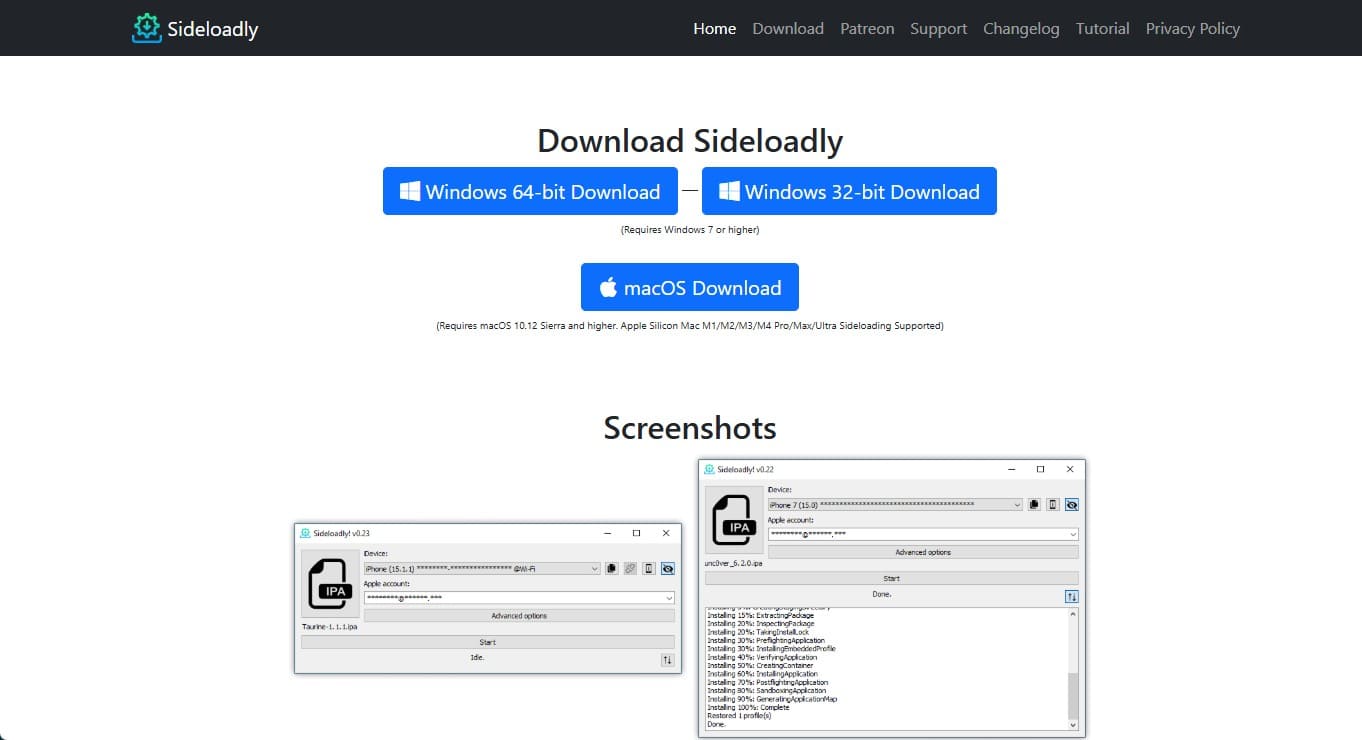
- Revoked certificates cause crashes; apps need re-signing.
- Requires a Windows or macOS computer for sideloading.
Pro Tip. Keep Your iPhone Organized While Using Signed Apps
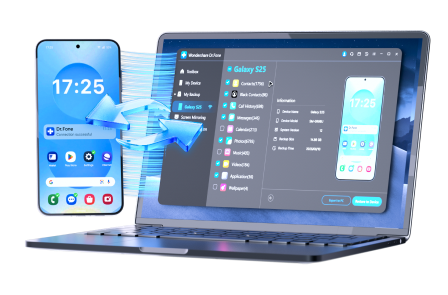
Whether you have used the Signulous app or another substitute, there comes a time when you need to manage the app’s data. In this regard, you can either move iOS photos, videos, or other media files to another iOS or PC with Wondershare Dr.Fone. This software allows you to use signed applications easily without a storage limit, with seamless import and export for sharing files.
In addition, the tool supports iOS 26/iPadOS 26 and iPhone 17 series, and enables one to sync music or podcasts between iOS and iTunes when exporting takes time. Users can also share data between an iPhone and a computer without using iTunes or iCloud with the selective data-sharing option. While offering the option to preview files after export, Dr.Fone also ensures weekly updates for upcoming iOS versions.
 Effortlessly manage data through preview, delete, export, etc.
- Transfer all data between devices.
- Robust backup solutions for reliable data protection.
- Mirror screens to PC for meetings, teaching, and control.
Guide to Manage iOS Apps Data with Dr.Fone - Phone Manager (iOS)
To know how you can manage Signulous iOS apps through data management, review the simple steps given below:
-
Step 1 Connect the iPhone to the Computer
Choose to connect your iPhone with the tool and determine if it's connected under the “My Device” section. Now, pick the data that takes up more space or tap the “More” option to see apps' data folders.
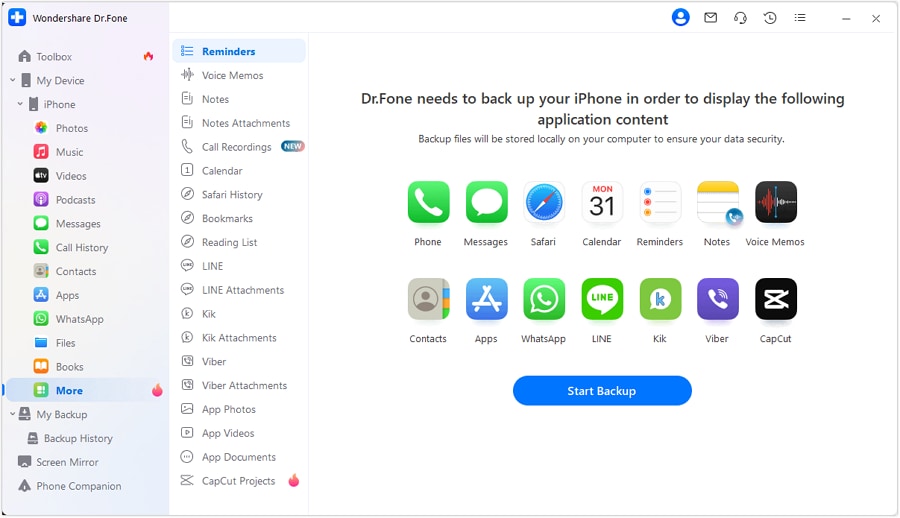
-
Step 2 Choose Data to Export and Preview on PC
If you pick “Videos,” select multiple media files and press “To PC” to export. Once shared, open in folders to preview and determine accuracy.

Conclusion
This guide explained what Signulous is and how it lets you install signed apps without a jailbreak. It covered key features, the installation process, and popular alternatives to help you decide whether it suits your needs. As you install apps, you can use Wondershare Dr.Fone to manage iOS data and free up storage. It also helps you organize and move files between devices more conveniently.




FAQ
-
1. Does Signulous support the latest iOS versions?
Signulous typically supports recent iOS versions, but compatibility depends on Apple’s current signing policies. -
2. Can Apple revoke Signulous apps?
Yes, like all certificate-based sideload services, Apple can revoke certificates. If that happens, Signulous apps may stop opening until re-signed. -
3. Can I use Signulous on multiple devices?
No, each subscription covers only one device; you must purchase a separate registration for each additional device.
 Add Wondershare Dr.Fone as a preferred source on Google