Effortlessly manage data through preview, delete, export, etc.

 100% Security Verified | No Subscription Required | No Malware

 :
: 
 ChatGPT
 Perplexity
 Gemini
 Claude
 Grok
Grok
Are you in need of an efficient method to arrange and stream your movies, shows, and music without Plex? Limited features, cost, or compatibility with the Plex Media Server are some of the problems many users are facing. Luckily, a number of Plex alternatives offer the same or even superior performance, free of charge and paid. Others are simple, yet some have advanced capabilities that allow power users.
As such, this guide will reveal 10 alternatives, their ratings in detail, their advantages, and disadvantages to help you choose the appropriate alternative. Moreover, find out how you can use such solutions as Dr.Fone to manage your phone data.
In this article
Part 1. What is Plex? What is Plex Used For?
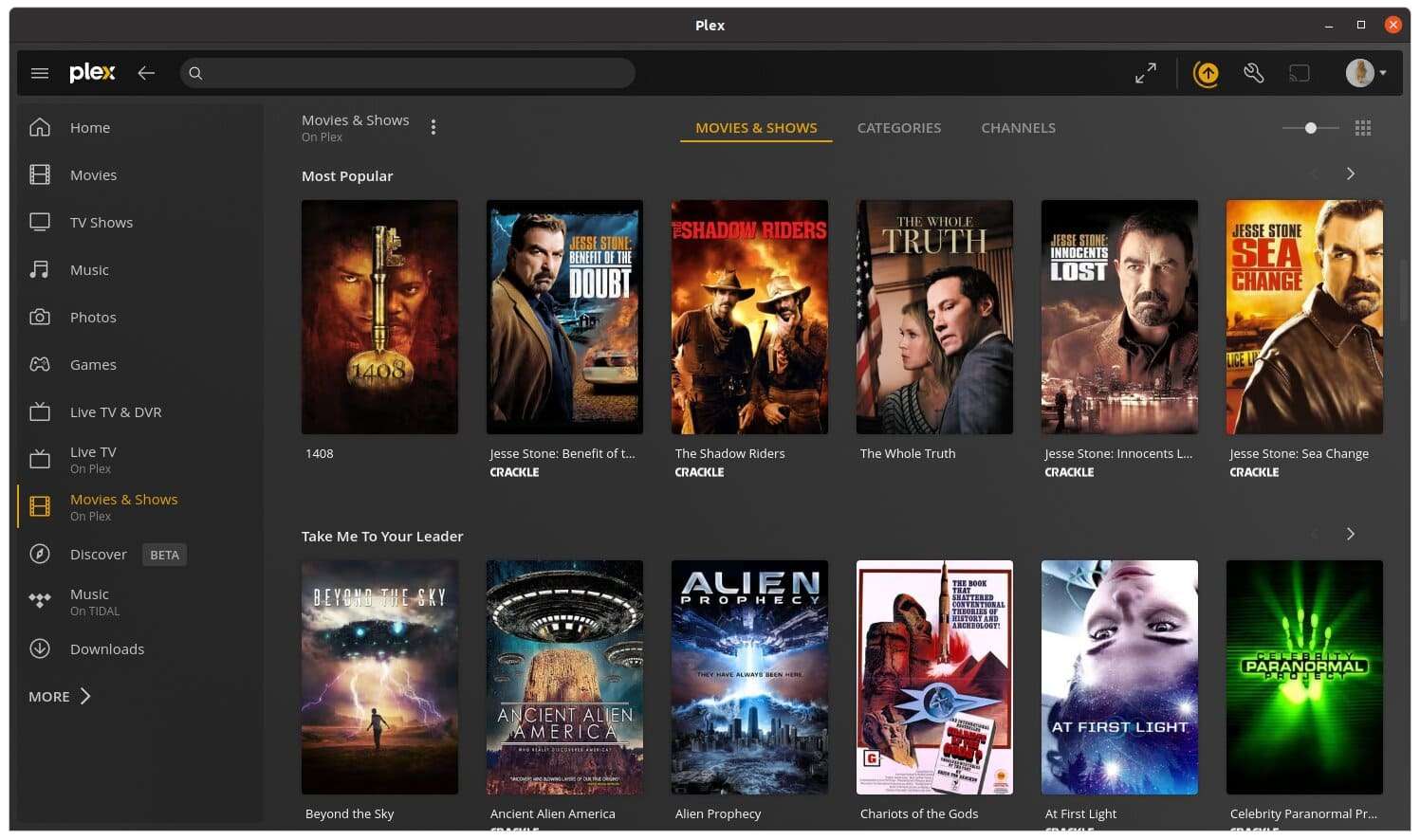
Before you choose an alternative to Plex, know that it's a media server that lets you turn your computer, NAS, or server into a personal Netflix-style service. You can store and organize movies, TV shows, music, and photos in one place. In this regard, Plex adds posters, descriptions, cast info, and other details to your files, making your library look neat and easy to browse.
Why Are People Moving Away from Plex?
| Reason | Description |
|---|---|
| Shift from Local Media | Plex focuses more on ad-supported TV, rentals, AI recommendations, and online content than personal libraries. |
| Privacy Concerns | Cloud routing, telemetry, account-linked history, and limited opt-out raise concerns for users wanting privacy. |
| Feature Paywalls | Some core features moved behind Plex Pass; users feel they must “buy back” functionality. |
| App and UX Issues | Apps can be buggy, slow, or confusing; core workflows may regress or hide behind consumer-focused layouts. |
| Stronger Alternatives | Open-source options like Jellyfin and Emby offer privacy and self-hosting without heavy tracking, appealing to many former Plex users. |
Part 2. 10 Best Plex Alternatives: Free and Paid Options for Media Streaming
For those looking for the best alternative to Plex, review the 10 listed options and determine which is suitable for you:
1. Jellyfin
User Rating: 4.5/5
Among many apps similar to Plex, this is a free, open-source, self-hosted media server system. It allows users to organize, manage, and stream personal media like movies, TV shows, music, photos, books, and comics. Being self-hosted, it enables you to run the server on your own hardware, such as Linux, Windows, macOS, or Docker.
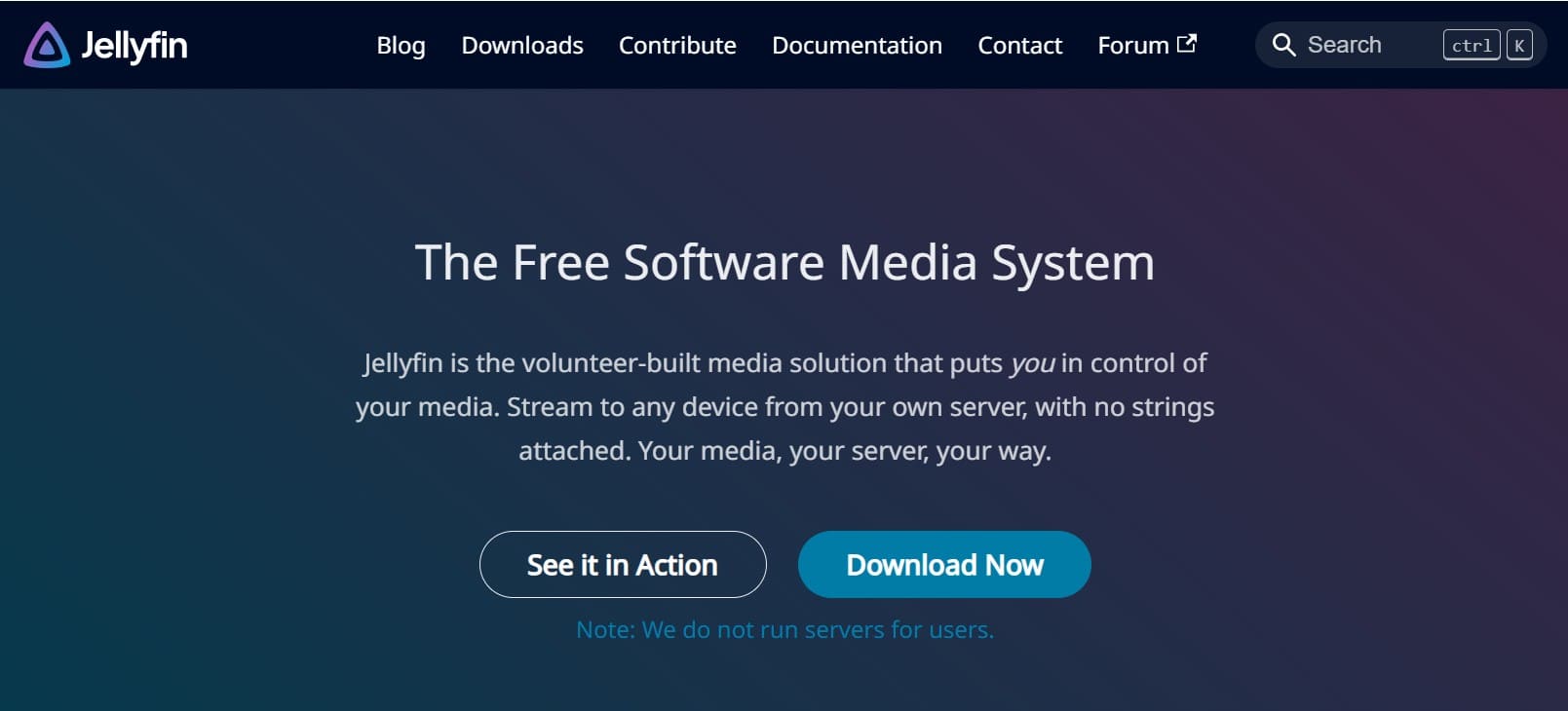
- Streams to Android, iOS, TV devices, and web browsers easily.
- Automatically gets artwork, cast, and summaries for all your content.
- Requires complex manual setup, including proxies and SSL certificates.
- Managing remote users is difficult, time-consuming, and error-prone.
2. Emby
User Rating: 4.2/5
It's another option similar to Plex, known as a personal, self-hosted media server platform. It helps users organize media, such as photos and videos, and automatically fetches metadata, artwork, and descriptions for media files. Additionally, you can use it to convert media to appropriate formats, and it runs on Windows, Linux, macOS, NAS, etc.
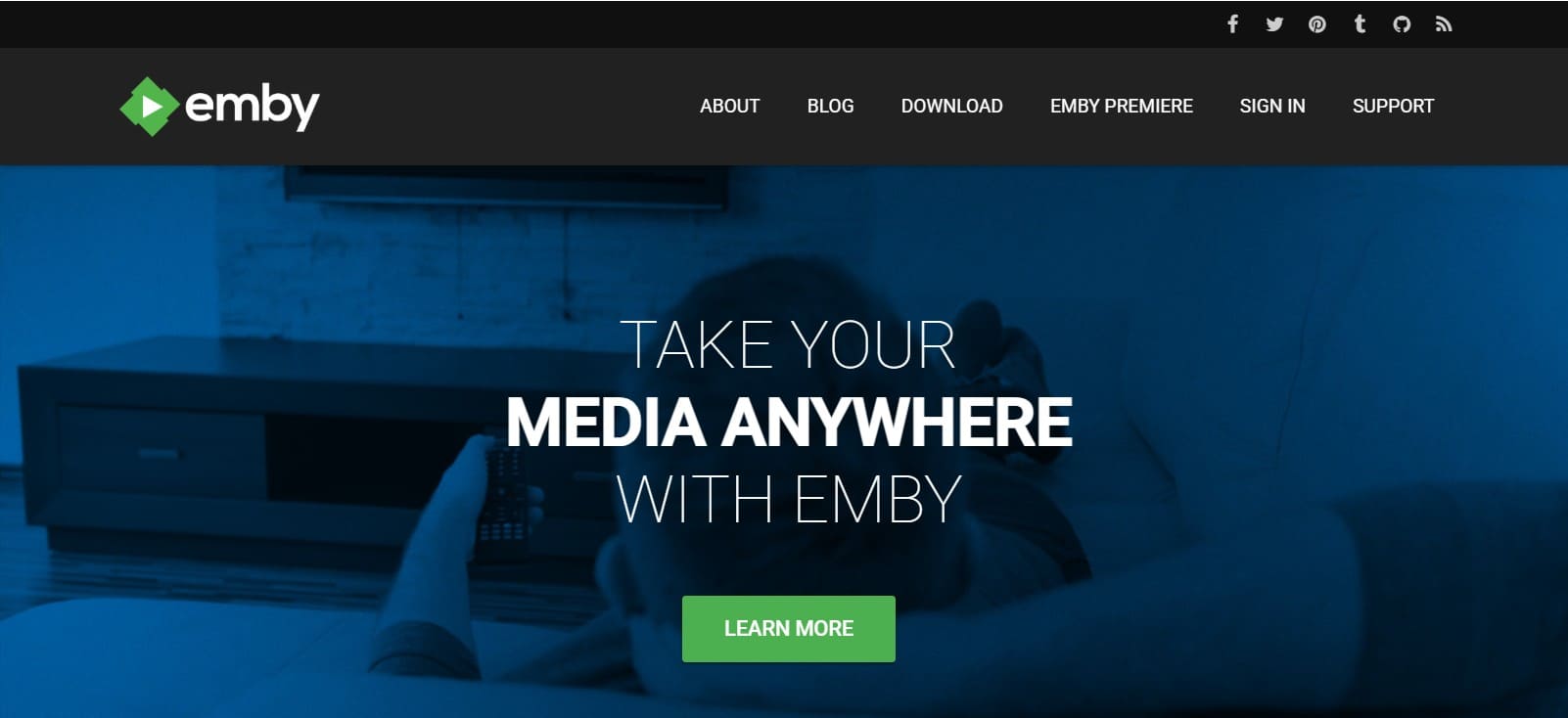
- Easy Live TV and DVR setup for recording anywhere.
- Multiple profiles with parental controls and content access restrictions.
- Android apps experience bugs, stuttering, and playback control problems.
- Platform updates and new features are slower than those of competitors.
3. Kodi
User Rating: 4.15/5
Kodi is a famous media server, a Plex alternative that organizes files and plays digital media for free. Previously known as XMBC, it is now accessible on Windows, Android, Linux, and iOS, and is ideal for all types of users. In addition, being developed by the non-profit Kodi Foundation, it enables one to install third-party add-ons to stream content, check the weather, or add functionality.
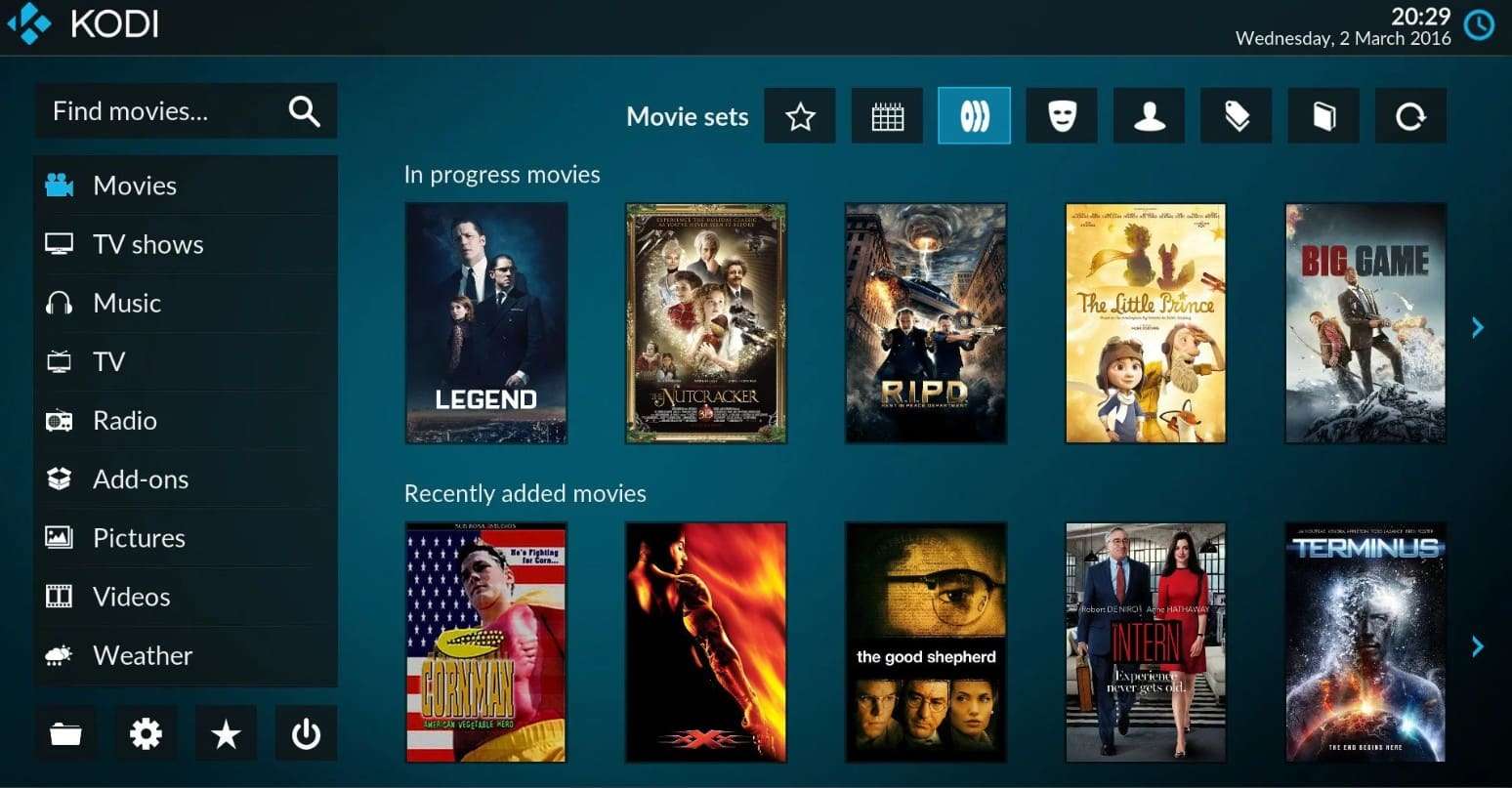
- Kodi manages local files, network streams, and online media together.
- Plays local media offline without a constant internet connection.
- Software is legal, but piracy add-ons may cause copyright risks.
- The interface feels confusing, with menus often complicated for new users.
4. Stremio
User Rating: 4.5/5
This is another alternative a Plex user might need, as it's a free, modern media center and streaming application. Here, you can organize media files and watch media content while accessing it on Windows, Mac, Linux, Android, and Android TV. Additionally, it's somehow similar to Kodi and uses third-party add-ons to access a wide range of content, both official and community-driven.
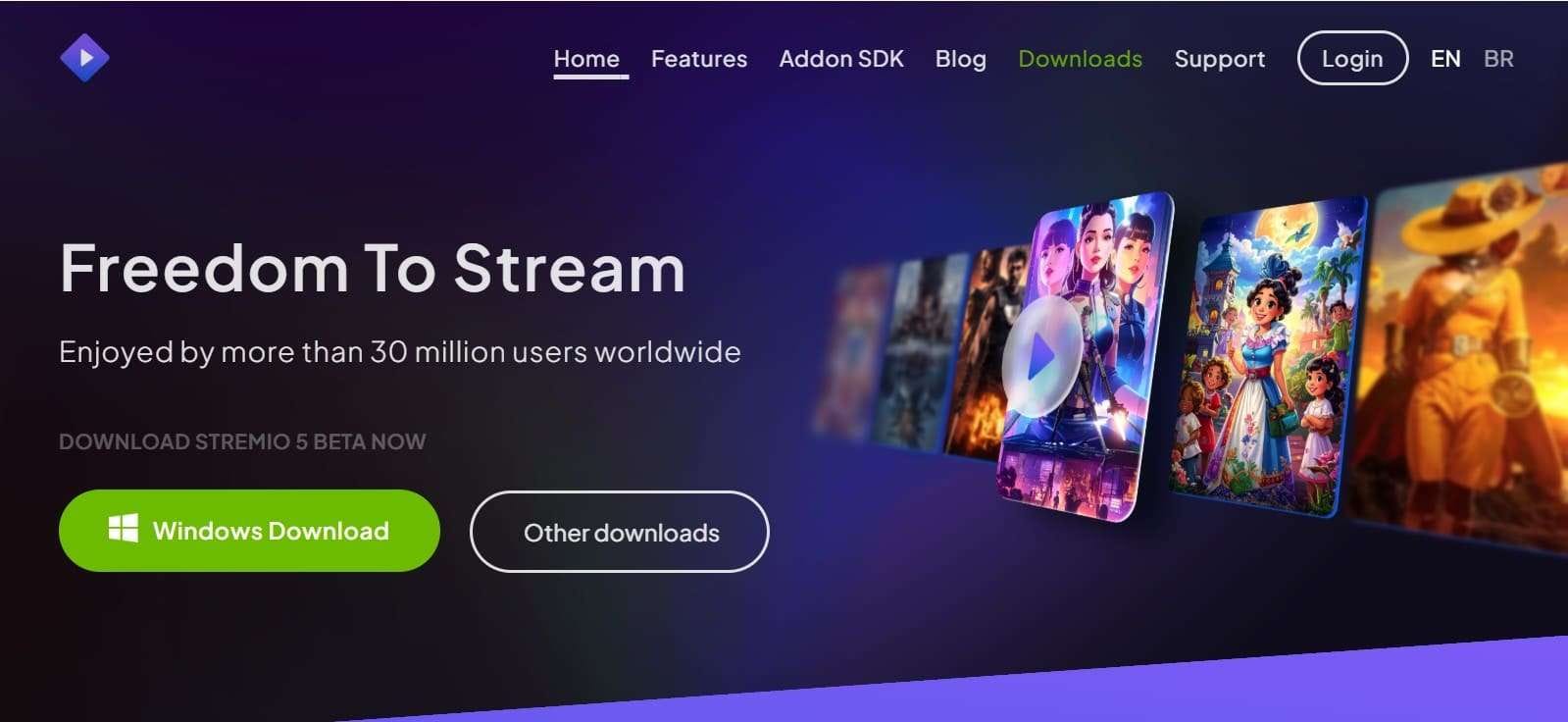
- Interface feels clean and simple, helping users quickly find movies.
- Supports subtitles, 4K HDR playback, and personalized settings for viewers.
- The app focuses on online streaming, so offline viewing is limited.
- Heavy resource usage may slow performance on older mobile devices.
5. Serviio
User Rating: 3.9/5
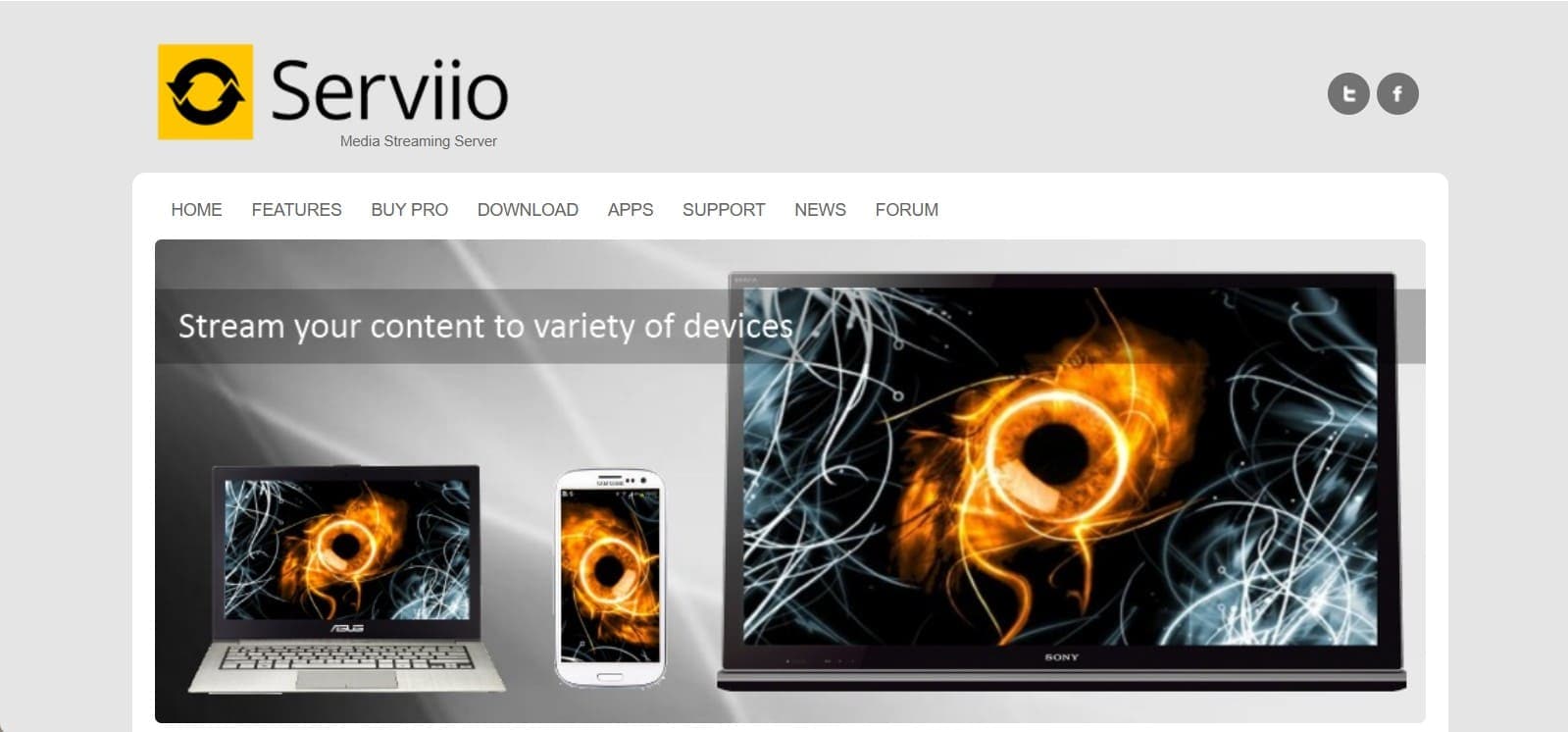
Being a Java-based media server software, Serviio is an alternative to the Plex media server that allows you to stream local, online, and image files. This facility is available to DLNA-compliant devices, such as smart TVs, consoles, and phones, on a home network. Furthermore, it lets you convert media files to suitable formats for rendering devices, and automatically gets movie, TV show, and image information.
- Voice control works with Alexa to manage playback using spoken commands.
- Pro version adds extra features, content tools, and extended mobile API support.
- No official iOS app, so Apple users have fewer access options.
- Android apps feel basic, sometimes buggy, with missing advanced features.
6. Universal Media Server
User Rating: 4.3/5 (No dedicated app, use any DLNA/UPnP-capable player app on your phone to connect to the server.)
This is a Java-based DLNA-compliant UPnP media server that has the ability to stream and transcode audio, video, and image files. As one of the open source Plex alternatives, it needs minimal setup and is accessible on Windows, Linux, and macOS. Unlike other options, this server transcodes media files across a home network to devices like TVs, consoles, and smartphones.
- A free, open-source option suitable for tight budgets and homes.
- Privacy-focused design avoids tracking users or collecting personal data.
- Large media libraries take a long time to scan and update.
- Universal Media Server uses heavy RAM and CPU, slowing computers.
7. MediaPortal
User Rating: 4.6/5
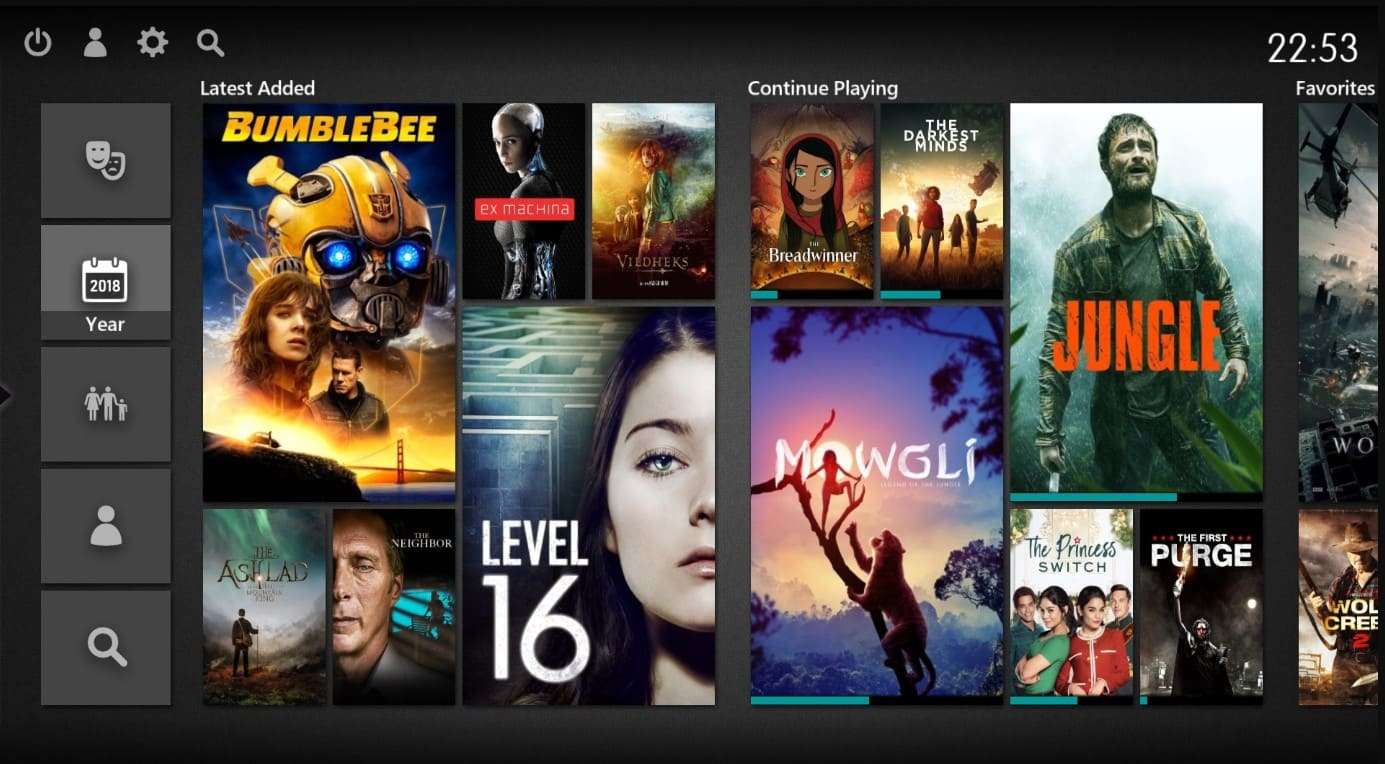
For Windows users, this is another Plex server alternative that turns your PC into a home theater and DVR. Hence, users can either play videos, movies, DVDs, and Blu-ray discs, or stream media, radio, and TV to any HTPC/PC. Additionally, the remote makes scrolling seamless, where one can also watch the weather from a web or mobile device.
- MediaPortal is free, open-source, and licensed under GNU/GPL for all users.
- Long history ensures stable, reliable performance for extended use.
- Works only on Windows, not Linux, macOS, or Android devices.
- Backend TV server setup for recording and scheduling is complicated.
8. OSMC
User Rating: 3.7/5 (You can use the official Kore app or third-party apps like Yatse to control your OSMC device.)
OSMC is a Debian-based OS that runs Kodi, turning devices like Raspberry Pi or Vero into a media center. Unlike Plex, it focuses on local playback and lets you store media on local drives or network shares and browse or play it through Kodi’s interface. Additionally, rather than offering a full client-server streaming platform, it updates itself automatically and offers a clean, simple, user-friendly interface.
- This is a free Plex alternative with community updates and regular improvements.
- Built on Debian and Kodi for stability and customization options.
- OSMC uses more RAM than LibreELEC, affecting older or low-RAM devices.
- Some users report slower performance and choppy playback after updates.
9. MusicBee (for PlexAmp alternative)
User Rating: 4.5/5 (Offers official “MusicBee Remote” apps for both Android and iOS to control the desktop player)
It's another free alternative to Plex that is highly customizable, and it works as a music manager and player for Windows. To save manual hassle, it can automatically organize music files and support auto-tagging to clean up metadata. In addition, with the support of formats like MP3, FLAC, and WAV, it offers high-end audio cards with WASAPI and ASIO support.
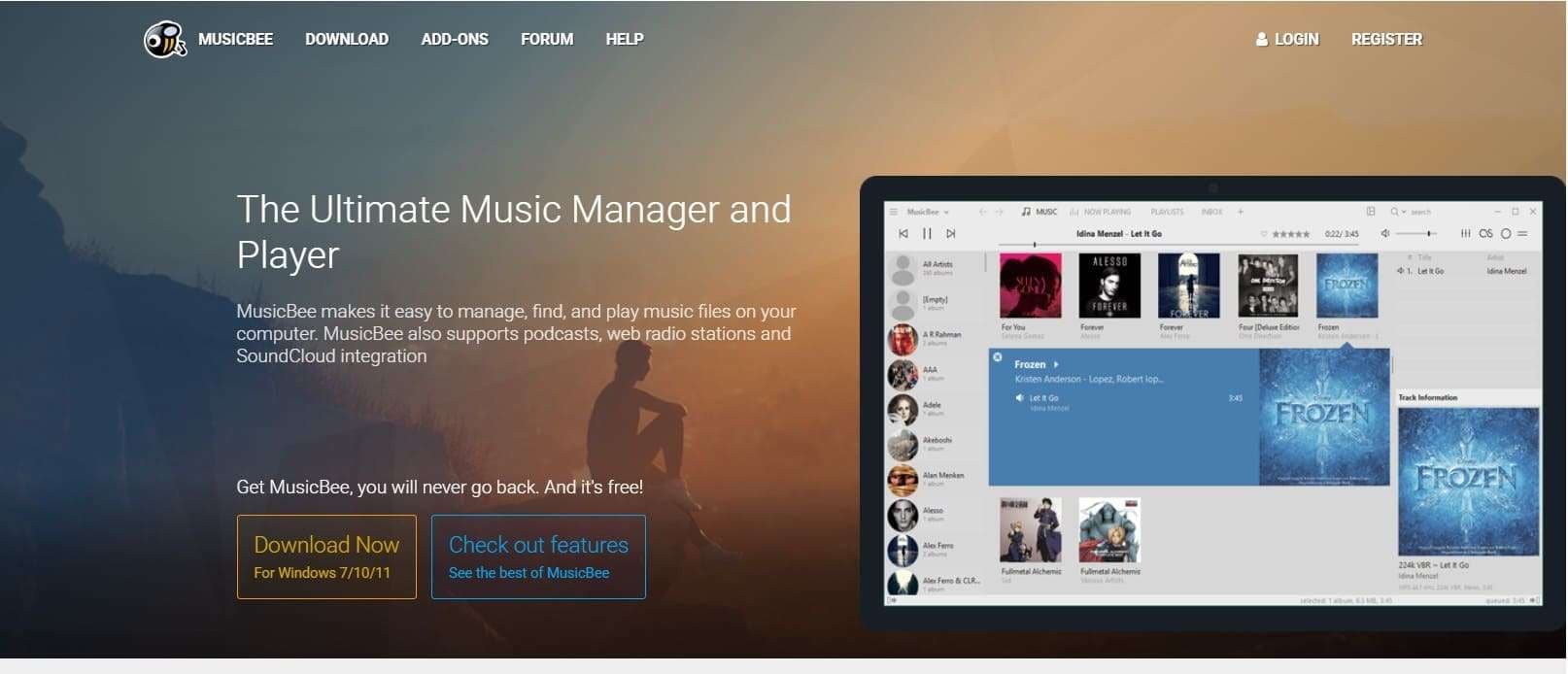
- Use logarithmic scaling or normalize volume for consistent audio levels.
- Convert stereo to 5.1 surround or resample audio to a lower bitrate.
- Works only on Windows, not macOS or Linux devices.
- Video and podcast support is limited, and often needs external players.
10. Mezzmo
User Rating: 4.0/5
Mezzmo is a DLNA/UPnP media server and a famous alternative to Plex. It offers the facility to movies, TV movies, and other media files from a PC or NAS drive to smart TVs, tablets, and media players. In addition, it can automatically find catalog media files and convert unsupported formats in real-time, including 3D and 4K content.
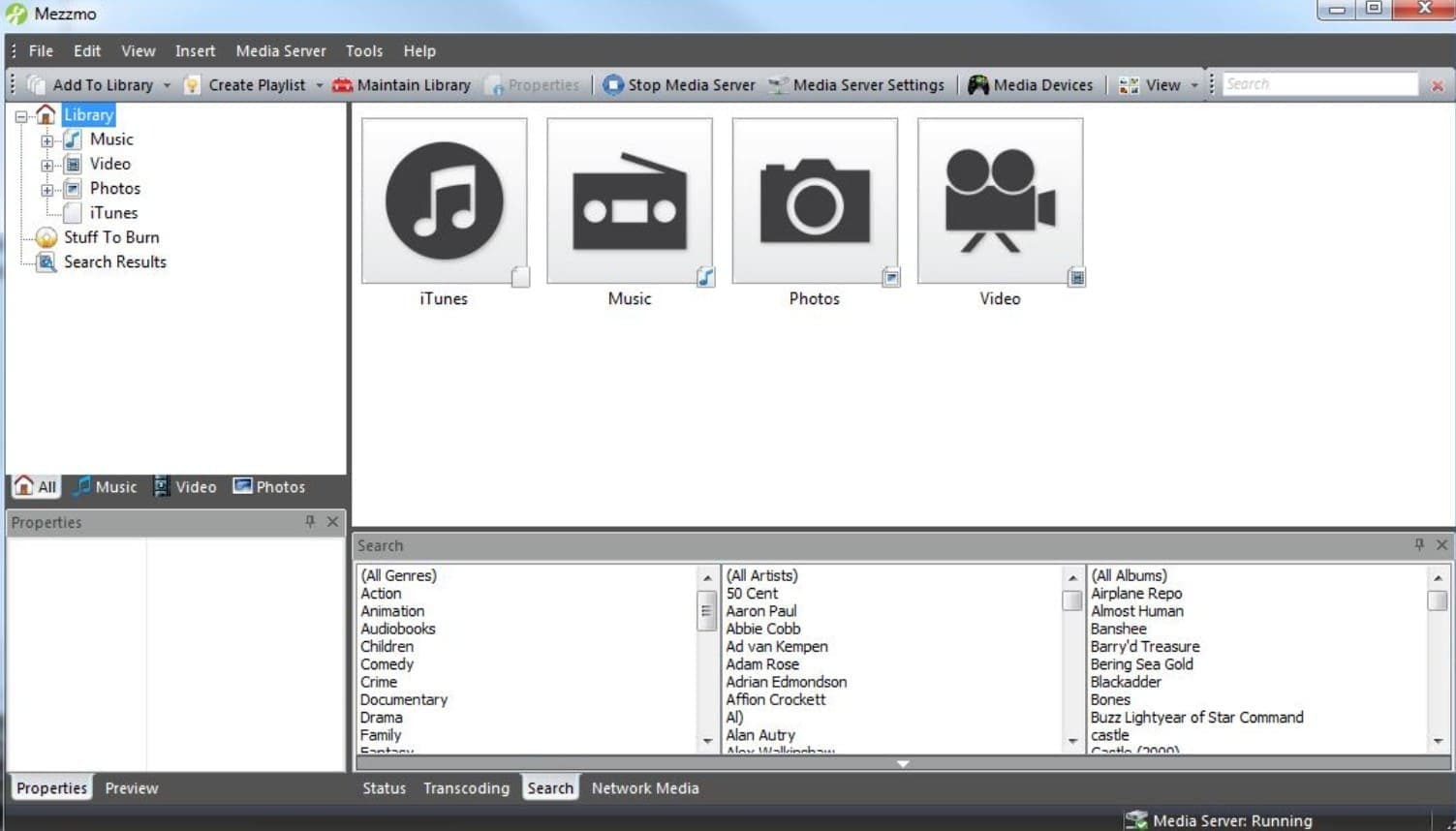
- Supports hardware acceleration with NVIDIA NVENC and Intel Quick Sync
- Streams HD content, ripped Blu-rays/DVDs, gapless music, and subtitles.
- Advanced settings can be hard for new users to learn.
- Some devices face compatibility issues, including older Roku models.
Bonus Tip. Wondershare Dr.Fone Helps You Manage Media on Any Device
After choosing the best Plex alternative, if you want to move and organize media files to stream later, Wondershare Dr.Fone for iOS and Wondershare Dr.Fone can help. For Android and iOS users, this tool offers simple import, export, and drag-and-drop options to manage data across devices. iOS users can move iCloud data to an iOS device or a PC, and also sync music or other files between iOS and iTunes.
Hence, iOS 26 and iPadOS 26 with the iPhone 17 series support selective data transfer and preview, making data management seamless for iPhone users. Besides, Android users can move streamable media from Xiaomi devices to a PC and between other Android phones and computers. Since you can manage the notifications on PC, sharing streaming data and organizing files won’t be a hassle.
Android Guide to Move Data and Stream with a Plex Alternative on PC
 Effortlessly manage data through preview, delete, export, etc.
- Transfer all data between devices.
- Robust backup solutions for reliable data protection.
- Mirror screens to PC for meetings, teaching, and control.
To know how to share media files to a PC and play on any open-source Plex alternative, review the mentioned steps:
-
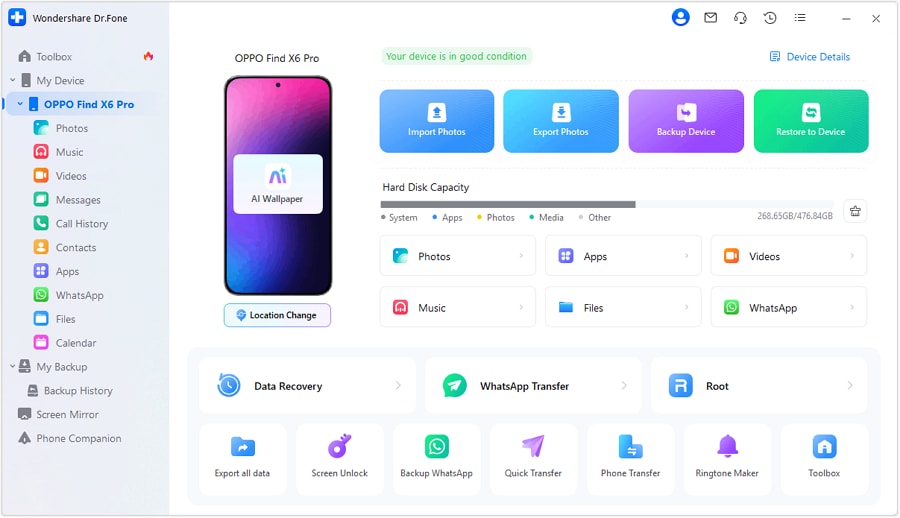
Step 1 Choose the Android Device on the Dr.Fone Phone Manager
As you connect your Android device, locate it under the “My Device” section on this Android Phone Manager.
-
Step 2 Pick the Data Type and Import or Export As Needed
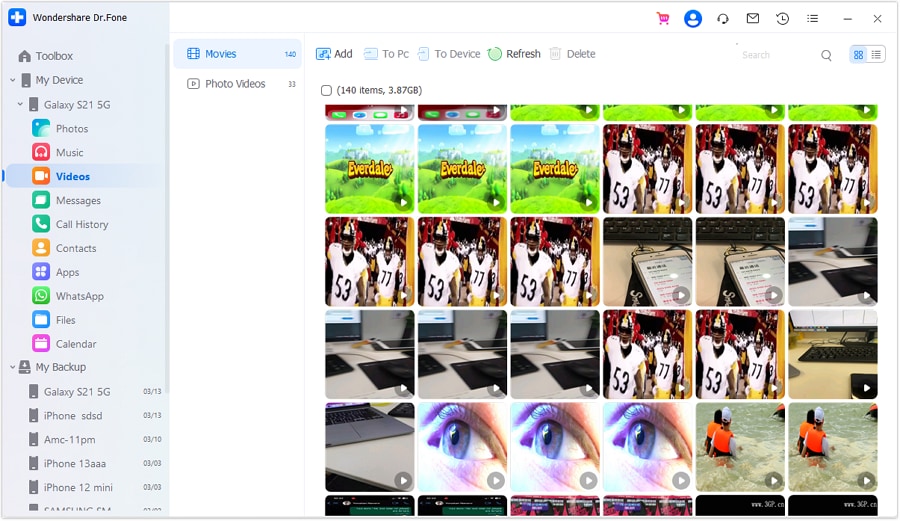
Now, go to the “Video” or other data section and pick the media you seek to manage. To export, choose the “To PC” option. To import, press “Add” and share data from the computer to Android.

-
Step 3 Preview the Media Files & Stream to Plex Alternatives
Now that the data has been moved across devices, preview it on the PC and open any Plex alternative to stream.

Conclusion
To sum up, this comprehensive article has uncovered the 10 best Plex alternatives so that users can choose a solution that meets their needs. In this regard, user ratings, pros, and cons are listed to help compare features and make an informed decision. However, to manage data across devices and stream it later, Wondershare Dr.Fone is recommended.




FAQ
-
1. Can I stream media outside my home network?
Some alternatives like Jellyfin or Emby support remote streaming with proper configuration, while others like OSMC are mainly for local playback. -
2. Do Plex alternatives support live TV and DVR?
Yes, options like Emby and Jellyfin allow live TV and DVR functionality, often requiring a compatible tuner device. -
3. Can I use plugins or add-ons?
Many alternatives support plugins. Kodi (via OSMC or LibreELEC) has a large add-on ecosystem for streaming services, subtitles, and visual enhancements.
 Add Wondershare Dr.Fone as a preferred source on Google