Resolve common problems and system crashes on both iPhone and Android devices.

 100% Security Verified | No Subscription Required | No Malware

 :
: 
 ChatGPT
 Perplexity
 Gemini
 Claude
 Grok
Grok
The more attention iPhone 18 gets, the more people start rethinking the phone they already own. For many users, the real question is not whether Apple's next release will look impressive. It is whether their current iPhone still has enough life left to make upgrading feel optional.
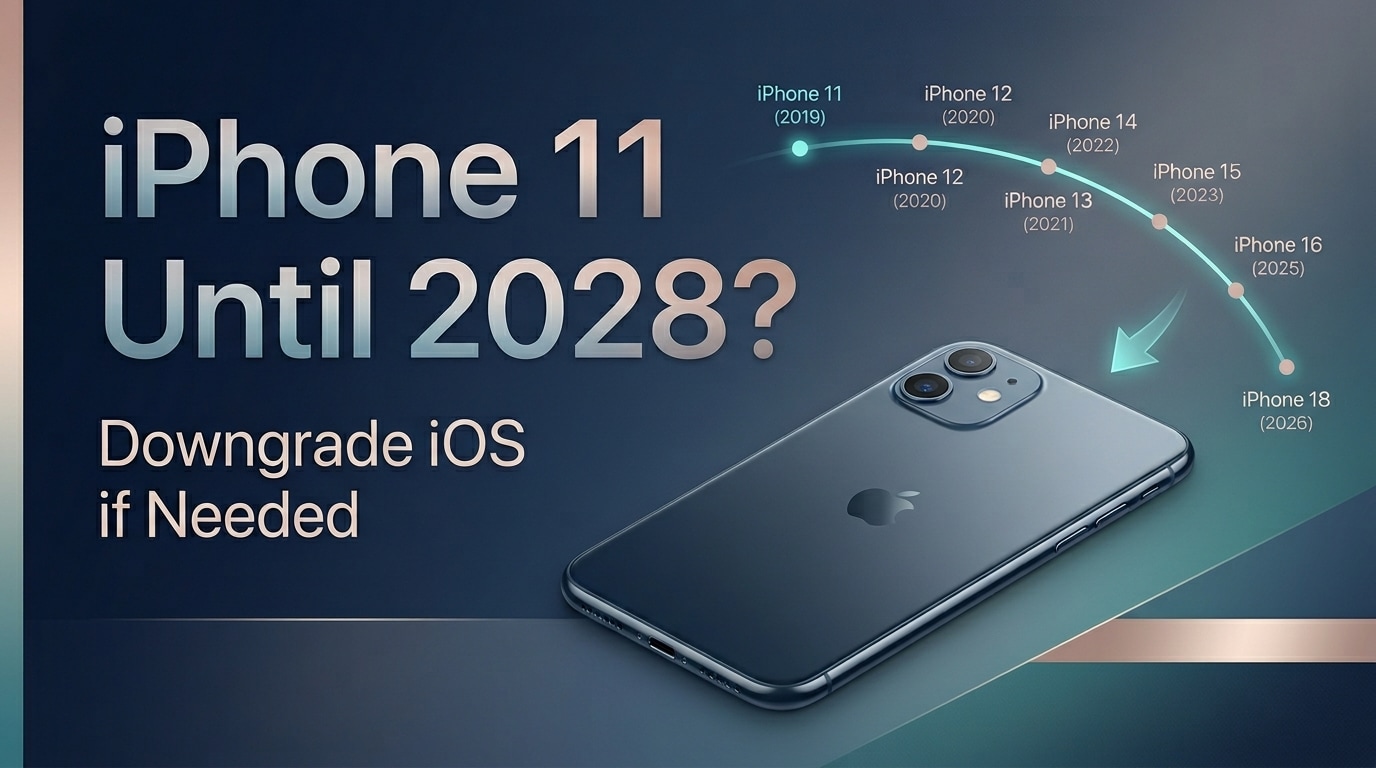
That is why the iPhone 11 keeps coming back into the conversation. It is old enough to raise real concerns about speed, battery life, and long-term usability, but still capable enough to cover the basics for a lot of people. The tension usually shows up after an update: if a newer iOS version makes the phone feel worse, should you live with it, replace it, or step back to a version that felt better?
In this article
Part 1. Why the iPhone 11 Question Feels Bigger in the iPhone 18 Era
Every major iPhone cycle changes how people look at older models. Once iPhone 18 starts dominating headlines, users naturally split into two groups. One group begins planning an upgrade. The other asks a quieter but more practical question: can I keep what I already have for longer and still feel good about it?
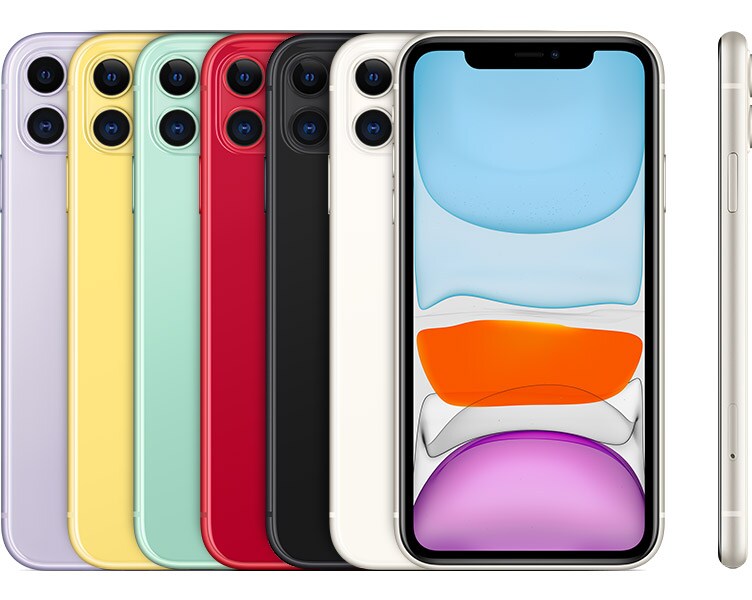
That second question is especially relevant for the iPhone 11. It is not new, but it is also not so old that it obviously belongs in a drawer. It can still handle the things most people care about every day: calls, messaging, maps, social media, streaming, photos, mobile payments, and casual gaming. For plenty of users, that is already enough.
Source:Apple Support
What makes the topic feel more urgent now is comparison pressure. When a new iPhone becomes the center of attention, even small annoyances on an older device start feeling larger than they did before. A little lag suddenly feels like decline. Battery drain feels like a warning sign. A warmer device starts to feel like proof that the phone is reaching the end.
So when people ask whether an iPhone 11 can still make it to 2028, they are usually not asking about theory. They are asking whether it can still feel dependable in real life, after daily use, after newer apps, and especially after newer iOS versions.
Part 2. A Phone's Age Matters Less Than Daily Experience
Most people do not replace a phone because of the calendar. They replace it because the experience starts feeling unreliable, annoying, or tiring. That is an important distinction. A phone can be several years old and still feel perfectly usable, while a technically supported phone can feel frustrating if performance drops in daily use.
That is why the iPhone 11's future is really about experience, not age. If your apps still open smoothly, the battery lasts long enough for your day, the camera still satisfies you, and the phone stays stable throughout normal use, then there is a real argument for keeping it. But if each week feels slightly worse than the last, long-term use starts becoming harder to justify.
A quick reality check makes the question easier to answer:
| If your iPhone 11 still feels good | If your iPhone 11 is becoming frustrating |
|---|---|
| Apps open without much delay | Frequent lag or stutter |
| Battery can still cover most of the day | Battery drops much faster than expected |
| Device stays reasonably cool in normal use | Heat shows up during simple tasks |
| You only think about upgrading occasionally | You think about replacing it all the time |
Battery health is one of the biggest pieces of this puzzle. Many users blame the whole phone when the deeper issue is that the battery has aged enough to affect both consistency and peak performance.
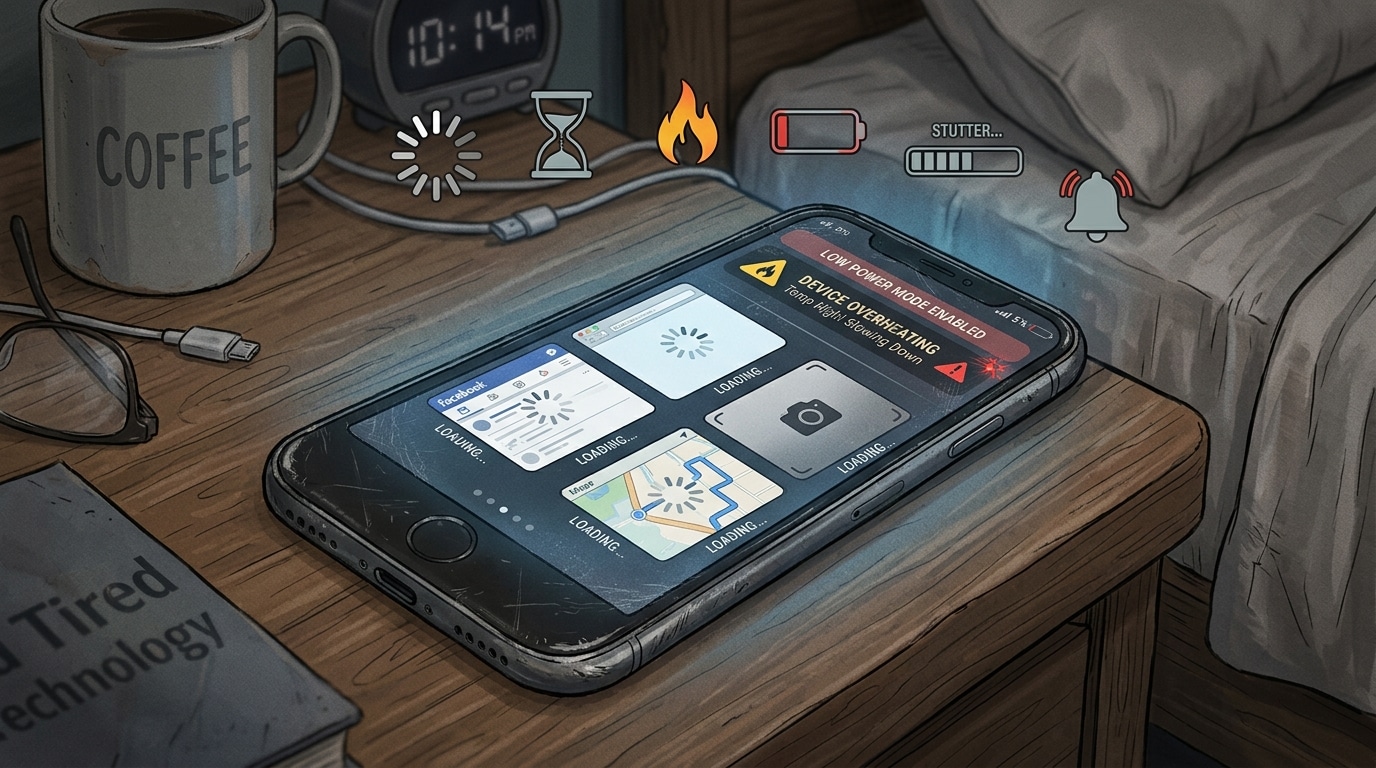
There is also a cost-versus-comfort side to the decision. Keeping an older iPhone can save money and help you avoid an upgrade you do not actually need yet. But that only feels smart if the phone still feels easy to trust. Once simple tasks start becoming irritating, even a technically usable phone can begin to feel finished.
And that is where software becomes more important than people sometimes expect. Hardware aging is gradual. Software changes can feel sudden. A new iOS version may add useful features, but it can also make older hardware feel heavier in daily use. When that happens, replacement is not always the smartest first move.
Part 3. When an Update Changes Everything
A lot of long-time iPhone users recognize this moment immediately: the phone was not perfect before the update, but it was manageable. Then the update arrives, and something shifts. Scrolling feels less smooth. Apps take longer to open. The phone runs warmer. Battery life feels shorter in a way that is hard to ignore. The device still works, but it no longer feels quite right.
When that drop clearly lines up with a software change, downgrading iOS becomes a very reasonable topic. That does not mean every complaint after an update is caused by the update alone. But if your iPhone 11 felt acceptable before and noticeably worse after, it makes sense to explore whether returning to a more suitable version could improve the experience.
This is where Dr.Fone - System Repair (iOS) becomes relevant in a practical way. Its iOS Upgrade/Downgrade feature speaks directly to the real concern behind this article: not how to chase the newest software, but how to keep an older phone usable for longer when a newer version no longer feels like the right fit.
A simple comparison helps explain why this option appeals to so many users:
| Option | Potential upside | Potential downside |
|---|---|---|
| Stay on the newer iOS version | Keep the latest features and compatibility | Performance may still feel worse |
| Buy a new phone | Immediate hardware upgrade | Higher cost |
| Downgrade iOS | Try to regain a smoother experience | Requires careful execution |
For users who are not ready to replace the phone, Dr.Fone offers a more flexible middle path.
 Fix Android instantly – no skills needed.
- Solve boot loop, black screen, won’t turn on, etc.
- High success rate for all system issues.
- User-friendly interface with easy-to-follow steps.
-
Step 1 Open the repair tool
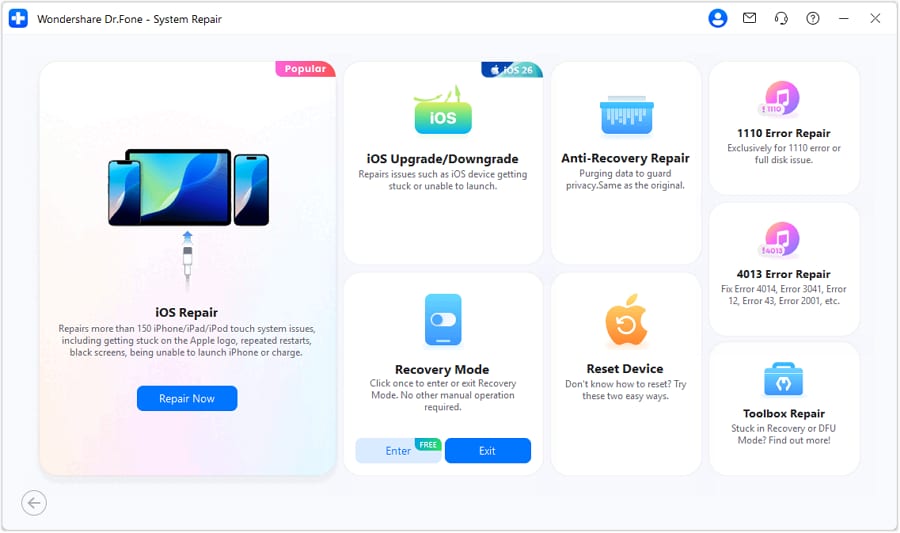
Launch Dr.Fone, enter Toolbox, and choose System Repair.Then continue to select iPhone on the next screen to define the nature of the device that is to be repaired.

-
Step 2 Choose the downgrade path
Select iPhone, enter iOS Upgrade/Downgrade, and choose Downgrade iOS.
-
Step 3 Pick the target firmware
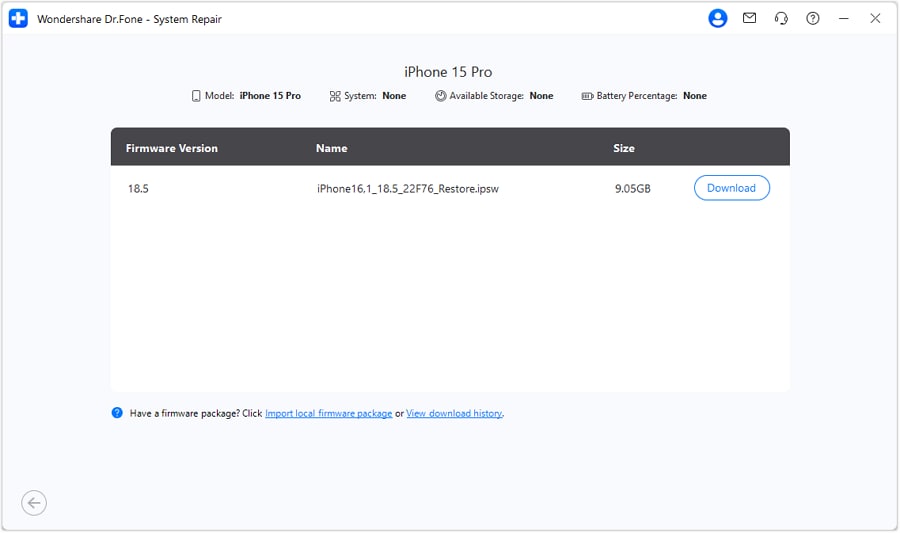
Connect your iOS device to PC.Select the best iOS firmware option from the options on the next screen and download the firmware package.
-
Step 4 Complete the rollback
Start the process and let the tool finish the downgrade on your device.
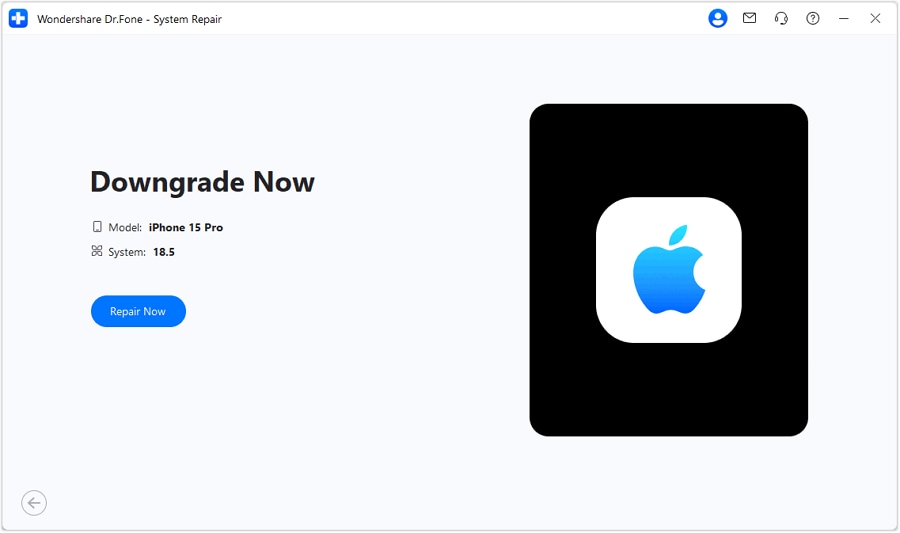
If an update is what made your iPhone 11 harder to live with, stepping back to a better-fitting version may be a calmer and cheaper decision than rushing into a new phone because of one bad software experience.




Part 4. Try Apple's Basic Fixes First
Before deciding that a newer iOS version is the whole reason your iPhone 11 feels worse, it makes sense to run through a few official Apple checks first. That is especially useful when the symptoms are mixed—apps take longer to open, the phone feels warmer than usual, battery life drops too fast, or the whole system just feels slightly off.
Step 1: Check battery health
Go to Settings > Battery > Battery Health & Charging and look at Maximum Capacity.Then check whether Peak Performance Capability shows a warning. If the battery has already aged heavily, part of the slowdown or instability may be hardware-related rather than update-related.
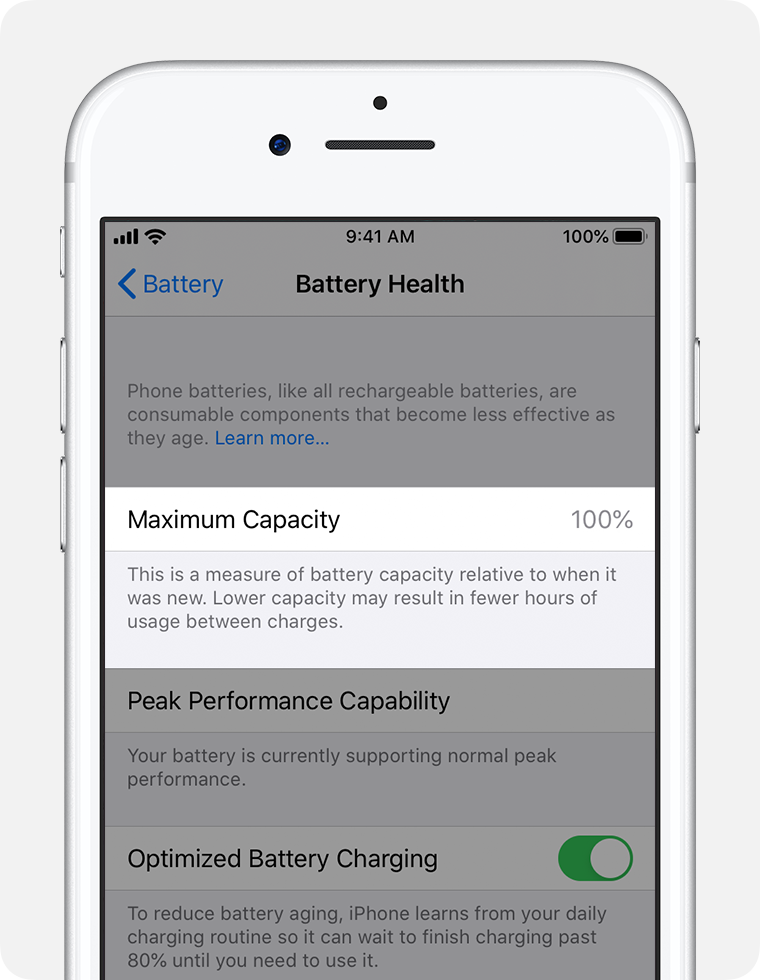
Source: Apple service
Step 2: Free up storage if apps feel slow
If apps are opening slowly or the system feels heavier than usual, check available storage. Apple recommends keeping enough free space to avoid slowdowns. Go to Settings > General > iPhone Storage, review the recommendations, and offload or remove apps you do not need.
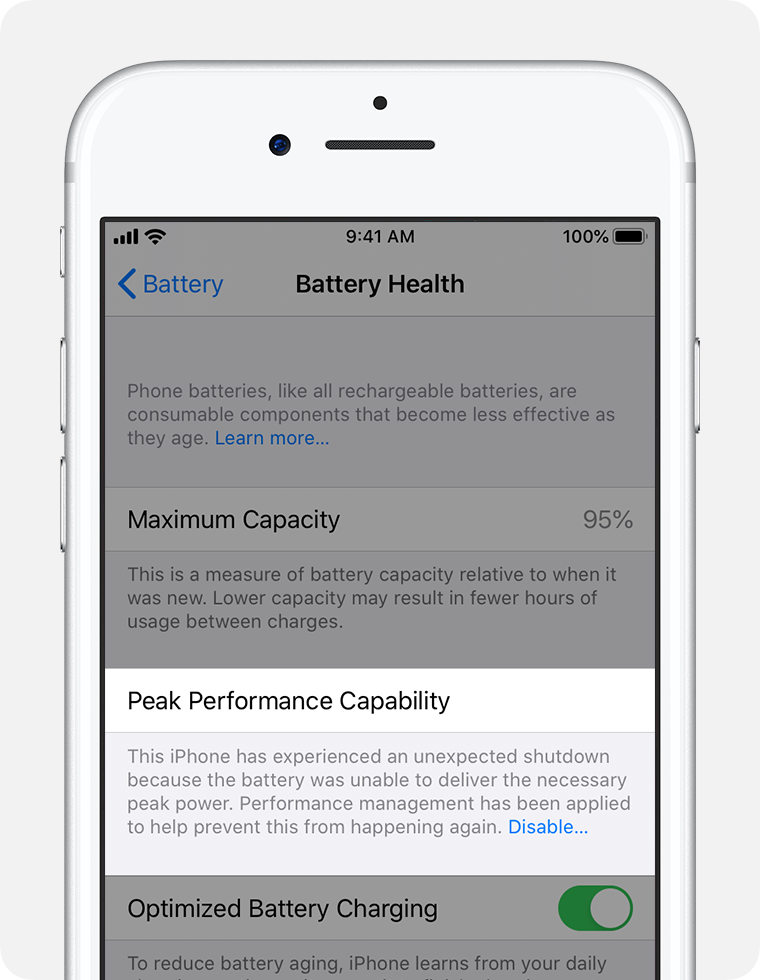
Source: Apple service
Step 3: Restart the iPhone and test again
When the phone feels vaguely off, a simple restart is still one of Apple's standard first checks. Press and hold the volume button and side button, drag the power slider, wait a moment, then turn the iPhone back on. If the phone feels smoother afterward, the issue may not be serious enough to justify bigger changes yet.
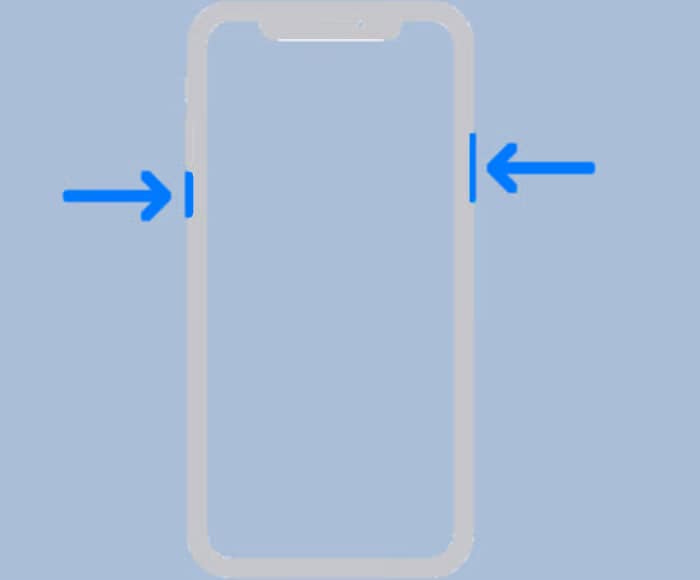
Source: Apple service
Step 4: Let the phone cool down before judging it
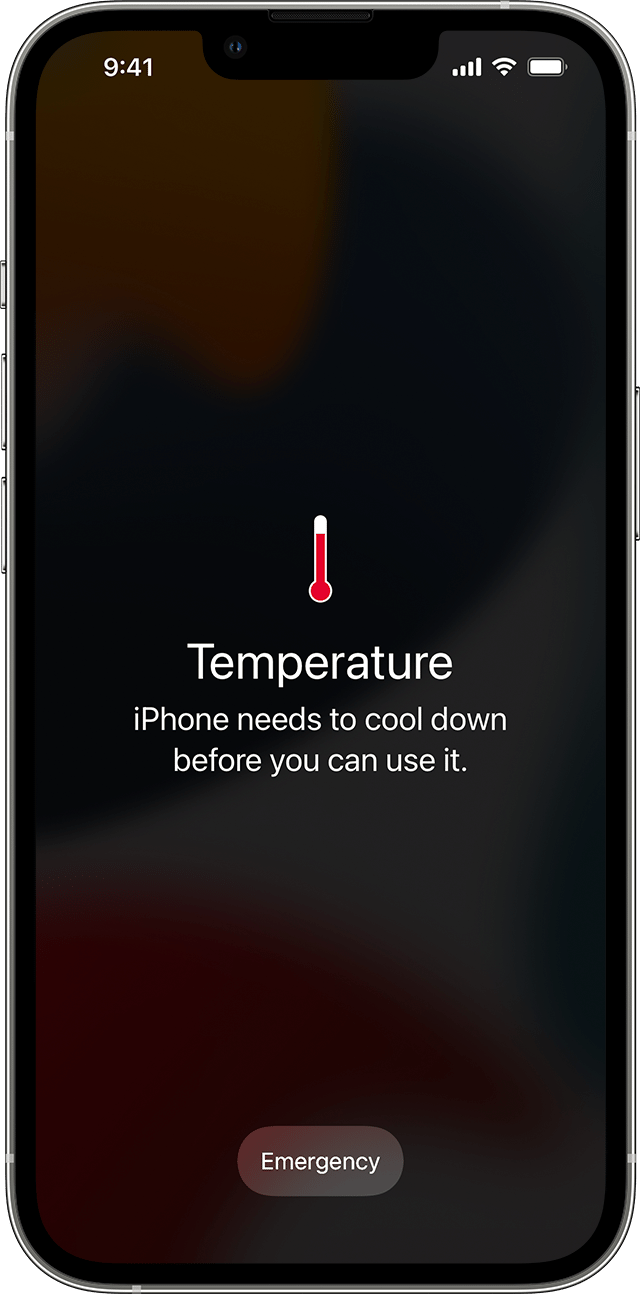
Apple notes that iPhones can feel warmer during major updates, backup restore, video streaming, gaming, or other demanding tasks. If the device gets too warm, turn it off, move it to a cooler place, and let it cool down before deciding that the update permanently damaged performance. Heat can temporarily affect both speed and battery behavior.
Source: Apple service
If you go through these checks and the iPhone 11 still feels noticeably worse only after the software change, then the problem starts looking less like normal aging and more like a version mismatch. That is when an iOS downgrade becomes a much more reasonable next step.
Part 5. So, Can an iPhone 11 Really Last Until 2028?
It can for some users—if the experience still feels reliable enough to live with. The real issue is not the age of the iPhone 11 on paper. It is whether the phone still feels smooth, stable, and comfortable in daily use.
If Apple's basic checks do not solve the problem and the decline clearly began after an update, then software becomes part of the answer. In that situation, trying Dr.Fone's iOS Downgrade can make more sense than rushing into a new phone. For users who want to stretch the life of an iPhone 11 a little longer, that can be a practical middle ground.
FAQ
-
Is iPhone 11 still good in 2026?
Yes, for many users. The iPhone 11 can still handle daily tasks like calls, messaging, social media, streaming, and casual gaming. However, performance depends on battery health and available storage. -
Should I upgrade my iPhone 11 or wait?
If your iPhone 11 still feels smooth and reliable, waiting makes sense. If battery life is poor or performance has declined significantly after updates, consider a battery replacement or software optimization before upgrading. -
Can I downgrade iOS on iPhone 11?
Yes, but Apple does not officially support downgrading. Tools like Dr.Fone – System Repair can help users roll back to a more stable version if a newer update has caused performance issues. -
How long will iPhone 11 be supported?
Apple typically provides iOS updates for about 5-6 years after release. The iPhone 11 was released in 2019, so it may receive updates through 2025-2026. After that, it may become vintage or obsolete.
 Add Wondershare Dr.Fone as a preferred source on Google