Resolve common problems and system crashes on both iPhone and Android devices.

 100% Security Verified | No Subscription Required | No Malware

 :
: 
 ChatGPT
 Perplexity
 Gemini
 Claude
 Grok
Grok
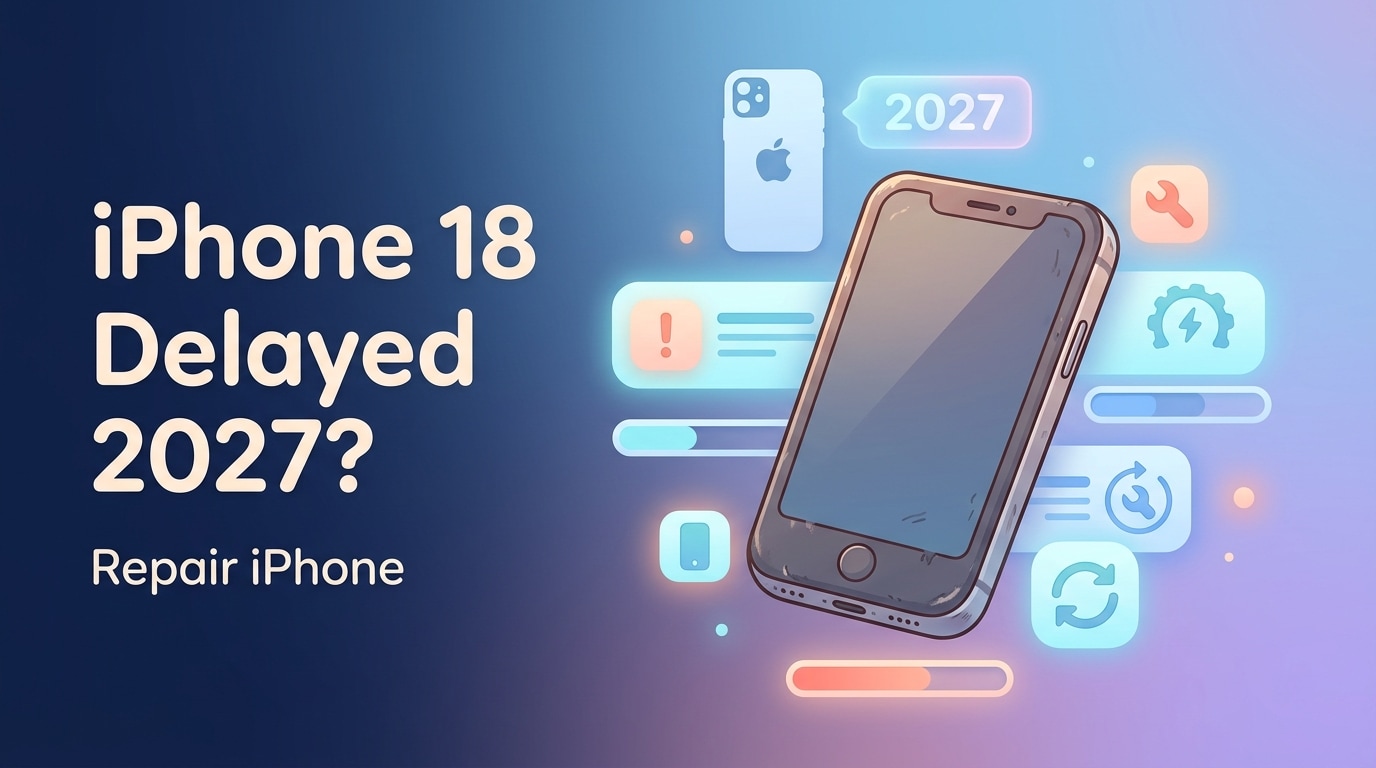
Reports about iPhone 18's potential delay to spring 2027 have created a peculiar situation for millions of current iPhone users. Instead of upgrading on schedule, you're facing the reality of keeping your existing device running strong for at least another year—possibly longer. For those already noticing battery degradation, sluggish performance, or storage issues, this news feels less like an opportunity and more like a problem that needs solving immediately.
The good news? Your iPhone doesn't need to suffer for 12 more months. With the right approach—combining smart maintenance and the right tools—you can keep your device performing like it did six months ago. Let's explore how.
In this article
- Part 1. Can't Wait for iPhone 18—Your Phone Needs to Survive One More Year
- Part 2. Battery Drain, Slowdowns, and Storage Crisis—The iPhone Aging Trifecta
- Part 3. Why Does Apple Official Repair Cost So Much?
- Part 4. Dr.Fone System Repair—A Smarter Alternative
- Part 5. The Essential Maintenance Checklist to Keep Your iPhone Alive
- Part 6. The Delay Is Actually Your Opportunity
Part 1. Can't Wait for iPhone 18—Your Phone Needs to Survive One More Year
Apple's decision to stagger iPhone releases means the standard iPhone 18 won't arrive until spring 2027, a significant departure from the company's traditional September launch schedule. While the iPhone 18 Pro models will debut in fall 2026, regular users face an extended upgrade cycle.
The challenge is straightforward: modern iPhones start showing their age after 2-3 years of regular use. Battery health deteriorates, storage gets cluttered, and the overall system performance gradually declines. For users who purchased their iPhone in 2024 or 2025, maintaining acceptable performance through spring 2027 isn't automatic—it requires deliberate action.
Part 2. Battery Drain, Slowdowns, and Storage Crisis—The iPhone Aging Trifecta
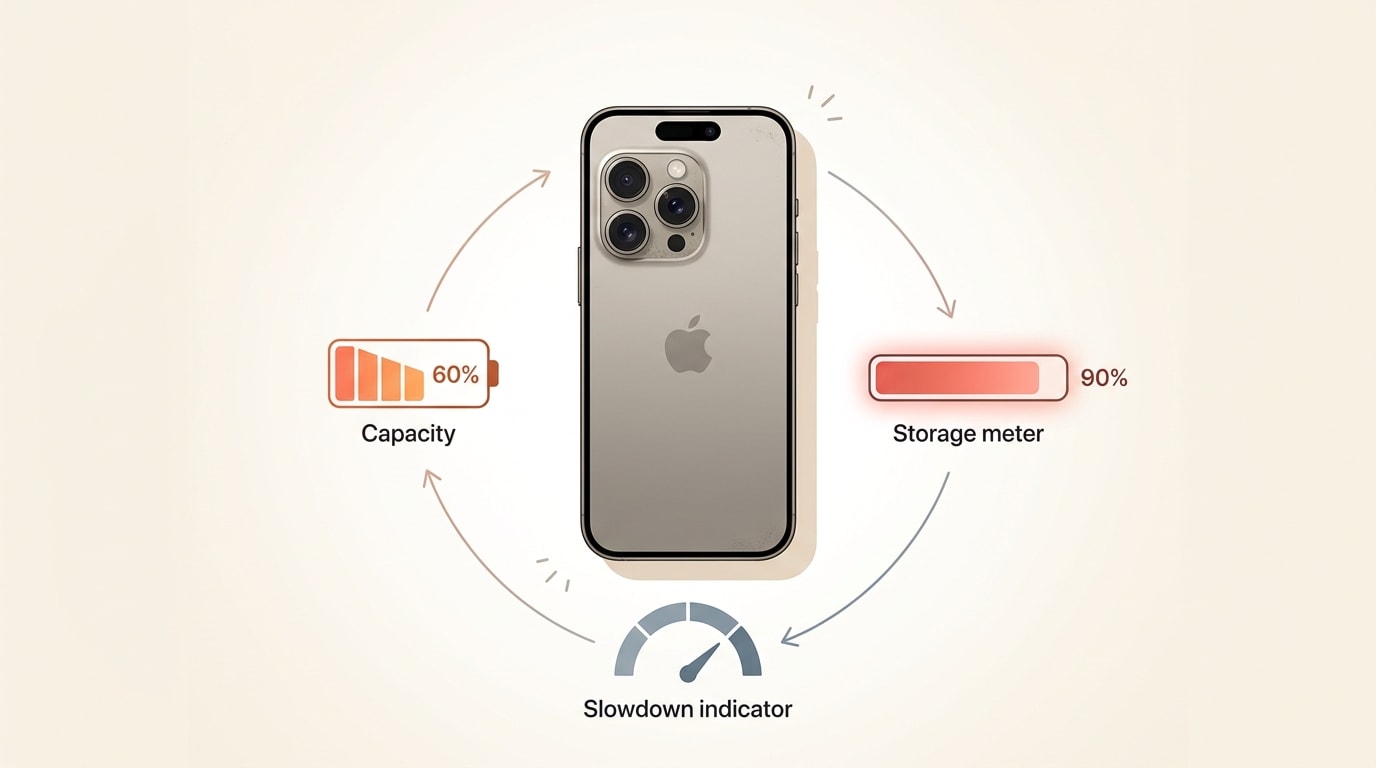
Three interconnected problems plague aging iPhones. First, battery health degrades predictably. After 500 full charge cycles, iPhone batteries typically retain only 80% of their original capacity. By year three, you might be looking at 60-70% capacity, meaning your phone dies mid-afternoon despite supposedly being "charged."
Second, storage accumulation creates system lag. Downloaded apps, cached files, temporary data, and forgotten photos pile up silently. When your iPhone reaches 85-90% storage capacity, the operating system struggles to manage background processes efficiently. Apps crash, launches stall, and scrolling becomes noticeably slower.
Third, these problems compound each other. A device running low on storage consumes more battery power because the CPU works harder managing constrained resources. A degraded battery can't power the device efficiently under processing load. Users caught in this loop often consider their "old" iPhone completely obsolete.
| Issue | Symptom | Timeline |
|---|---|---|
| Battery degradation | Phone dies at 20-30% charge | Year 2-3 |
| Storage accumulation | Apps crash, slowdowns increase | Months 18-36 |
| System bloat | General sluggishness, delays | Gradual, months 12+ |
Part 3. Why Does Apple Official Repair Cost So Much?
Apple's official repair pricing reflects both premium parts and professional labor. A battery replacement runs $69-$119 depending on your iPhone model. Screen repairs cost significantly more—$129 for basic models up to $379 for Pro Max displays. Even minor issues can escalate costs quickly once you're out of warranty.
AppleCare+ provides some protection, but it includes its own catches: $3-$5 monthly subscription fees add up quickly, and accidental damage still carries a $99-$129 deductible. By the time you factor in service wait times and the hassle of device downtime, many users face an uncomfortable choice: spend hundreds on repairs or upgrade early.
For users facing the 2027 wait, repeatedly paying for official repairs isn't economically sensible. You need a solution that addresses the root causes without emptying your wallet.
Part 4. Dr.Fone System Repair—A Smarter Alternative
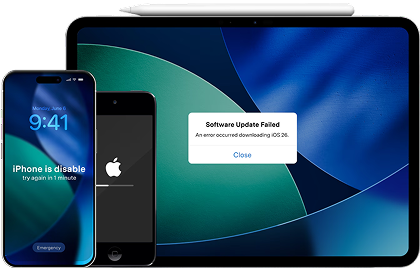
Dr.Fone System Repair tool addresses iOS performance issues at the software level, often eliminating problems that appear to be hardware failures. The tool can fix over 150 different iOS issues including system crashes, boot loops, freezing, lag, and app instability—without erasing your data.
The approach works because many performance problems stem from corrupted system files, incomplete app installations, or operating system inconsistencies rather than failing hardware. By repairing these underlying issues, Dr.Fone often restores iPhone speed and reliability.
Simple System Repair Steps:
-
 Fix iOS issues, no data loss.
- One-click repair for all iOS problems.
- Solve recovery mode, Apple logo, black screen, etc.
- Upgrade or downgrade iOS without iTunes
Step 1 Launch & Connect
Download Dr.Fone, connect your iPhone via USB, and open the Toolbox. Navigate to System Repair and select your device type (iPhone).

-
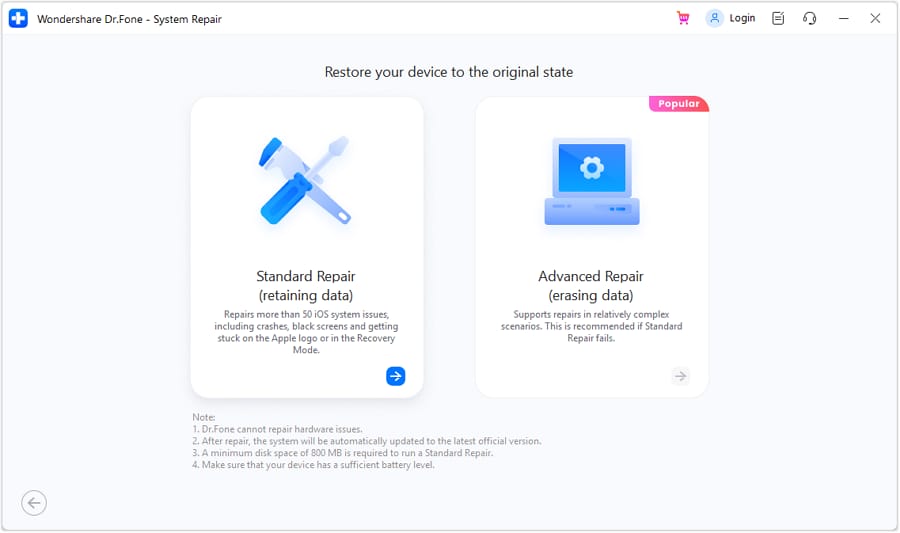
Step 2 Choose Standard Repair Mode
Select "Standard Repair" if you want to preserve your data. This mode fixes system issues while keeping all your photos, contacts, messages, and apps intact.
-
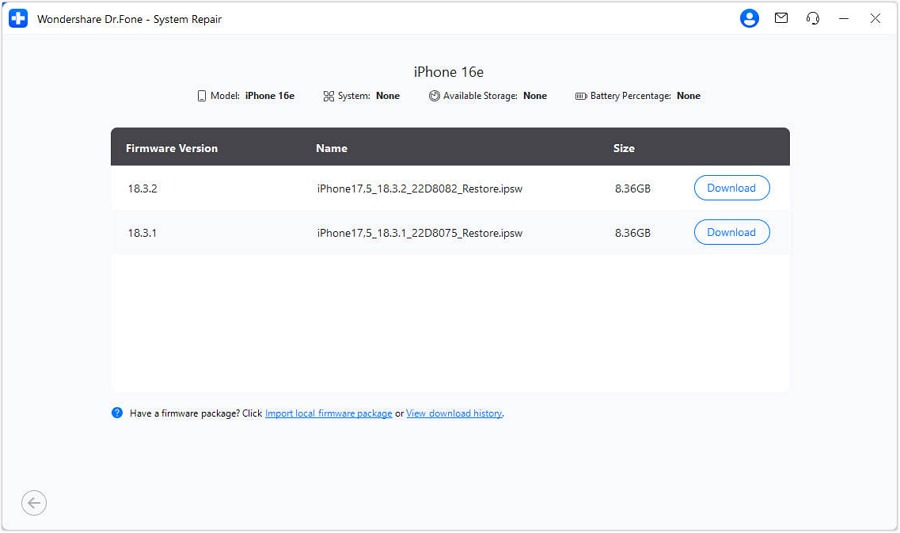
Step 3 Enter Recovery Mode & Download Firmware
Follow the on-screen guide to put your iPhone in Recovery Mode. Dr.Fone automatically detects and downloads the correct iOS firmware for your device.
-
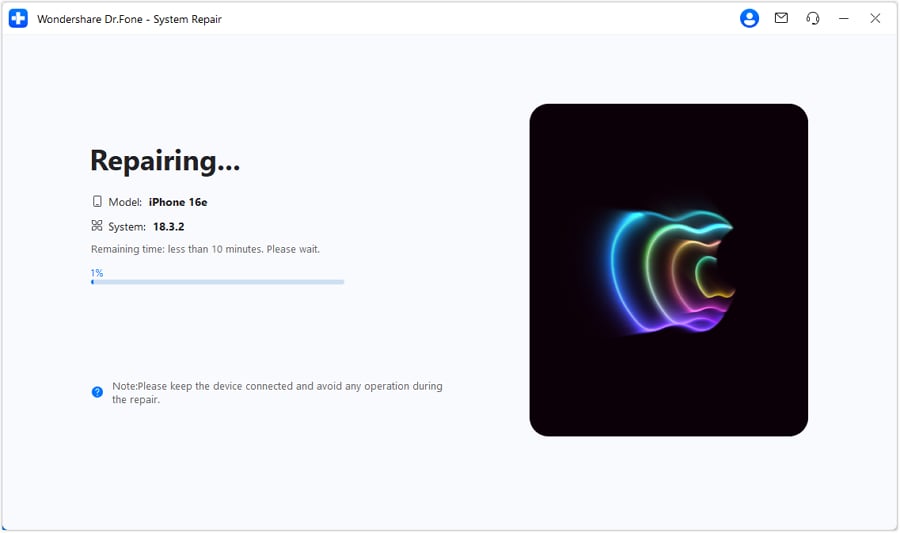
Step 4 Repair & Restore
Click "Repair Now" and let the process complete. Your iPhone will restart and return to normal operation with system issues resolved.
Unlike official Apple repairs, this approach costs a fraction of traditional service and can be performed multiple times if needed throughout your device's lifespan.




Part 5. The Essential Maintenance Checklist to Keep Your iPhone Alive
Beyond software repair, proactive maintenance extends iPhone longevity significantly.
Battery Health Management
Check Settings > Battery > Battery Health regularly. If maximum capacity drops below 80%, optimize your charging habits. Enable "Optimized Battery Charging" to limit charging to 80% overnight. Avoid letting your battery drain completely—aim to keep it between 20-80% whenever possible.
Storage Optimization
Navigate to Settings > General > [Device] Storage. Offload unused apps, delete old videos, and enable "Optimize iPhone Storage" in Photos settings. Keep available storage above 15% to maintain system responsiveness.
Software Updates
Install iOS updates promptly. Updates include performance optimizations and security patches that keep your system running smoothly. Never postpone critical updates.
System Cleanup
Periodically delete app caches and temporary files through Settings > General > iPhone Storage, removing apps you no longer use.
Part 6. The Delay Is Actually Your Opportunity
iPhone 18's postponement to 2027 initially feels like bad news, but it's actually an opportunity. Rather than accepting gradual performance decline, you can take control now.
The combination of smart maintenance, timely software optimization through tools like Dr.Fone, and intentional battery management can keep your iPhone performing excellently through spring 2027 and beyond. You'll save hundreds on repairs, avoid the frustration of a sluggish device, and arrive at iPhone 18's launch with a plan rather than desperation.
The delay gives you time. Use it wisely.
FAQ
-
Why is my iPhone slowing down after 2-3 years?
Performance decline typically results from battery degradation, accumulated storage bloat, and system file corruption. These aren't necessarily hardware failures—many can be resolved through software optimization and cleaning up unnecessary files. -
How much does iPhone battery replacement cost at Apple?
Apple charges $69-$119 for battery replacements depending on your iPhone model. Without AppleCare+, screen repairs range from $129-$379. Third-party system repair tools offer more budget-friendly alternatives for software-related issues. -
Can I fix iPhone lag and crashes without going to Apple?
Many performance issues—freezing, crashes, slowdowns—stem from corrupted system files rather than hardware problems. System repair tools can fix these issues without data loss, often at a fraction of official repair costs. -
What's the best way to preserve iPhone battery health long-term?
Keep battery between 20-80% charge, enable Optimized Battery Charging in settings, avoid extreme temperatures, and use Low Power Mode when needed. These habits significantly extend battery lifespan beyond typical 2-3 year degradation.
 Add Wondershare Dr.Fone as a preferred source on Google