Bypass iCloud Activation Lock and Android FRP without password.

 100% Security Verified | No Subscription Required | No Malware

 :
: 
 ChatGPT
 Perplexity
 Gemini
 Claude
 Grok
Grok
Movisur Tool splits its features between a free Public edition and a paid VIP tier. Frequent updates also adapt its servicing methods to newer Android security patches. While repair technicians may use it for advanced servicing, everyday users can find its technical interface and device-specific operations difficult to navigate.
For common screen lock or Google verification issues, Dr.Fone - Screen Unlock (Android) provides a more guided alternative. It focuses on supported screen lock and FRP removal without requiring users to navigate a technician-style service panel.
In this article
Part 1. What Is the Movisur Tool?
Searches for Movisur Tool usually lead to repair communities looking for an Android servicing utility rather than a standard phone app. Movisur Tool is a Windows-based repair program developed by the MOVISUR Team. It provides separate Public and VIP editions, with available functions varying between them. Current builds include Samsung FRP servicing, ADB repair and device communication, and application management.
The tool also provides package installation for APK, APKS, and APM files, logo repair, and selected Samsung service functions. Additional operations are available for supported MediaTek, Exynos, and Qualcomm devices. However, Movisur Tool is not an official utility from Samsung, Google, MediaTek, Qualcomm, or the Android project.
With these capabilities in mind, the next step is understanding how the Public and VIP editions differ:
| Version | Purpose |
|---|---|
| Movisur Tool Public | Free edition with publicly available Android servicing functions. |
| Movisur Tool VIP | Paid edition with additional technician features and server-based services. |
What Does Movisur Tool Do?
Movisur Tool combines several Android servicing functions in one Windows utility. Its main capabilities include:
-
1 FRP Servicing
Removes FRP locks from supported Samsung and other compatible Android devices using available servicing methods.
-
2 ADB Repair
Repairs unauthorized ADB connections and restores supported ADB communication functions.
-
3 Application Manager
Opens, enables, disables, reinstalls, uninstalls, clears data, and backs up APK files.
-
4 Package Installation
Installs multiple APK, APKS, and APM application packages through supported VIP functions.
-
5 Logo Repair
Repairs supported boot logo issues using dedicated Fix Logo functions.
-
6 Samsung Functions
Provides additional Samsung-specific repair and servicing operations available in supported releases.
What Is the Latest Movisur Tool Version?
The latest Movisur Tool version should be verified through the MOVISUR Team release channel, as third-party download pages may list older builds. Recent releases include version 3.9.0, alongside several earlier updates.
| Version | Released | Key Updates |
|---|---|---|
| 3.9.0 | August 3, 2026 | Added multiple APK, APM, and APKS installations for VIP users, plus application fixes. |
| 3.8.0 | July 7, 2026 | Added another application-specific servicing method. |
| 3.7.1 | June 17, 2026 | Added Exynos 2026 FRP support, unauthorized ADB fixes, and Chimera port handling. |
Movisur Tool receives frequent updates that can change both its features and interface. Recent releases use the New UI V2 layout, so older guides and screenshots may show different menus, options, or buttons.
Part 2. Movisur Tool Features and Compatibility
Movisur's feature list changes between releases, editions, and supported devices. A function shown in a release note does not mean it will work on every Android phone. The model, chipset, Android version, security patch, and selected operation all affect compatibility. The table below breaks down its key features, edition availability, and major limitations:
| Feature | What It Does | Public or VIP | Main Limitation |
|---|---|---|---|
| Exynos 2026 FRP Removal | Removes FRP using the Exynos 2026 method added in version 3.7.1. | Public and VIP | Limited to supported Exynos devices and applicable security patches. |
| Unauthorized ADB Fix | Fixes unauthorized ADB status to establish communication with supported Android devices. | Public and VIP | Requires the device to support the applicable ADB servicing method. |
| Application Manager | Opens, enables, disables, reinstalls, uninstalls, clears app data, and creates APK backups. | Public | Available actions require a supported device connection and appropriate access. |
| Multiple APK, APM, and APKS Installation | Installs multiple APK, APM, and APKS application files through one function. | VIP | Requires supported package files and a compatible connected device. |
| Fix Logo | Runs the dedicated Fix Logo process for supported Android devices. | Public and VIP | Works only with devices supported by the available Fix Logo method. |
| Chimera Port Fix | Releases device communication ports left occupied after using Chimera software. | VIP | Relevant specifically when Chimera leaves a communication port occupied. |
| Odin Flash | Provides an Odin flashing function for supported Samsung devices. | VIP | Limited to compatible Samsung devices and appropriate firmware files. |
| Enable SIM 2 | Enables SIM 2 functionality on supported Samsung device configurations. | VIP | Limited to supported Samsung Exynos and Qualcomm configurations. |

Public vs VIP Movisur Tool
The main difference between Movisur Tool Public and VIP is the range of available servicing functions. Public includes selected features such as FRP, ADB fixes, and application management. VIP adds functions such as multi-package installation, Chimera port fixes, Odin Flash, and other release-specific operations. The table below compares both editions in more detail:
| Factor | Public Edition | VIP Edition |
|---|---|---|
| Access | Available without VIP access | Required for VIP-only functions |
| Exynos 2026 FRP | Supports Exynos 2026 FRP removal from version 3.7.1 | Supports the same Exynos 2026 FRP removal method |
| Unauthorized ADB Fix | Repairs unauthorized ADB status on supported devices from version 3.7.1 | Provides the same Unauthorized ADB Fix |
| Fix Logo | Includes the improved Fix Logo function from version 3.7.1 | Provides the same improved Fix Logo function |
| Chimera Port Fix | Not listed for Public in version 3.7.1 | Frees ports after using Chimera through the Chimera Port Fix function |
| Multiple Package Installation | Not listed for Public in version 3.9.0 | Installs multiple APK, APM, and APKS files from version 3.9.0 |
Which Phones Does Movisur Tool Support?
Movisur Tool compatibility depends on several device and software factors rather than phone brand alone. Support can vary by exact model, chipset, Android version, security patch, connection mode, and the servicing function being used.
Samsung devices receive dedicated functions, while some operations target specific Exynos, MediaTek, or Qualcomm configurations. The table below explains the main compatibility factors to check before selecting a Movisur Tool function for your device:
| Compatibility Factor | Why It Matters |
|---|---|
| Phone Model | Some operations support specific models rather than an entire brand. For example, MOVISUR has documented functions for Samsung models such as SM-S918B and SM-S911B. |
| Chipset | Functions can target particular hardware platforms. For example, some MOVISUR operations specify Exynos, MediaTek, or Qualcomm configurations. |
| Android Version | Certain servicing methods target specific Android releases. For example, MOVISUR has documented KG bypass support for Android 14 and Android 13. |
| Security Patch Level | Support can vary after security updates. MOVISUR device reports have identified compatibility with specific patches, including August and October 2024 levels. |
| Connection Mode | Different functions require different communication methods. For example, some operations use ADB, while supported Samsung servicing can use COM port detection. |
| Selected Function | Support for one operation does not guarantee another. For example, a device supported for FRP removal may not support Fix Logo, Odin Flash, or Enable SIM 2. |
Part 3. Is Movisur Tool Free, Safe, and Reliable?
Movisur Tool combines free Public features with paid VIP functions, but availability can change between releases. Beyond pricing, users should consider download safety, device compatibility, and technical limitations before using the tool.
Is Movisur Tool Free?
The Movisur Tool free download refers to its Public edition, which provides selected servicing functions without VIP access. Other operations are reserved for paid VIP users, with feature availability varying between releases.
Calling Movisur Tool completely free can therefore be misleading. Check the latest MOVISUR Team release information before downloading to confirm whether the function you need is available in the Public or VIP edition.
Is Movisur Tool Safe to Download?
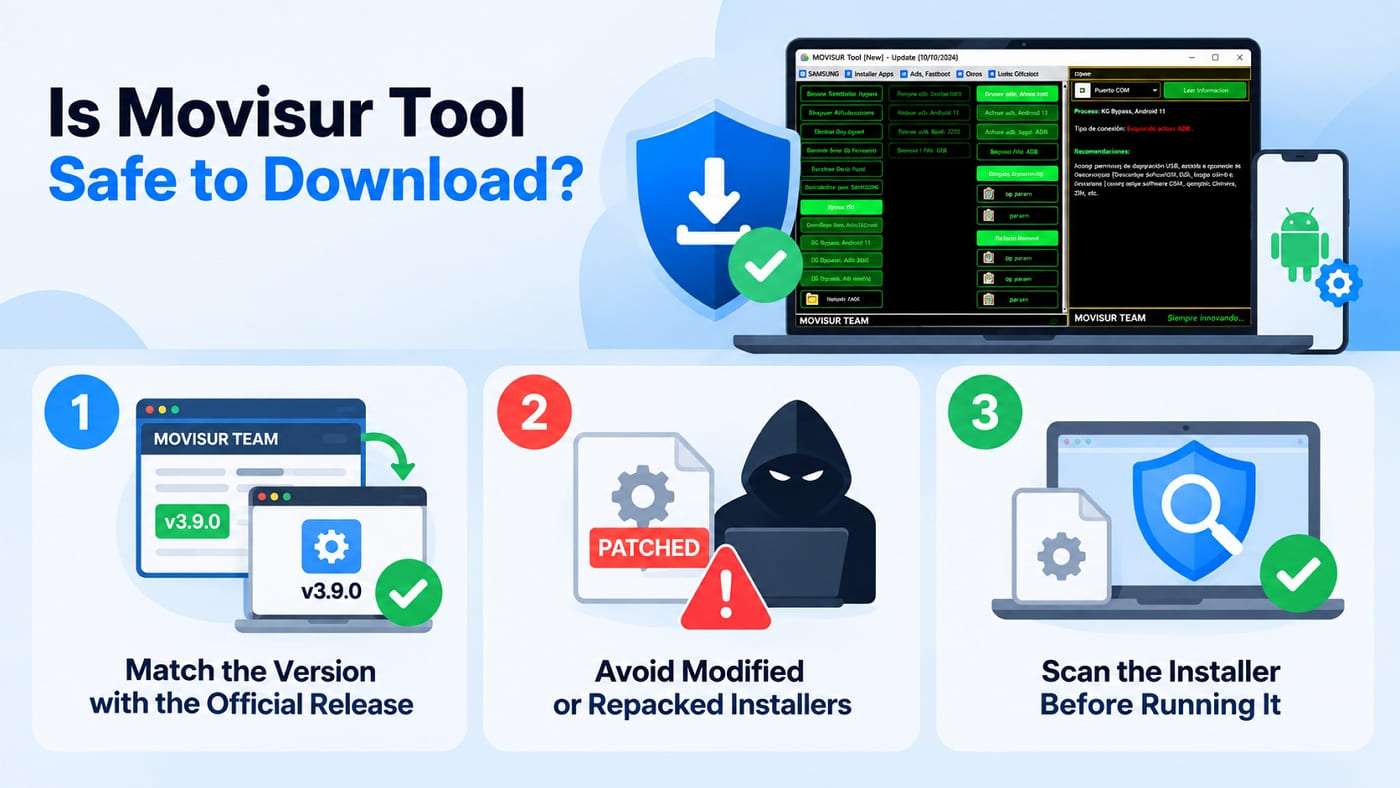
The main safety concern with Movisur Tool is the source of the installer, especially when copies are distributed through third-party websites or file hosts. Before installing a build, verify its version and source, scan the downloaded files, and confirm that the required operation supports your device. Use these checks to reduce avoidable security and compatibility risks:
-
1 Match the Version with the Official Release
Compare the downloaded build number with the latest MOVISUR Team announcement. A different version may indicate an outdated or modified package.
-
2 Avoid Modified or Repacked Installers
Be cautious with files labeled "patched," "cracked," or "latest VIP." Copies from unknown mirrors may differ from the original MOVISUR release.
-
3 Scan the Installer Before Running It
Scan the downloaded archive or installer with reputable security software before opening it. Avoid instructions that require disabling antivirus protection during installation.
Main Movisur Tool Limitations
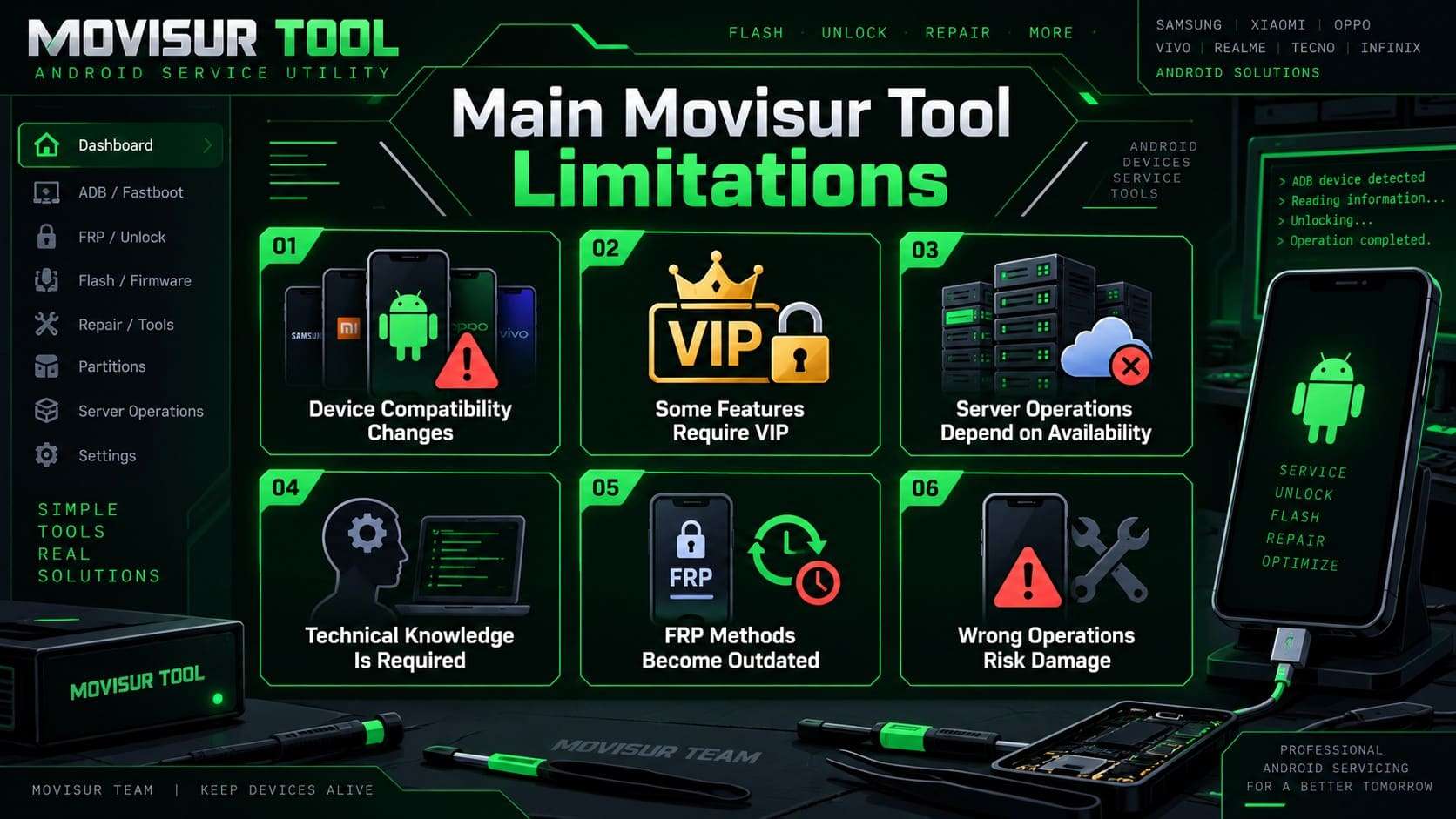
Before using Movisur Tool, it is important to understand where its capabilities may be limited. Device support, feature access, and technical requirements can affect how reliably specific operations work. Here are the main limitations to consider before choosing it for Android servicing:
-
1 Device Compatibility Changes
Support varies by phone model, chipset, Android version, security patch, and the specific servicing method available.
-
2 Some Features Require VIP
Certain functions are reserved for the VIP edition, so the Public version does not provide every available operation.
-
3 Server Operations Depend on Availability
Functions that rely on online services may become unavailable when the required server or service cannot be reached.
-
4 Technical Knowledge Is Required
Some servicing operations require familiarity with Android drivers, connection modes, firmware, and device-specific repair procedures.
-
5 FRP Methods Can Become Outdated
Android security updates and newer security patches can affect whether previously supported FRP servicing methods continue to work.
-
6 Incorrect Operations Carry Risks
Using an incompatible function, firmware, or servicing method can cause errors, data loss, or other device problems.
Part 4. A More Focused Alternative to Movisur Tool for Screen Unlock and FRP
Not every Movisur Tool user needs a broad technician-oriented servicing suite. Someone dealing only with a forgotten screen lock or Google FRP verification may benefit from a more focused workflow. Dr.Fone - Screen Unlock (Android) is built around these tasks, supporting pattern, PIN, password, fingerprint, and face lock removal. It also provides dedicated FRP removal workflows for supported Android devices through guided on-screen instructions.
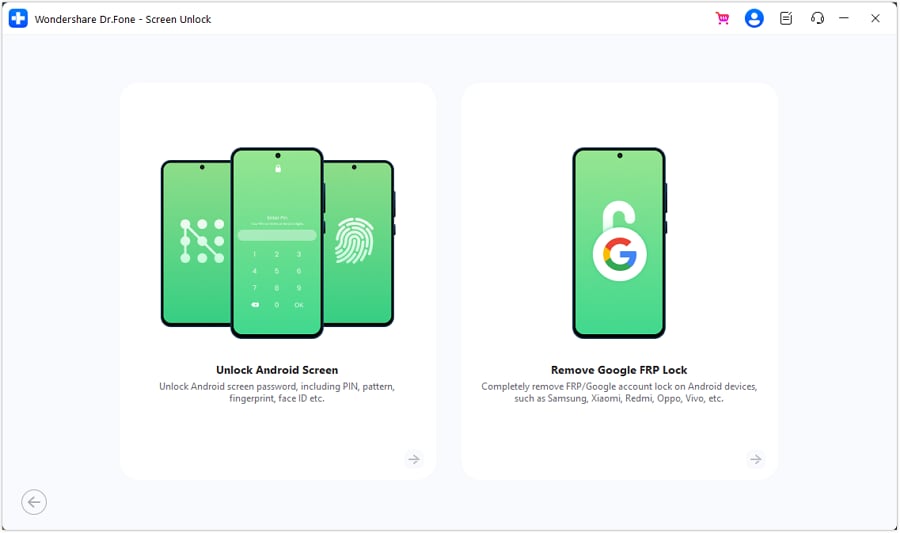
Dr.Fone currently lists FRP support across 21 Android brands, including Samsung, Xiaomi, Motorola, Huawei, Google, Sony, and Nokia. It also supports Android 16, but available unlocking options can differ depending on the phone model and lock type. Compared with Movisur Tool, Dr.Fone provides a more guided experience focused on screen unlocking and FRP removal. This makes it suitable for users who do not need broader Android servicing functions.
 Unlock Android phone in seconds.
- Remove PIN, pattern, password, fingerprint.
- Bypass Google FRP lock easily.
- Works on all Android brands & models.
- No tech skills required – user-friendly.

Movisur Tool vs Dr.Fone - Screen Unlock (Android)
The key difference between Movisur Tool and Dr.Fone - Screen Unlock (Android) is their focus. Movisur covers broader Android servicing tasks, while Dr.Fone focuses on screen unlocking and FRP removal. The table below compares their key differences to help you choose the option that matches your needs:
| Factor | Movisur Tool | Dr.Fone - Screen Unlock (Android) |
|---|---|---|
| Main Purpose | Android servicing with multiple repair and device functions | Android screen lock and FRP removal |
| Android Screen Lock Removal | Availability depends on supported methods and releases | Removes supported PIN, pattern, password, fingerprint, and face locks |
| Google FRP Removal | Provides FRP methods for supported devices and configurations | Provides dedicated FRP removal workflows for supported Android devices |
| Samsung Support | Includes Samsung-focused FRP, ADB, flashing, and servicing functions | Supports Samsung screen unlocking and FRP removal, including Android 16 workflows |
| Other Android Brand Support | Varies by device, function, chipset, and release | Screen Unlock supports 32 brands and 2,000+ Android phone and tablet models |
| Firmware Repair | Includes firmware-related servicing functions for supported devices | Available separately through Dr.Fone - System Repair (Android) |
| Logo Repair | Includes Fix Logo for supported devices | System-related stuck logo issues can be repaired separately with Dr.Fone - System Repair (Android) |
| Access Model | Public edition with additional VIP functions | Commercial software with trial access |
| Technical Approach | Technician-oriented functions requiring device and method selection | Guided workflows with on-screen instructions |
Verdict: Dr.Fone - Screen Unlock (Android) provides a more focused approach for users who do not need broader technician-oriented servicing functions. For screen lock or FRP removal, follow the Android Unlock Guide for the supported workflow.
Part 5. Is Movisur Tool Worth Using in 2026?
Whether Movisur Tool fits your needs depends mainly on the type of Android servicing work you perform. It is primarily designed for technicians who regularly handle supported devices and can verify compatibility before each operation. Its Public and VIP editions provide different sets of functions, while frequent releases can add or adjust supported servicing methods.
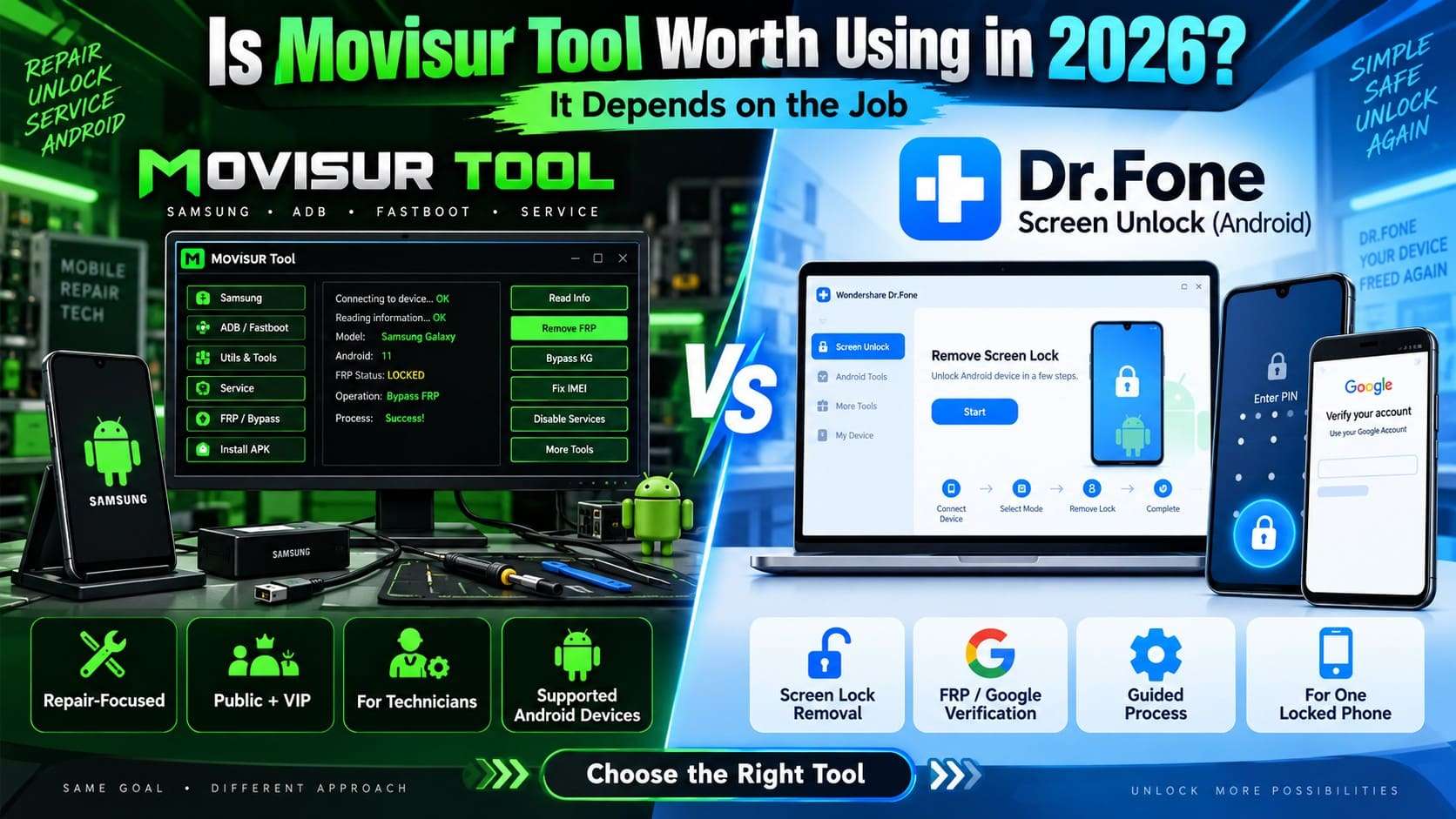
For individual phone owners, however, Movisur Tool may provide more servicing functions than needed for a specific lock-related problem. Users focused mainly on screen locks or Google account verification can consider a dedicated option such as Dr.Fone - Screen Unlock (Android), which provides a more focused workflow for these tasks.
Conclusion
Movisur Tool remains a practical Android servicing utility for users who need multiple repair functions within one platform. Its device-specific compatibility and changing Public and VIP features make checking the latest release details important before use.
The tool is better suited to technicians handling different Android servicing tasks regularly. For individual users facing a screen lock or FRP issue, Dr.Fone - Screen Unlock (Android) offers a more focused solution. Its guided approach also avoids the complexity of broader technician-oriented servicing functions.




FAQ
-
1. What is the latest version of Movisur Tool?
The latest listed Movisur Tool version is 3.9.0, released in August 2026. Current version updates and feature announcements are available through the MOVISUR Team release channel. -
2. Is Movisur Tool completely free or does it require VIP access?
Movisur Tool offers a free Public edition with selected servicing functions. Some additional features require VIP access, and their availability can change between releases. -
3. Does Movisur Tool work on every Samsung phone?
No. Movisur Tool support depends on the Samsung model, chipset, Android version, security patch, and selected servicing function. Compatibility can also change between releases. -
4. Is Dr.Fone - Screen Unlock (Android) easier to use than Movisur Tool for FRP removal?
Yes. Dr.Fone provides a guided process for FRP removal on supported Android devices. Movisur Tool is designed for broader technician-oriented servicing and requires more familiarity with device-specific operations.
 Add Wondershare Dr.Fone as a preferred source on Google