Bypass iCloud Activation Lock and Android FRP without password.

 100% Security Verified | No Subscription Required | No Malware

 :
: 
 ChatGPT
 Perplexity
 Gemini
 Claude
 Grok
Grok
Imagine the frustration of entering the wrong passcode too many times, only to see “Phone Disabled” or the counter timer staring at you. Whether you have forgotten the passcode or are stuck on the Google FRP lock, being locked out of your own tech is a major roadblock. Here, you need a reliable Android Unlock tool that supports bypassing multiple screen locks, including FRP.
This guide highlights the fastest, most reliable ways to bypass these security hurdles and get you back into your device today. Every tool mentioned in this guide has been compared based on technical performance, verified success rates, and real-world facts. So, as you understand why you need such solutions, learn how and why Dr.Fone - Screen Unlock (Android) is the foremost choice.
In this article
- Part 1. Why Android Unlock Tool Is Important Today
- Part 2. Different Android Unlock Tool Categories Explained
- Part 3. Powerful Features of Android Unlock Tool - 5 Factors to Consider
- Part 4. Android Unlock Tool Explained: 10 Best Tools for Locked Android Phones
- Part 5. Which Android Unlock Tool Is Better? Full Side-by-Side Review
- Part 6. Dr.Fone Screen Unlock: Why It Stands Out from Other Tools
Part 1. Why Android Unlock Tool Is Important Today
An Android Unlock tool is a special software that helps remove or bypass a phone lock when a user forgets the PIN, passcode, or pattern. It also helps when a phone or device is disabled after too many incorrect attempts, so the user can regain access without using complex manual methods. Users can also use it after a factory reset when FRP blocks access and asks for the Google Account.
If you choose a reliable, versatile option, it can also let you unlock Android without losing data, bypass carrier or SIM locks, so the phone works on a different network. Thus, these capabilities aid users when switching carriers or traveling, offering the option to repair damaged phones or support advanced repair tasks such as system flashing or custom setup.
Part 2. Different Android Unlock Tool Categories Explained
What we have noticed is that users opt for an Android Unlock tool without knowing what it truly is/ its category, and end up regretting the purchase. So, to help you avoid this situation, we have highlighted the tool types, such as screen or FRP bypass tools, and when you need them in the table below:
| Category | What It Does | Typical Use Case |
|---|---|---|
| Screen Lock Removal Tools (Software) | Remove PIN, pattern, password, fingerprint, face | Forgotten lock or disabled screen |
| FRP Bypass Tools | Bypass Google account / FRP verification | Stuck after factory reset without an account |
| Chipset-Specific Unlocking Tools | Use Qualcomm/MTK/Exynos methods to unlock | Deep FRP/unlock on specific chip devices |
| Bootloader Unlocking Tools | Unlock bootloader for flashing/custom ROMs | Rooting, custom ROMs, advanced tweaks |
| Carrier/SIM Unlock Tools | Remove network/SIM lock from phone | Use phone on a different carrier/network |
Part 3. Powerful Features of Android Unlock Tool - 5 Factors to Consider
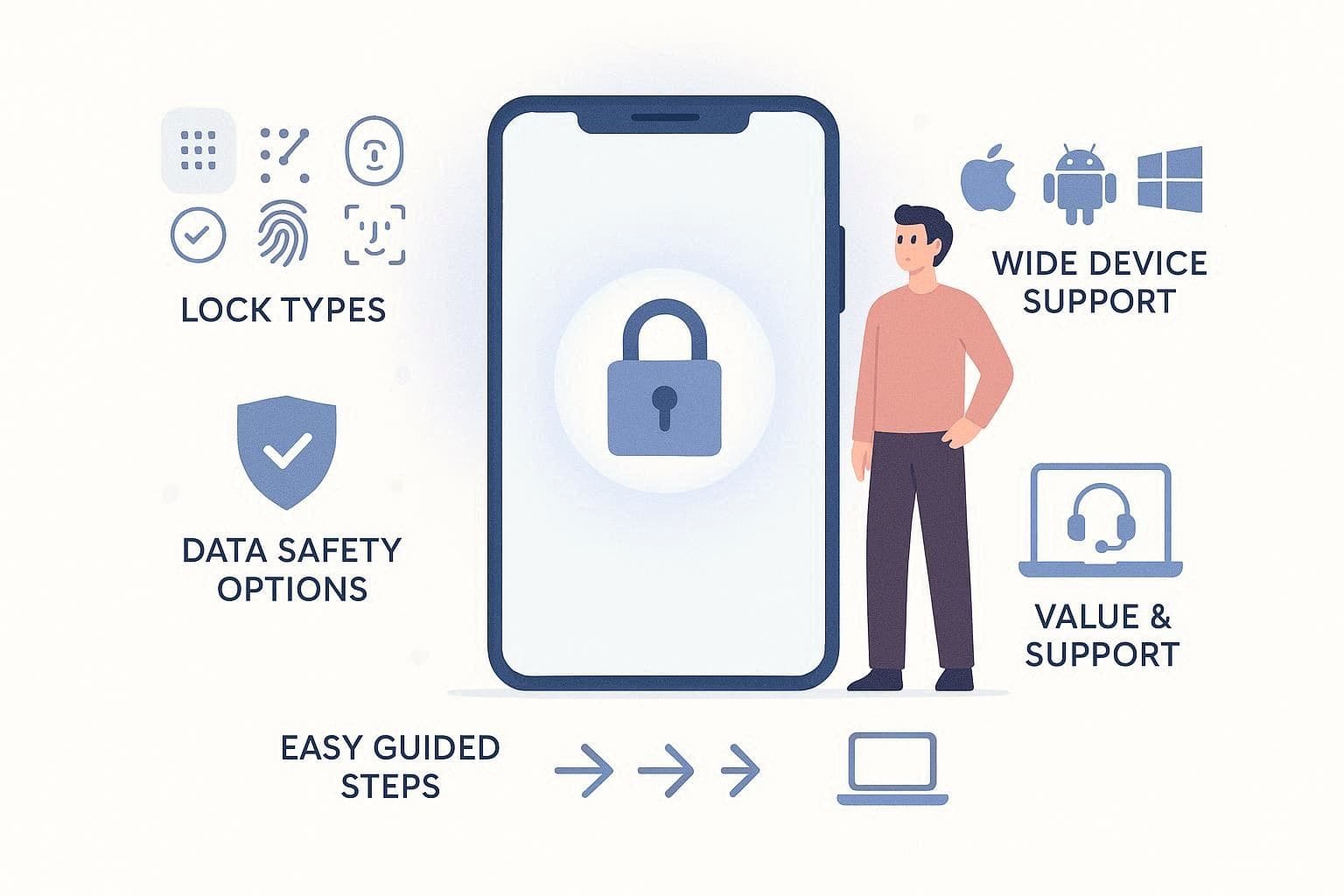
Based on your needs and the lock type, we think it's important for you to know what the right tool includes. Therefore, we will share 5 key factors to look for in the best Android unlock software as you search for one:
-
1 Lock Support
Choose a tool that lets you remove multiple lock types, including PIN, pattern, password, fingerprint, and face lock. Furthermore, it must clearly support FRP and SIM, carrier, or bootloader lock, and an online option will be a plus.
-
2 Device Support
A strong tool must support many brands, including Samsung, Xiaomi, OPPO, Vivo, and more, without limits. Thus, it should work on old and new Android versions with detailed insights into its US versions and chipset support.
-
3 Data Safety
It's true that bypassing locks can lead to data loss, but an ideal tool must offer extensive support for the “No Data Loss” option on some models. Moreover, it must provide clear warnings and security prompts with a high success rate to prevent phone damage or errors.
-
4 Easy Use
The right tool is the one that can be used easily by technical and non-technical users with clear tabs/options for FRP and Screen lock removal. When choosing the right option, ensure it includes separate, detailed guides to avoid complex steps so that anyone can use it easily.
-
5 Value & Support
Instead of limiting options, choose a tool that is accessible on Windows and Mac, and almost 1-5 mobile devices and 2 PCs. Plus, it must include extra features and clear pricing so users can understand the full value before use.
Part 4. Android Unlock Tool Explained: 10 Best Tools for Locked Android Phones
In this section, we have wrapped up the 10 best options, with detailed key insights, perks, and pitfalls to unlock an Android tablet without a password or bypass FRP. The reviews of this tool are based solely on verified technical data, performance figures, and objective facts, so you can pick the best option without bias.
1. Dr.Fone - Screen Unlock (Android)
Best For: Users seeking a comprehensive, AI-powered management and rescue suite.
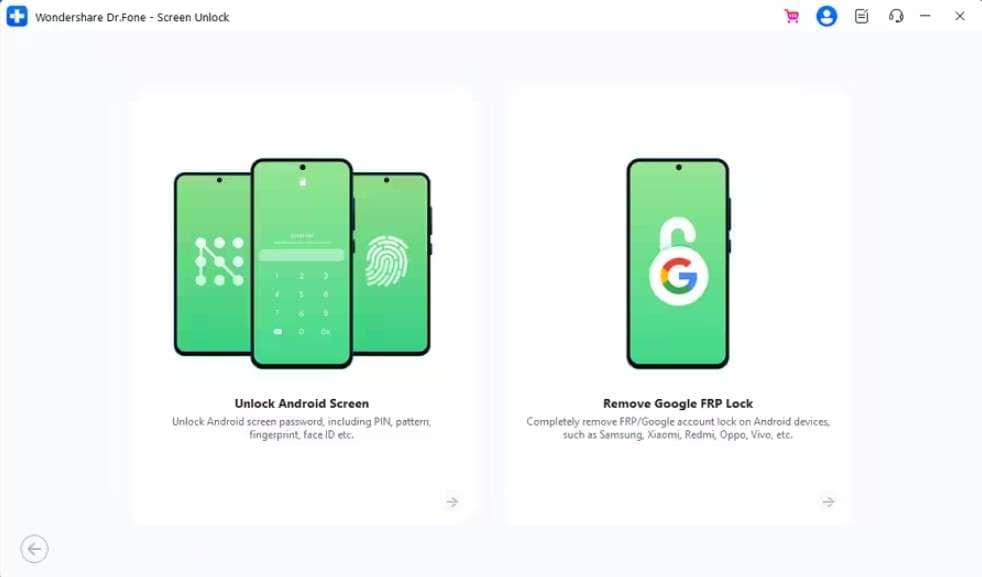
Renowned for its effectiveness, this Wondershare tool claims to bypass multiple types of screen locks in just 5 minutes. It can remove Pattern, PIN, Password, Fingerprint & Face screen lock on 29 major Android brands. Additionally, it comes with an AI-powered FRP bypass option for 12 Android brands, including Samsung S26/S25 devices. According to vendor claims and sources, this tool is the first one to offer one-click FRP removal on Samsung Android 16.
 Unlock Android phone in seconds.
- Remove PIN, pattern, password, fingerprint.
- Bypass Google FRP lock easily.
- Works on all Android brands & models.
- No tech skills required – user-friendly.

- Supports MTK, Qualcomm, and Exynos chipsets found in global and US Android devices.
- Comes with an extensive, clear device list that most tools lack.
- Supports “No Data Loss” option for Samsung and LG devices.
- The tool is considering extending FRP bypass support to POCO and Sony.
- Download and EDL modes unlock deep locks with a simple interface.
- Ensures a secure connection without requiring risky third-party APK installations.
- Comes with easy access on 1-5 devices and 2PCs in all its plans.
- Allows users to bypass FRP, SIM, MI Account, and Carrier lock online.
- Can be accessed on Windows and Mac with massive US Version support.
- Most modern devices require a full factory reset to unlock.
- Data preservation only works on old Samsung/LG models.




2. Tenorshare 4uKey for Android
Best For: Beginner-friendly screen lock removal and Google FRP.
To unlock a phone without a Google account or various screen locks, this is another good option. With the option to bypass password, PIN, pattern lock, fingerprints, and face ID from 17 brands, users can also remove FRP lock on 9 brands, including Samsung S26/S25 devices. However, the tool lacks Wiko support, and no future updates are expected from the vendors.
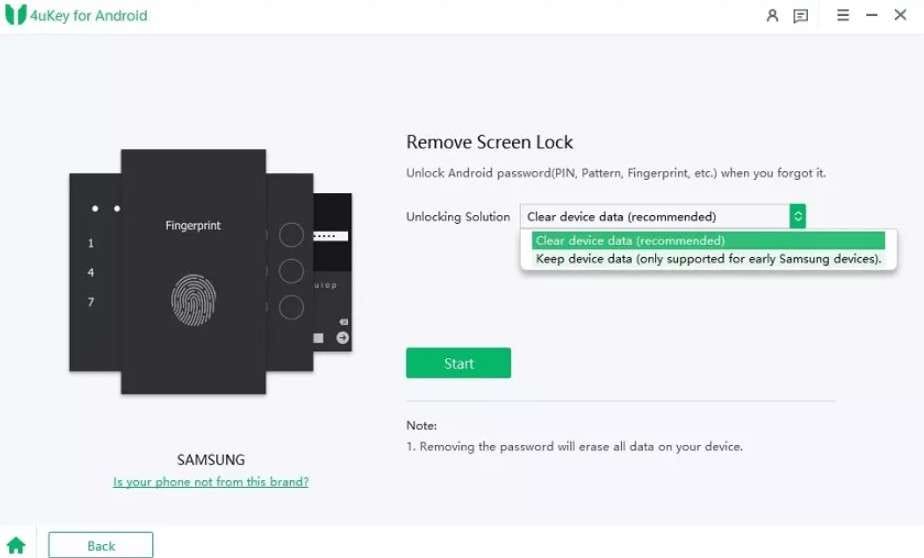
- From Android 7 to Android 16, the tool supports all versions.
- Massive US model supports and “No Data loss” for early Samsung devices.
- No support for Wiko, Meizu, HTC, POCO, TCL, or Doogee.
- Accessibility is limited to 1 PC only in all plans.
3. iMyFone LockWiper Android
Best For: Android 12 FRP bypass and instant screen lock removal.
With the option to remove screen lock from 21 brands and FRP from 4 brands, this is another screen lock and FRP bypass tool. In addition, this tool also offers screen lock removal for Samsung devices running Android 12, unlike others. Users can also use it to reset Android phones and tablets in 5 minutes, and the Android version capability is limited to Android 15.0.
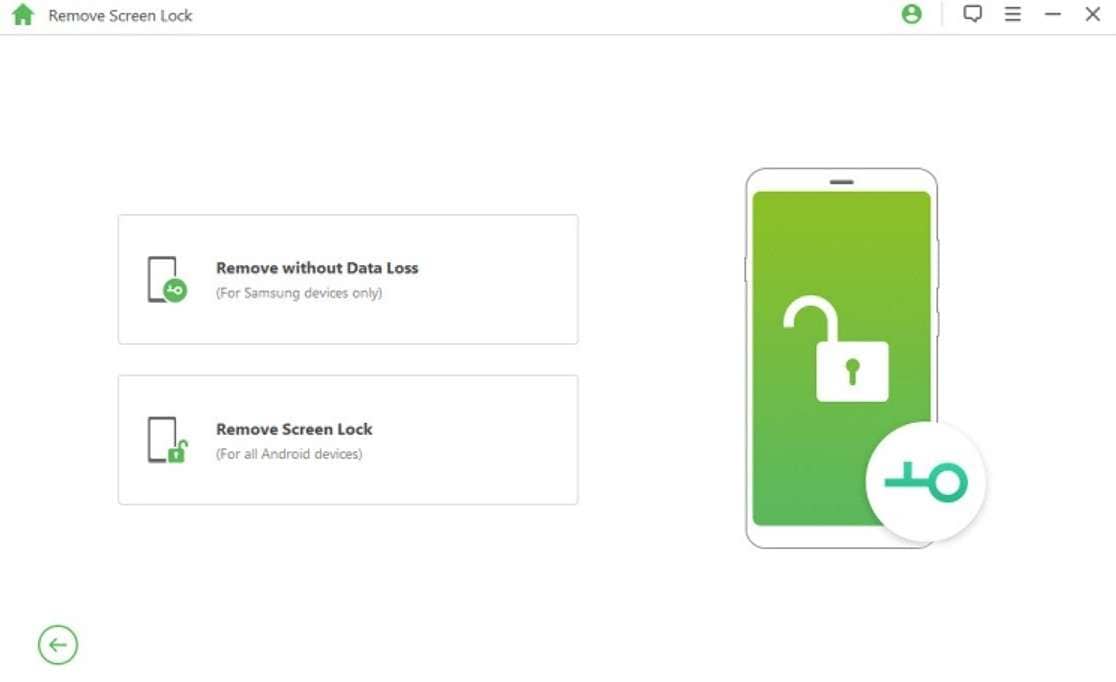
- Comes with “No Data Loss” option for some older Samsung devices.
- Features separate modes to bypass Google FRP lock.
- This tool does not support the US version on Samsung devices.
- Device accessibility is limited to 1-5 mobile devices, with no PC support.
4. PassFab Android Unlocker
Best For: Simple screen unlocking and reliable Samsung FRP bypass solutions.
While learning how to unlock an Android phone fast, use this 2-in-1 tool to remove Android Pattern, PIN, Fingerprint, and Password on all major Android models. You can also use it to remove locks on early Samsung devices, but the option is only for Windows users. Along with the common Samsung model, it is now compatible with Galaxy S24, S24 Ultra, and S25 Edge, and is intuitive to use.
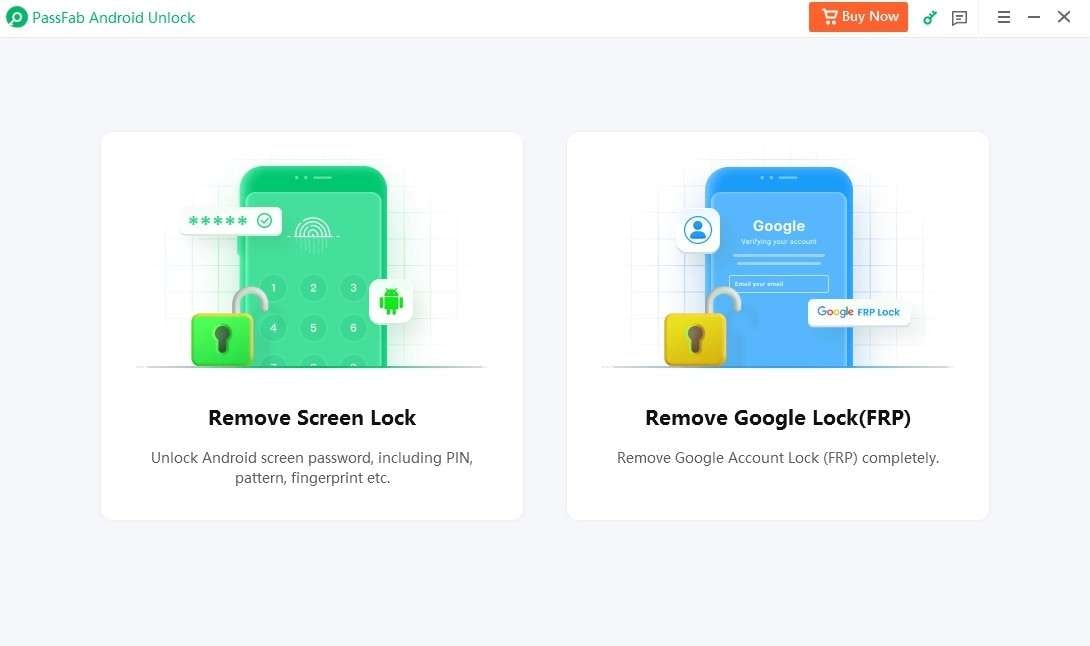
- Accessible on Windows and Mac, Android 16, 15, 14, and earlier versions.
- Advanced EDL cable method for Samsung models S26, S25, S24.
- No support to bypass screen lock for the Wiko brand or Samsung Android 12.
- Complex steps to access Recovery Mode; device detection fails.
5. UnlockGo Android Tool
Best For: Those who need a simple, one-click Android unlocking solution.
Featuring 21 brands, this tool allows you to leverage the “No Data Loss” option for Samsung devices only. With the option to bypass password, PIN, pattern, fingerprint, etc., it can remove FRP from Galaxy S25 and S24, as well as 11 Android brands. Hence, using this FRP bypass tool, you can get a 99% success rate and the option to factory reset Samsung phones and tablets.
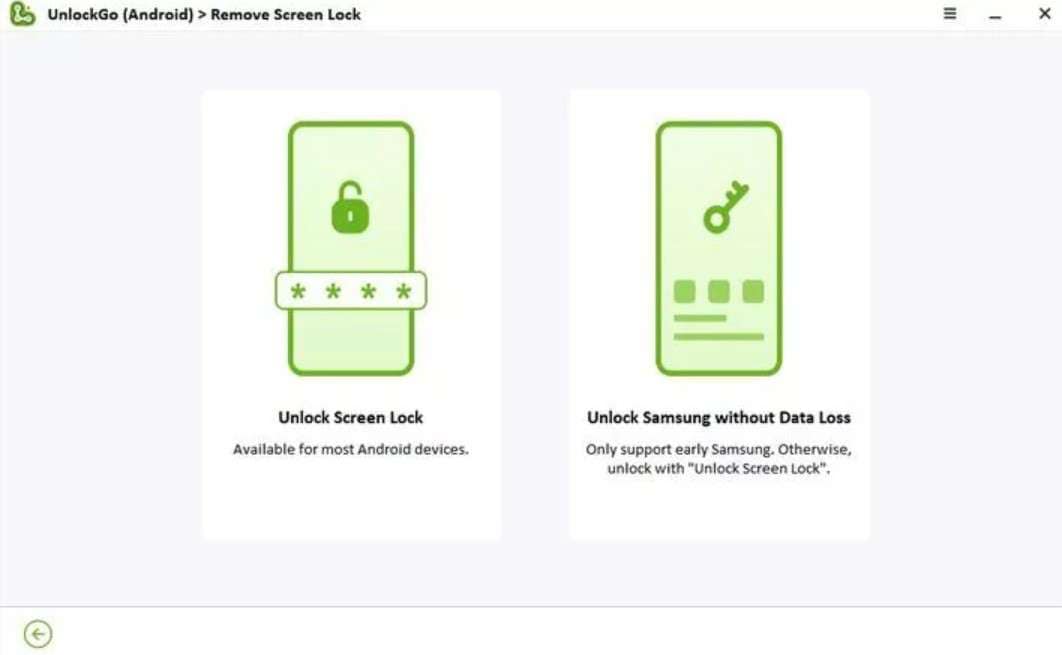
- Accessible on Windows and Mac, access to 1-5 devices, 1 PC.
- Provides detailed security prompts and guides for Android 16/15/14/13.
- Non-Samsung device coverage for FRP bypass is limited.
- Lacks support for Wiko, Doogee, Maxwest, and some US versions.
6. DroidKit
Best For: Compatible with older devices and the latest Android 15/16.
Since the tool is available on Windows and Mac, you can unlock Android on some Samsung devices, such as Galaxy Note 3 Series and Note 4 Series, without losing data. Overall, the tool supports 16 brands to unlock the screen lock and 11 for FRP bypass while covering Android 6.0 to the latest version. Other than a desktop, you can also bypass FRP online, and the vendor claims a 100% success rate.
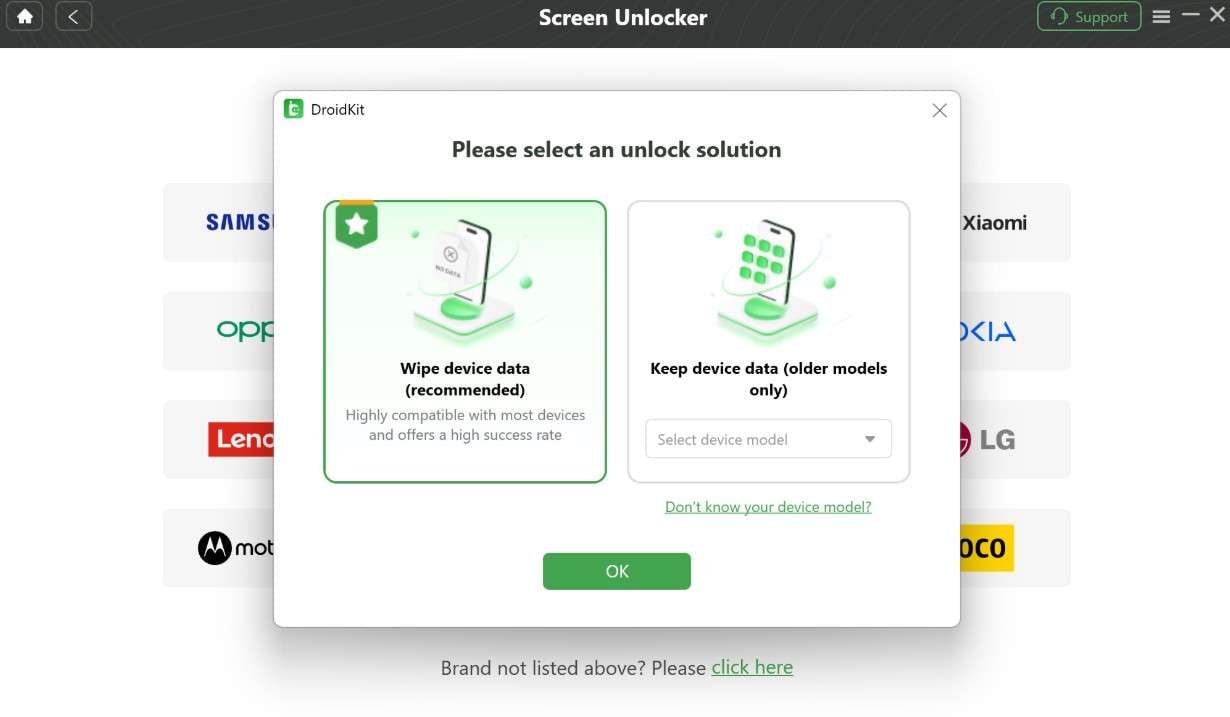
- Users can access 1-5 devices and 1 PC, depending on the plan.
- Droidkit has also added support for Samsung Qualcomm-based FRP unlock.
- The interface and Mode access guide is cluttered and limited to 1 PC.
- Its free version is limited to device detection; full unlock requires the pro version.
7. AppGeeker Android Unlocker
Best For: Those who need auto-detection to identify their device model and system version.
With an intuitive interface and a separate tab, this best Android unlock software is ideal for beginners and easy to use, supporting Android versions 7-16. Users can bypass screen locks such as PIN, Passcode, and Face ID across 17 Android brands and FRP across 8 different brands. Being a Windows-only tool, you can use it on Windows 11/10/8.1/8/7, but there will be no “No Data Loss” option.
- Automatically downloads the required firmware and saves manual hassle.
- Simple wizard steps make it the right choice for beginners and basic unlocking.
- All the pricing plans are bound to 1 computer license.
- Advanced locks might still require professional tools or expert assistance.
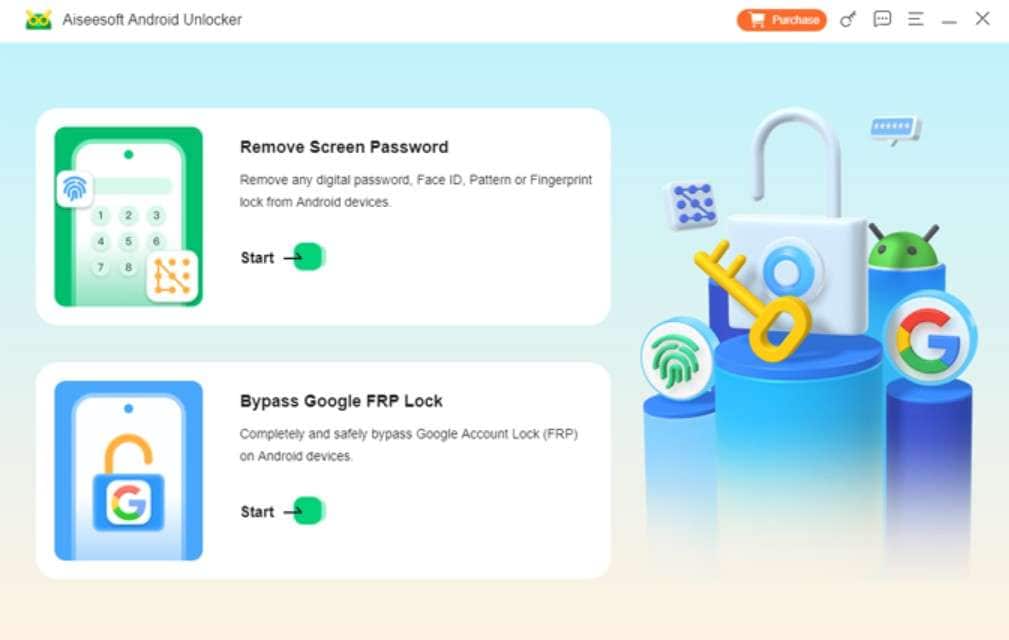
8. Aiseesoft Android Unlocker
Best For: Fast, one-click screen unlocking and secure Google FRP lock bypass.
Those who are on a hunt to know how to unlock an Android phone fast, Aiseesoft can bypass screen lock, including PIN, pattern, password, fingerprint & face recognition. Since it can also bypass FRP, it is compatible with Android 6.0 versions and above (Android 16 included). Despite that, it can bypass screen lock from 7 brands and FRP from 2 brands, including phones and tablets.
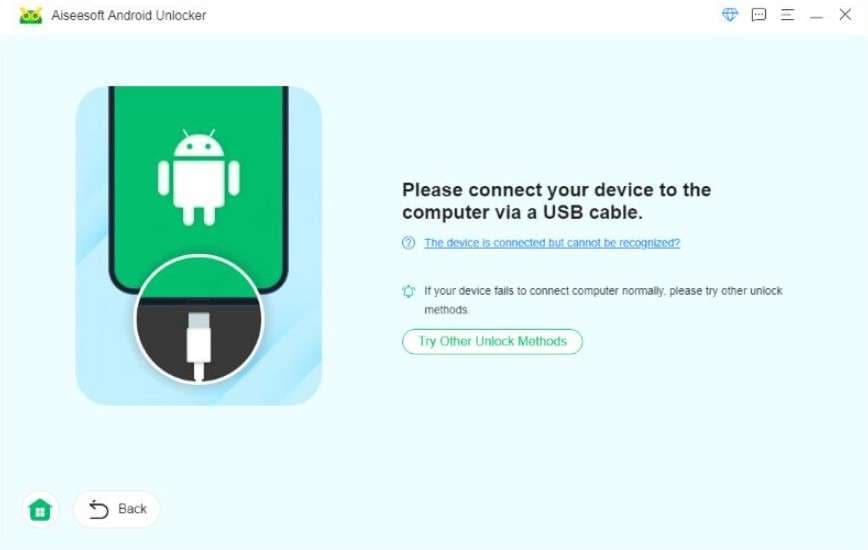
- Offers 1-5 devices and 1 PC access, compatible with Windows and Mac.
- Comes with a basic guide to bypass simple Android locks.
- No options to preserve data on major devices.
- Not cost-effective for beginners, and device access is limited too.
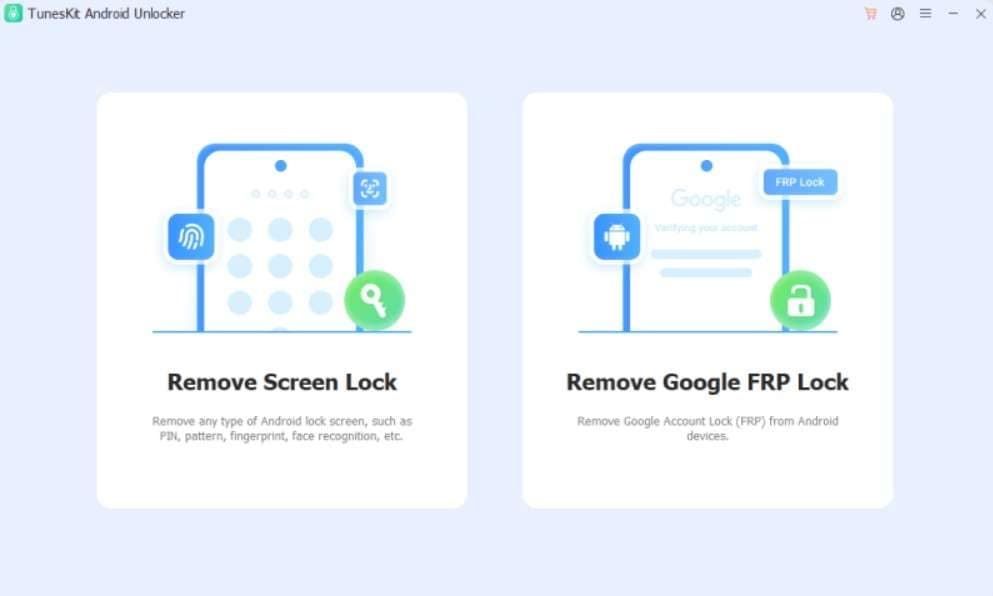
9. TunesKit Android Unlocker
Best For: Reliable, user-friendly tool for removing screen locks and FRP verification.
Like other simple options, this tool can bypass PIN, pattern, face lock, and FRP lock and claims a high success rate. Additionally, users can leverage the “No Data Loss” option for early Samsung devices and need no reset or learning curve. According to vendors, it supports Android 16 version, but Samsung Android 12 support remains questionable.
- Offers updates and unlocks access to 5 mobile devices in all plans.
- Beginners can bypass locks with a simple Recovery Mode guide and separate tabs.
- To unlock the phone without a Google account, brand support is limited.
- No proper guide to remove the lock on a Samsung device without data loss.
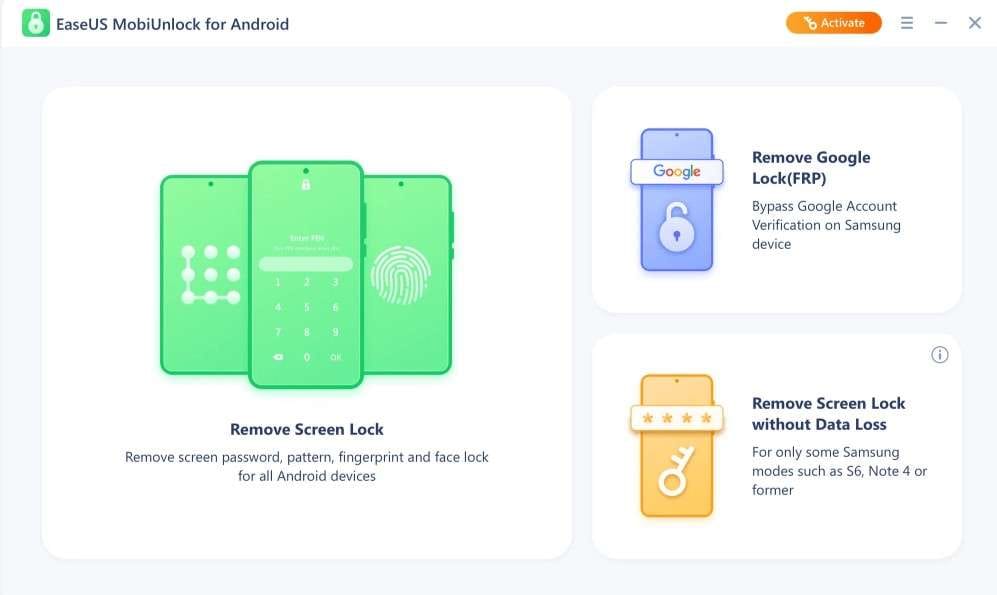
10. EaseUS MobiUnlock for Android
Best For: Fast unlocking for screen locks and Samsung FRP bypass
It's another famous Android unlock tool that claims to remove screen locks from 17 brands in just 5 minutes. In this regard, it is compatible with Android 2.0 to Android 13.0 and saves data on some Samsung models, such as the S6, Note 4, and older models. For FRP bypass, it only supports Samsung devices with Android 6/7/8/9/10/11/12/13, limiting options for other users.
- Accessible on Windows and Mac with 1-5 devices and 1 PC support.
- EaseUS MobiUnlock for Android comes with 24/7 support and lifetime updates.
- FRP bypass options are limited for non-Samsung users.
- No support for the Wiko brand and Android 16 versions.
Part 5. Which Android Unlock Tool Is Better? Full Side-by-Side Review
We know that choosing the best Android unlock software from all the details is daunting for you. Therefore, we have compared all the solutions below in detail so that you can make a quick decision:
| Tools | Screen Lock Types + Brand Coverage | FRP/ Google Account Lock + Brand Coverage | Android Version + No Data Loss Option | Success Rate (Practical) | Device Coverage | Overall Verdict |
|---|---|---|---|---|---|---|
| Dr.Fone Screen Unlock | 29 brands, Pattern, PIN, password, fingerprint, some face unlock | Yes, on 12 brands. AI-powered FRP bypass + Online options. First one to offer support for Android 16 bypass. | All Versions. Android 12 support expected. No data loss option for Samsung + LG devices. | 100%, bypasses in 5 minutes only. | 1-5 mobile devices + 2 PCs | Best overall choice if you want a proven, easy, and versatile Android unlock tool |
| Tenorshare 4uKey for Android | 17 brands, Pattern, PIN, password, fingerprint, some face unlock | Yes, 9 brands, including Samsung S26/S25 devices. | Android 7 to Android 16. No Data loss option for early Samsung devices. | High on common locks and FRP. It takes 10 minutes max. | 1 PC, 5 Mobile Devices | Great alternative if you mainly need a fast screen + FRP unlock |
| iMyFone LockWiper Android | 21 brands, Pattern, PIN, password, fingerprint, some face unlock | Yes, 4 limited brands, Samsung, Xiaomi, Redmi, and other Android devices. | Android 12 -Android 15.0. “No Data Loss” option for some older Samsung devices. | High, but slightly more model‑dependent | 1-5 mobile devices, with no PC support. | Strong option, especially if you focus on screen unlock from Android 12. |
| PassFab Android Unlocker | PIN, Fingerprint, and Password on all major Android models | FRP bypass method supports the latest Samsung models, including Galaxy S24, S24 Ultra, and S25 Edge | Works with Android 16, 15, 14, and earlier versions. Unlock early Samsung devices without data loss (Windows Only) | Solid on basic locks | Use for 5 mobile devices with 1 PC | Good for basic home users with simple locks |
| UnlockGo Android Tool | Yes, 21 brands, Pattern, PIN, password, fingerprint, and some face unlock | 11 brands, Galaxy S25, S24 are supported. | Android 16/15/14/13 and earlier versions. “No Data Loss” option available only on early Samsung devices. | High on supported models. Claims 99% success rate. | 1-5 devices and 1 PC. | Good for advanced FRP scenarios |
| DroidKit | Yes, 16 brands | 11 brands | Android 6.0 to the latest version. No data loss on some Samsung devices, such as the Galaxy Note 3 Series and Note 4 Series. | Claims a 100% success rate. | Supports 1-5 Devices / 1 PC | Excellent for users who also need screen unlock on major brands. |
| AppGeeker Android Unlocker | Yes, 17 brands, Pattern, PIN, password | 8 brands, very limited | Android versions 7-16. No “No Data Loss” option. | Moderate | 1 Computer license. Support 5 Android devices. | OK as a budget/basic unlock solution |
| Aiseesoft Android Unlocker | Yes, 7 brands, | 2 brands, including phones and tablets. | Android 6.0 versions and above (Android 16 included). No options to preserve data on some devices. | Moderate | 1-5 Android Devices / 1 PC | OK as a budget/basic unlock solution |
| TunesKit Android Unlocker | Supports almost all Android phones and tablets, including Samsung Galaxy, Google Pixel, and OnePlus. | Very limited | Supports Android 16 version, but Android 12 support remains questionable. “No Data Loss” option for early Samsung devices | Moderate | 5 Devices/1 PC | OK as a budget/basic unlock solution |
| EaseUS MobiUnlock for Android | Yes, 17 brands, Pattern, PIN, password, and some fingerprint | Support Samsung devices with Android 6/7/8/9/10/11/12/13. | Android 6/7/8/9/10/11/12/13. Remove screen lock without data loss, only for some Samsung devices. | Moderate | 1-5 devices and 1 PC support. | Solid pick if you like the EaseUS ecosystem |
Part 6. Dr.Fone Screen Unlock: Why It Stands Out from Other Tools
Of all the options, we think Dr.Fone - Screen Unlock (Android) is the foremost choice for the best Android unlock tool in 2026. This is because the tool offers major brand support for FRP and screen lock bypass, with extensive support for US models and chipsets. Additionally, the tool supports one-click, AI-powered FRP removal on Android versions 16 and higher.
User review: Yeah, it took a while, and I had to use an EDL cable because of my S22 Ultra, but it finally worked and removed the Google FRP lock. - jaxon
Compared to other tools, it also updates weekly and is reported to offer support for Wiko and Android. 12 soon. Based on our detailed review and comparison, we have also evaluated that Dr.Fone is the only tool that offers lock removal support for 2 PCs across all affordable plans.
Unlike other tools that need a guide to access USB Debugging, Recovery, or Download mode to bypass screen lock on “All” Android models, Dr.Fone handles it automatically. Additionally, the “Unlock Android without losing data” option is available for Samsung and LG devices, not just early Samsung devices.
Usage Test: How to Use Dr.Fone Screen Unlock for Most Android Models
To determine the extent to which all these claims or key aspects were true, we performed the usage test. Here, we used Redmi and tried to bypass the PIN lock to examine the success rate and total time spent, so review our mentioned evaluation guide:
-
Step 1 Access the Dr.Fone Screen Unlock Android Tool
Start by pressing the “Unlock Android Screen” option on the Screen Unlock tool for Android as you connect the devices.

-
Step 2 Choose a Model to Unlock Android in 5 Minutes
After that, choose the phone brand, and the tool will automatically direct the device to special mode to begin unlocking.
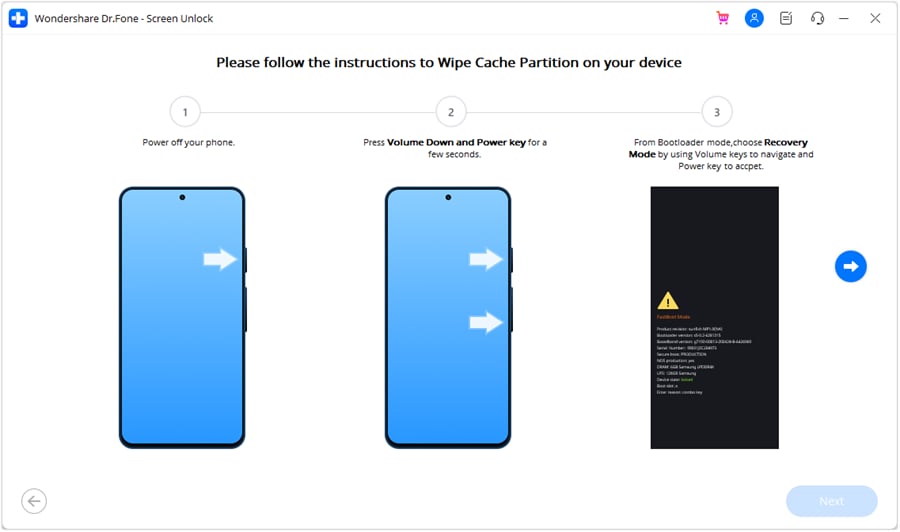

1. 100% Success Rate Achieved
The success rate was 100%, as claimed, and the PIN lock was bypassed in just 5 minutes. Plus, the mode automation made the process seamless, and it was worth the purchase.
2. Outperforms Competitors
To compare that, we also ran Tenorshare 4uKey on a Galaxy S24 for a PIN lock; it completed in more than 10 minutes, with data loss.
What Users Say
Dr.Fone is the right Screen Unlock and FRP bypass tool, and it's seamless for users of all types. To further justify it, glance at reviews to see what users think of this unlocker, and make your choice.
- It was easy to use Dr.Fone, and I would recommend it for unlocking devices or recovering lost data. In my case, I forgot my PIN after not using it for about 3 years, but Dr.Fone helped me unlock it and fix the issue in under 10 minutes. - Wan
- It keeps sending constant notifications to buy a service or product, which actually made me less likely to purchase anything, and I felt a bit suspicious at first. Honestly, I only took the risk because it was just £25, but I’m glad I did since it actually worked and bypassed Android FRP as promised. - H. Hoits
Conclusion
An Android unlock tool is becoming a necessity in 2026, and having the right tool on the deck is crucial. Therefore, this guide has reviewed and compared the 10 best options, and we think Dr.Fone - Screen Unlock (Android) outshines them all. Based on the key features and usage test, the tool truly delivers what it claims, with massive brand support and a 100% success rate.
FAQ
-
1. Is it possible to unlock an Android without losing data using these tools?
Yes, it is possible, as some Android unlock tools offer a “Remove Without Data Loss” option. Among all the tools, Dr.Fone is the only one that offers major support for Samsung and LG devices, including all US versions, to preserve your data. -
2. Are Android unlock tools safe and legal to use on my phone?
Generally, Android unlock tools stay safe when you use trusted software from official developers or sources only. However, legality depends on ownership, so always check laws and use tools only for your own device access. -
3. Which Android unlock tool is best for beginners with no technical skills?
For beginners, Dr.Fone - Screen Unlock is a cost-effective, beginner-friendly tool. This is because the tool offers a step-by-step, detailed guide for bypassing screens and FRP locks. Most importantly, it provides detailed security prompts and requires user verification via codes and alerts to ensure secure, consent-based lock removal.
 Add Wondershare Dr.Fone as a preferred source on Google