Bypass iCloud Activation Lock and Android FRP without password.

 100% Security Verified | No Subscription Required | No Malware

 :
: 
 ChatGPT
 Perplexity
 Gemini
 Claude
 Grok
Grok
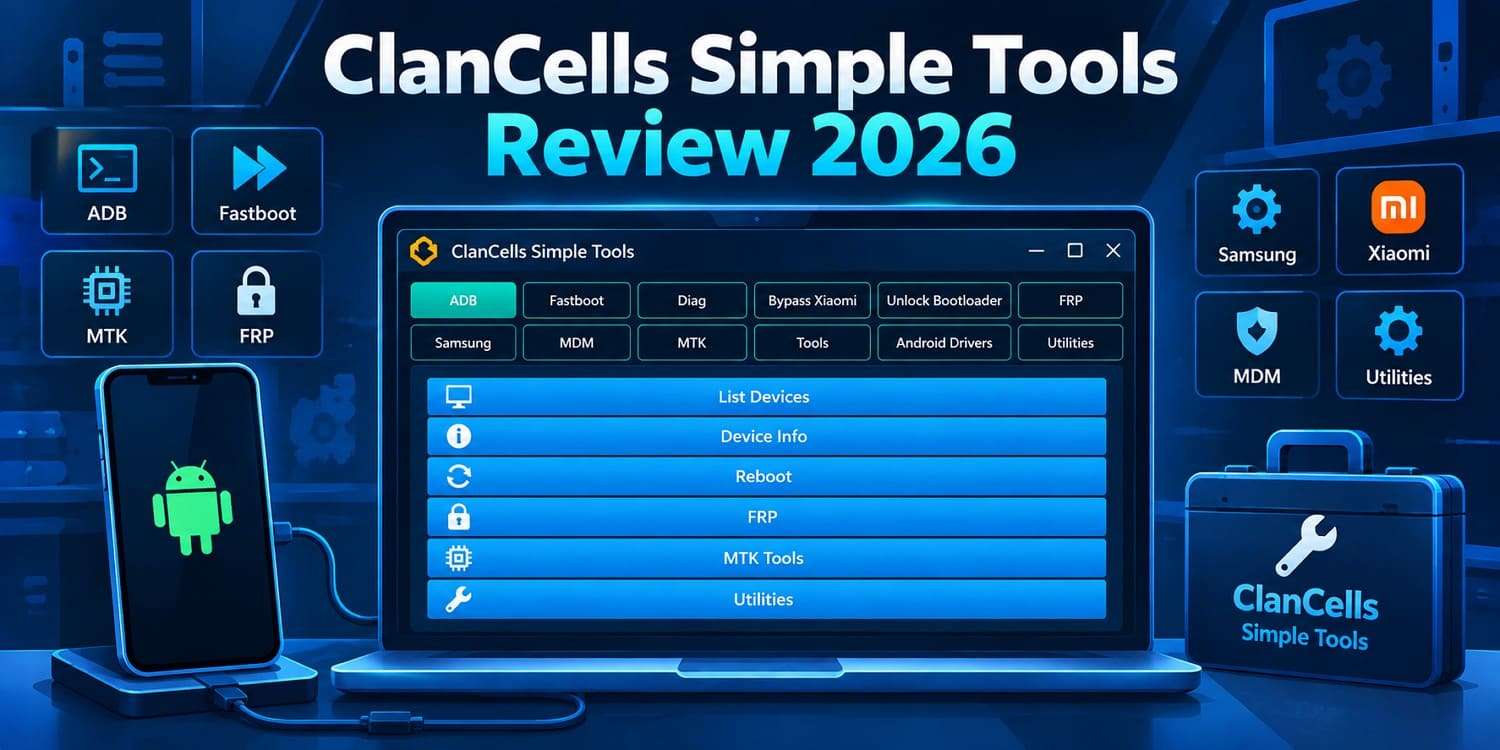
Technicians working across multiple Android brands often need different tools for ADB, Fastboot, MediaTek, and brand-specific servicing. ClanCells Simple Tools brings these functions together in one free Windows toolkit developed by Jonayo, making it primarily suitable for technicians and experienced Android users.
This review examines ClanCells Simple Tools V6.3, including its features, supported brands, availability, and safety considerations. It also compares its technician-focused approach with Dr.Fone - Screen Unlock (Android) for users who mainly need guided screen unlock or FRP removal.
In this article
Part 1. What Is ClanCells Simple Tools?
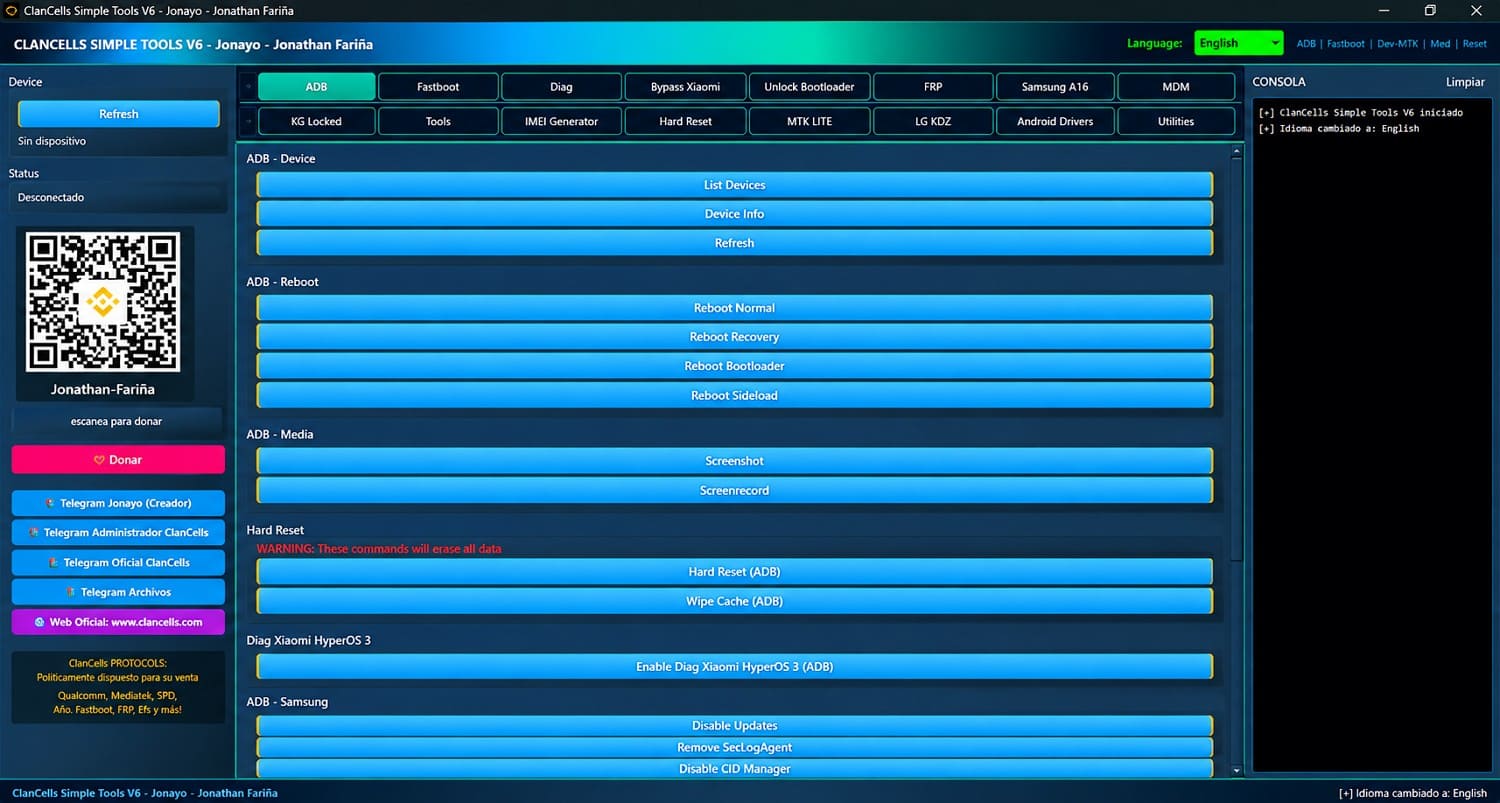
ClanCells Simple Tools is a free Windows utility developed by Jonathan Fariña (Jonayo) for Android servicing. It targets phone technicians and advanced users familiar with ADB, Fastboot, partitions, FRP, and service modes. The toolkit combines ADB, Fastboot, MediaTek, diagnostic, driver, and brand-specific functions for Samsung, Xiaomi, and Motorola devices.
Covering multiple Android brands and connection modes, the toolkit provides different functions depending on the connected device. It is an unofficial utility with no affiliation with Samsung, Xiaomi, Motorola, Google, or MediaTek. Updates and releases are handled independently by its developer and community.
Clarification: “ClanCells Simple” vs “ClanCells Simple Tools”
Clarification: “ClanCells Simple” and “ClanCells Simple Tools” refer to the same software family across different versions and forum downloads.
What Is the Latest ClanCells Simple Tools Version?
The latest verified version is ClanCells Simple Tools V6.3, posted by Jonayo on April 11, 2026. This release mainly addresses issues within the V6 generation rather than introducing another major redesign. Here is how the recent V6 releases have evolved:
- V6.3: Fixes 15 critical bugs, 2 Sideload errors, 2 MediaTek file errors, and a missing executable folder issue.
- V6.2: Improved MediaTek functions, response speed, stability, threading, and Xiaomi Sideload support.
- V6: Introduced a larger interface and expanded features that became the foundation for the current V6.x releases.
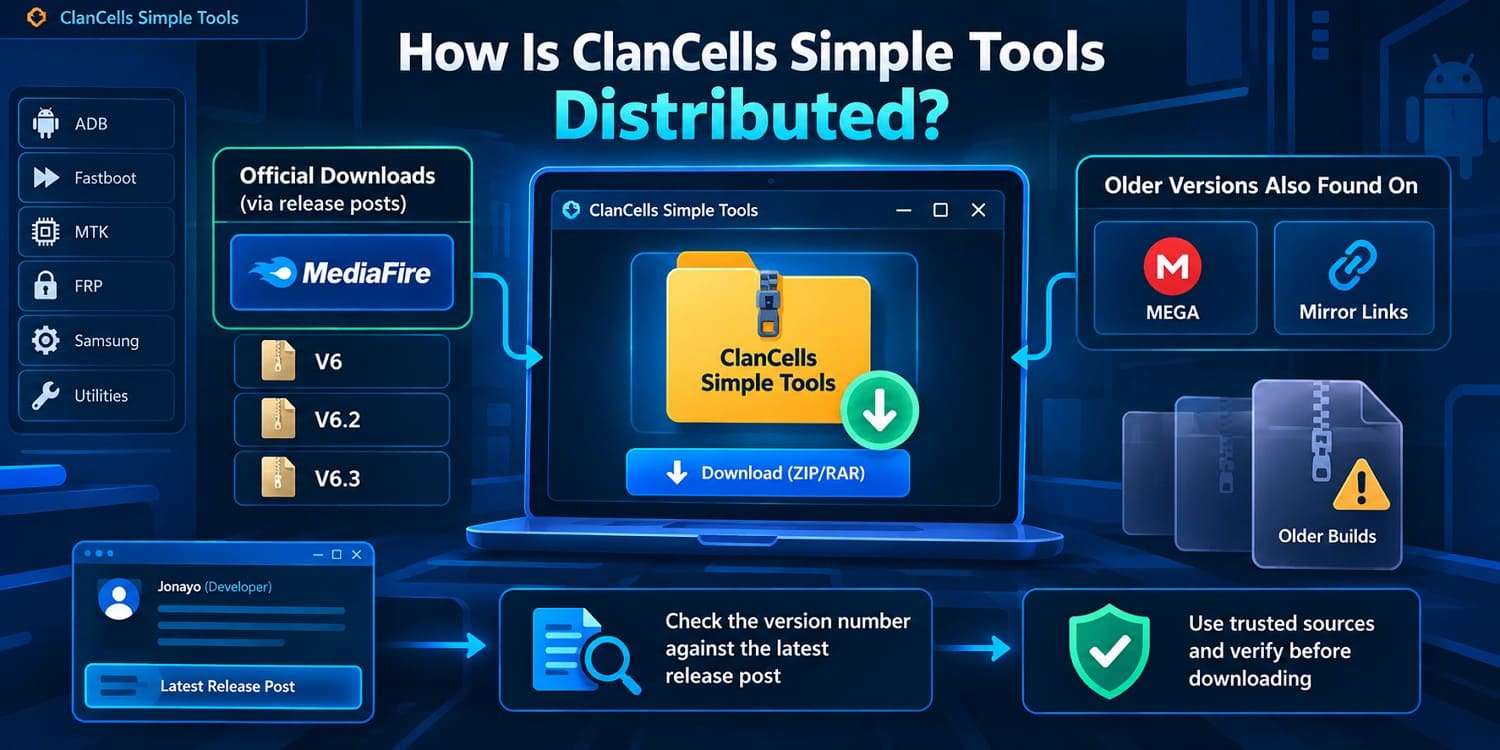
This version history is useful because older ClanCells Simple builds may still appear on third-party download pages. Before downloading, compare the version number and release details with the developer's release post instead of trusting a page simply labeled “latest.”
Part 2. What Can ClanCells Simple Tools Do?
ClanCells Simple Tools combines common Android servicing commands with advanced repair functions in one Windows utility. Its features span ADB, Fastboot, Samsung, Xiaomi, Motorola, MediaTek, diagnostic, MDM, and driver tools. The table below breaks down these feature categories, their main functions, and their typical uses.
| Feature Category | Main Functions | Typical Use |
|---|---|---|
| ADB Utilities | Device information, reboot, screenshot, recording, reset, package | Routine diagnostics and servicing |
| Fastboot Utilities | Info, recovery, hard reset, bootloader, NVRAM/NVDATA, partition | Advanced Android repair |
| Samsung Tools | FRP methods, update controls, Samsung-specific | Samsung servicing |
| Xiaomi Tools | Info, Mi Account, bootloader, Sideload | Xiaomi/Redmi/POCO servicing |
| Motorola Tools | Info, reset, FRP | Motorola servicing |
| MediaTek Tools | MTK repair and servicing | MediaTek devices |
| Diag Functions | Diagnostic modes for Xiaomi, OPPO, Vivo | Testing/service access |
| MDM Functions | Device administration/enterprise | Authorized managed servicing |
| Driver Utilities | MTK, Motorola, Qualcomm, Samsung, Windows drivers | Establishing communication |
These advanced functions should only be used on devices you own or are authorized to service. FRP protects Android devices against unauthorized access, while MDM restrictions may be controlled by an organization.
What Changed in ClanCells Simple Tools V6?
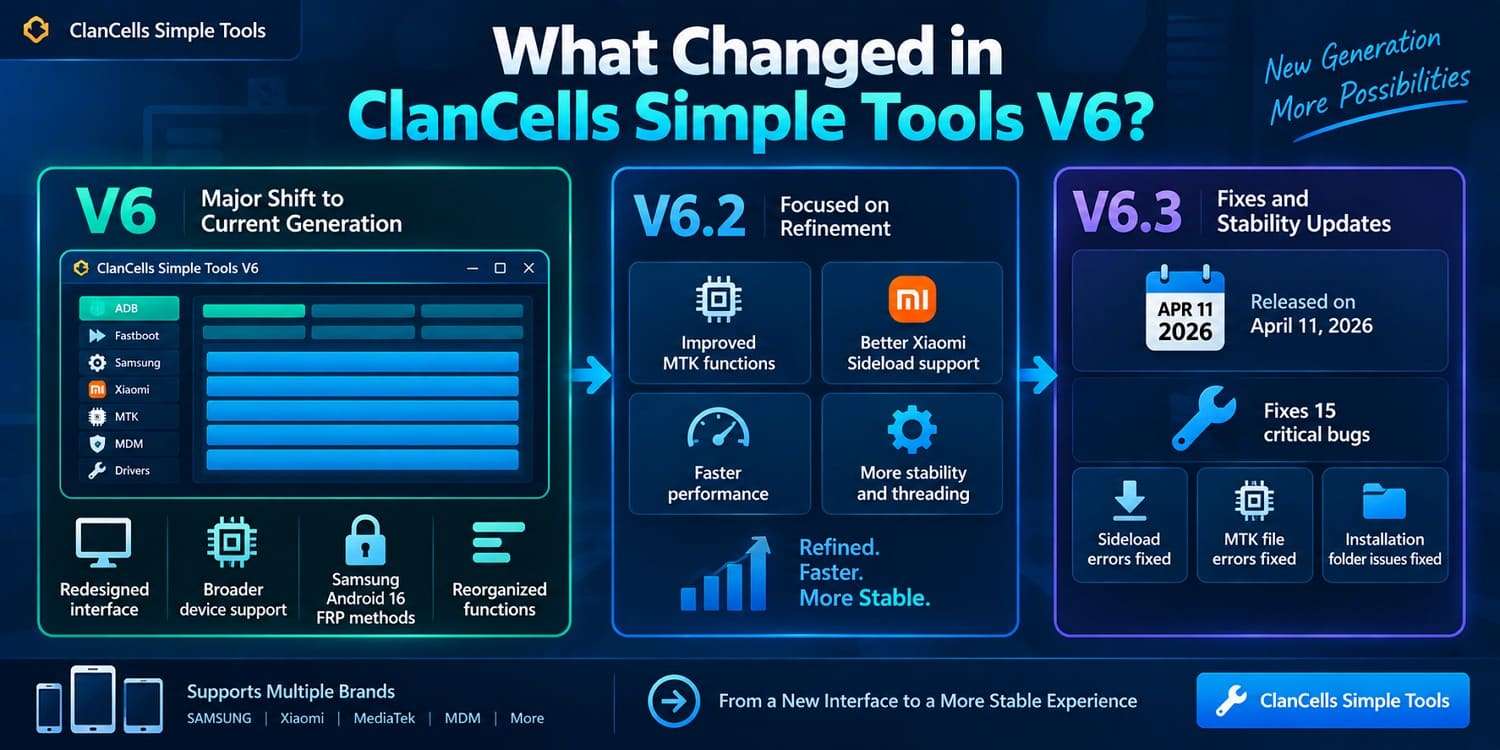
ClanCells Simple Tools V6 marked the main shift to the current generation, introducing a redesigned interface and broader MediaTek, Xiaomi, Samsung, MDM, and driver support. The V6 release also added Samsung Android 16 FRP methods and reorganized several existing functions.
Later releases focused more on refinement. ClanCells Simple Tools V6.2 improved MTK functions, Xiaomi Sideload support, threading, speed, and stability. V6.3, released on April 11, 2026, fixed 15 critical bugs along with Sideload, MTK-file, and installation-folder errors.
Which Phones Does ClanCells Simple Tools Support?
| Brand / Device Type | Documented Support |
|---|---|
| Samsung | ADB, Fastboot, FRP, Samsung-specific tools |
| Xiaomi, Redmi, POCO | ADB, Fastboot, Sideload, Diag |
| Motorola | Device info, reset, FRP |
| OPPO & Vivo | Diagnostic functions on supported devices |
| MediaTek | Dedicated MTK functions |
| Others | Some ADB/Fastboot |

Part 3. Is ClanCells Simple Tools Free and Where Is It Available?
Yes, ClanCells Simple Tools is free, including the current V6 generation. The main consideration is where you get it, as the developer distributes the software through forum posts and file-hosting services rather than a conventional app store.
Is ClanCells Simple Tools Free?
Jonayo described V6 as a free release when publishing it in March 2026. The subsequent V6.2 and V6.3 updates were also shared without a listed software license fee.
How Is ClanCells Simple Tools Distributed?
The developer distributes ClanCells Simple Tools as downloadable Windows archives through file-hosting services such as MediaFire. V6, V6.2, and V6.3 were shared through hosted download links referenced in their respective release posts.
ClanCells Version History at a Glance
| Version | Period | Main Changes |
|---|---|---|
| V3 | Mar. 2024 | ADB, Fastboot, Samsung ADB, drivers |
| V4 | Nov. 2024 | Expanded utilities, Motorola FRP, CSC |
| V4.1 | Dec. 2024 | Mi Account, interface |
| V5 | Pre-V6 | Intermediate release |
| V6 | Mar. 2026 | New interface, MTK/Xiaomi tools, MDM |
| V6.2 | Apr. 2026 | MTK improvements, stability |
| V6.3 | Apr. 2026 | Bug fixes, Sideload errors |
Part 4. Is ClanCells Simple Tools Safe and Reliable?
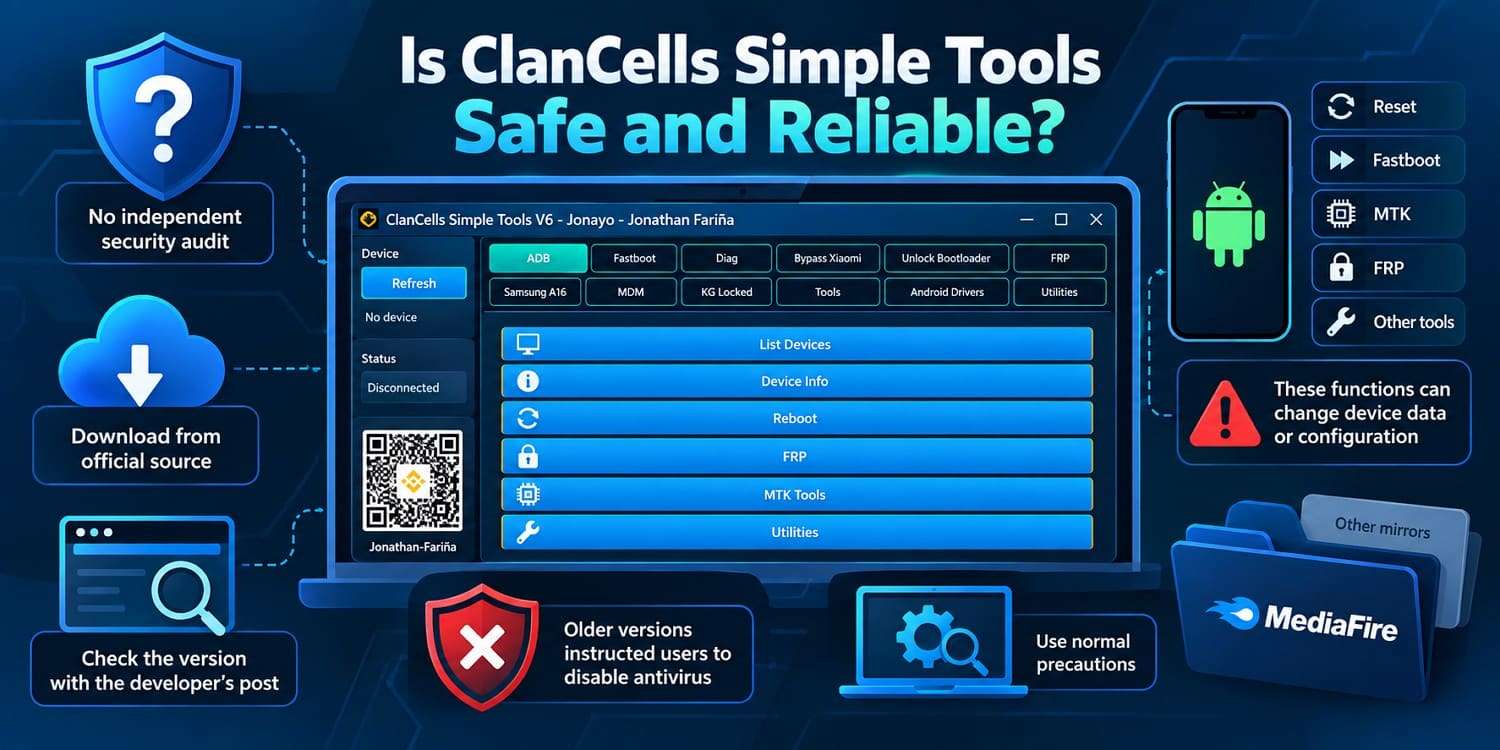
No independent security audit confirms that ClanCells Simple Tools is safe, so it should be treated as a technician utility that requires normal precautions. Download sources also matter because releases are shared through file hosts such as MediaFire, while older versions may appear on mirrors.
Main Advantages and Limitations
- Broad servicing toolkit in one place
- Covers routine and advanced repair
- Useful across several Android brands
- Combines ADB, Fastboot, MTK
- Steeper learning curve for beginners
- Some operations can erase data
- Support varies by model/version
- No complete compatibility list
Part 5. Dr.Fone - Screen Unlock (Android) as a ClanCells Alternative
If you only need to unlock an Android screen or remove Google FRP on a device you own, the broader ClanCells Simple toolkit may include more repair functions than needed. Dr.Fone - Screen Unlock (Android) focuses on lock-related tasks through a guided process.
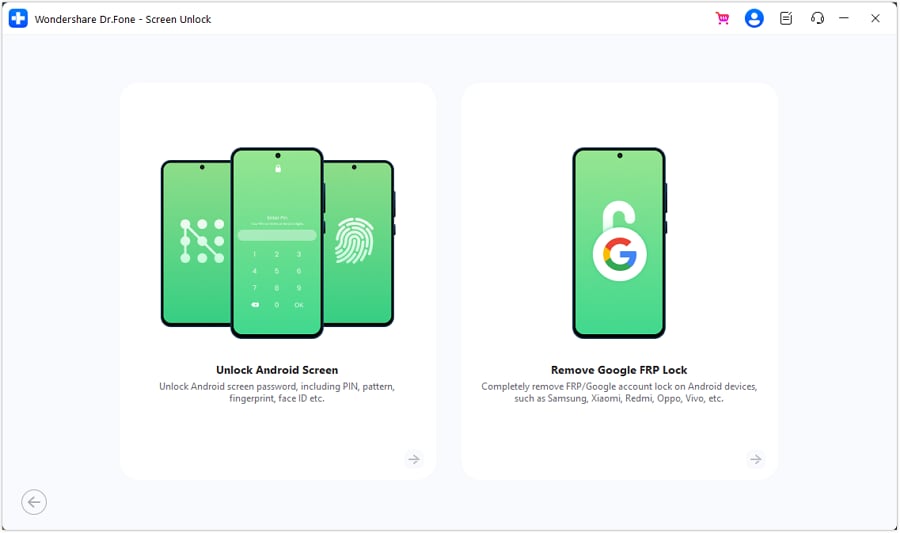
 Unlock Android phone in seconds.
- Remove PIN, pattern, password, fingerprint.
- Bypass Google FRP lock easily.
- Works on all Android brands & models.
- No tech skills required – user-friendly.

ClanCells Simple Tools vs Dr.Fone - Screen Unlock (Android)
| Factor | ClanCells Simple Tools | Dr.Fone - Screen Unlock |
|---|---|---|
| Main Audience | Technicians & advanced users | Phone owners |
| Screen Lock Removal | Servicing functions | PIN, pattern, password, face |
| Google FRP | Brand-specific method | Guided FRP, 21 brands |
| Samsung Support | FRP & servicing | Screen & FRP, including new models |
| Brand Coverage | Samsung, Xiaomi, Moto... | 32 brands, 2000+ devices |
| ADB & Fastboot | Extensive | No general toolkit |
| Advanced Repair | MTK, MDM, partitions | Screen Unlock + System Repair |
Conclusion
ClanCells Simple Tools combines ADB, Fastboot, MediaTek, and multi-brand servicing functions in a free toolkit aimed mainly at experienced repair users. V6.3 continues to refine the software, although device compatibility and download sources still require careful checking.
For users who only need screen lock or FRP removal on a compatible device, Dr.Fone - Screen Unlock (Android) provides a more guided approach.




FAQ
-
1. Is ClanCells Simple Tools V6.3 completely free?
Yes, ClanCells Simple Tools V6.3 is free, but it has a steep learning curve and some functions require technical repair knowledge. For a simpler screen lock or FRP removal process, Dr.Fone - Screen Unlock (Android) offers a guided alternative for compatible devices. -
2. Is ClanCells Simple Tools V6.3 newer than V6 and V6.2?
Yes, V6.3 was released on April 11, 2026, following V6 and V6.2. It is primarily a refinement update that fixes critical bugs involving Sideload, MediaTek files, and installation-folder issues rather than adding major new features. -
3. Does ClanCells Simple Tools work with both MediaTek and Snapdragon phones?
ClanCells Simple Tools includes dedicated MediaTek functions, while its ADB and Fastboot utilities can work with various Android devices, including some Snapdragon-based phones. Compatibility is not universal and depends on the device model, Android version, security patch, connection mode, and selected function. -
4. Can ClanCells Simple Tools run on 32-bit Windows?
The developer does not clearly specify whether ClanCells Simple Tools supports 32-bit Windows. Since compatibility requirements may vary by release, check the requirements for your specific version before installing it on a 32-bit system.
 Add Wondershare Dr.Fone as a preferred source on Google